


Where the information from Chart Content goes to?
Last Updated: Mar 16, 2026
The Chart Content tool controls the language that appears throughout your chart experience.
Content from this section is used in several places, including:
Birth Submission Form – Text such as labels, buttons, and agreement checkbox wording.
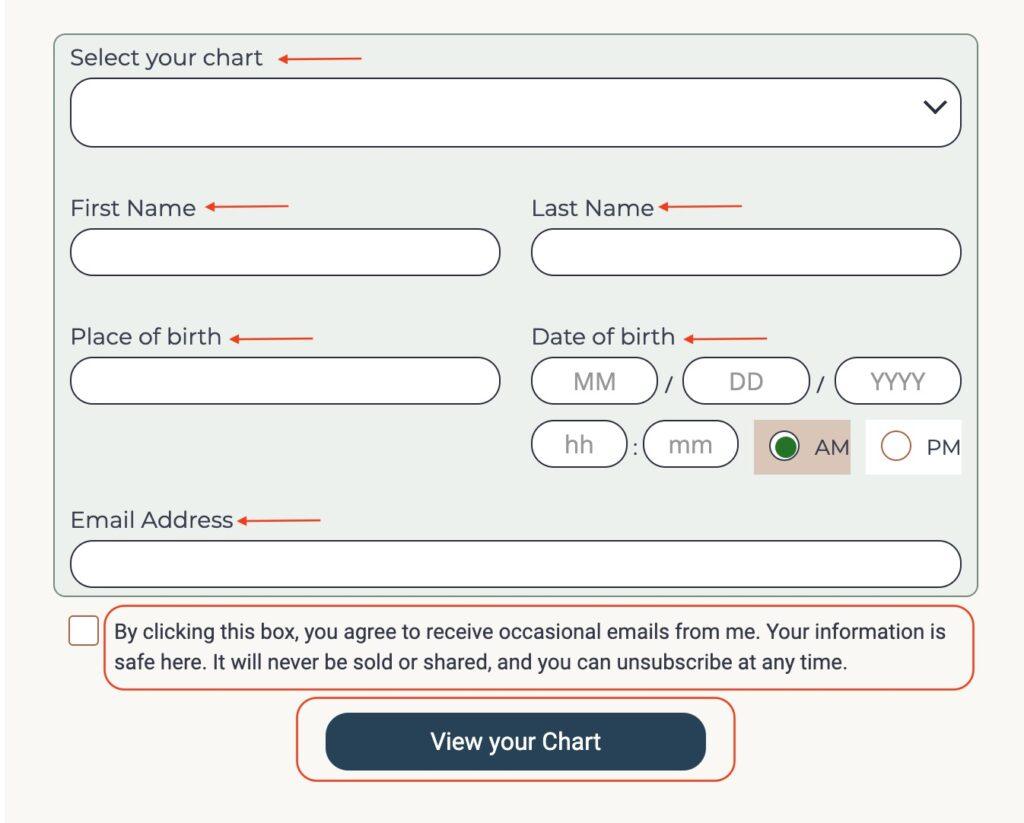
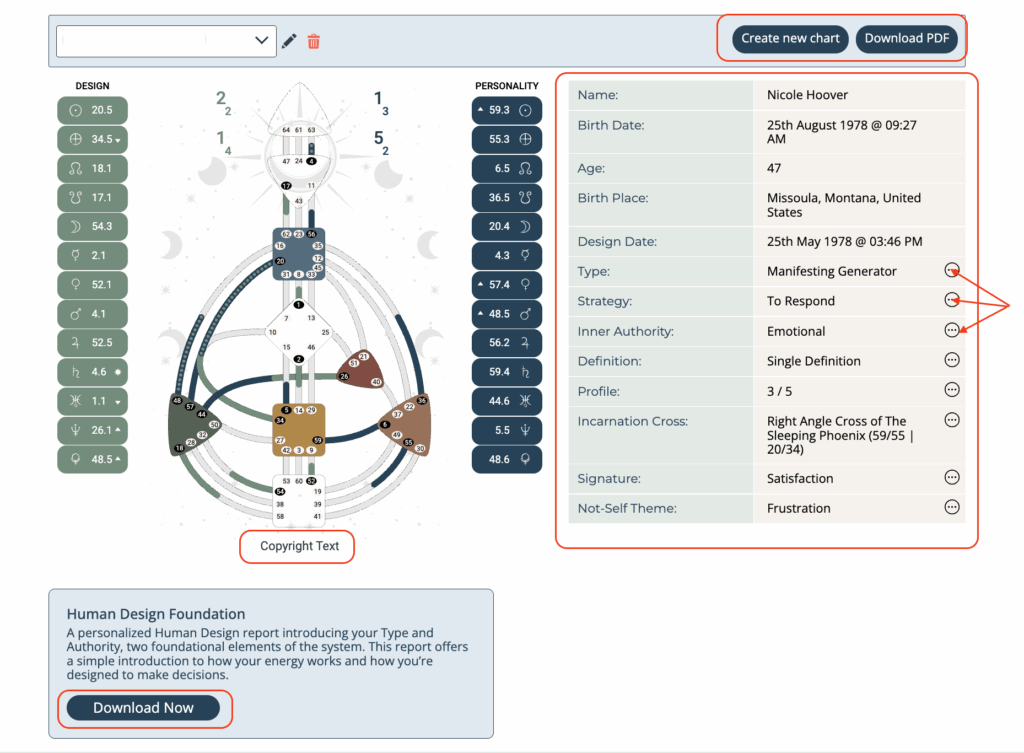
Chart Results Page – Property names, descriptions, and other information displayed alongside the chart.
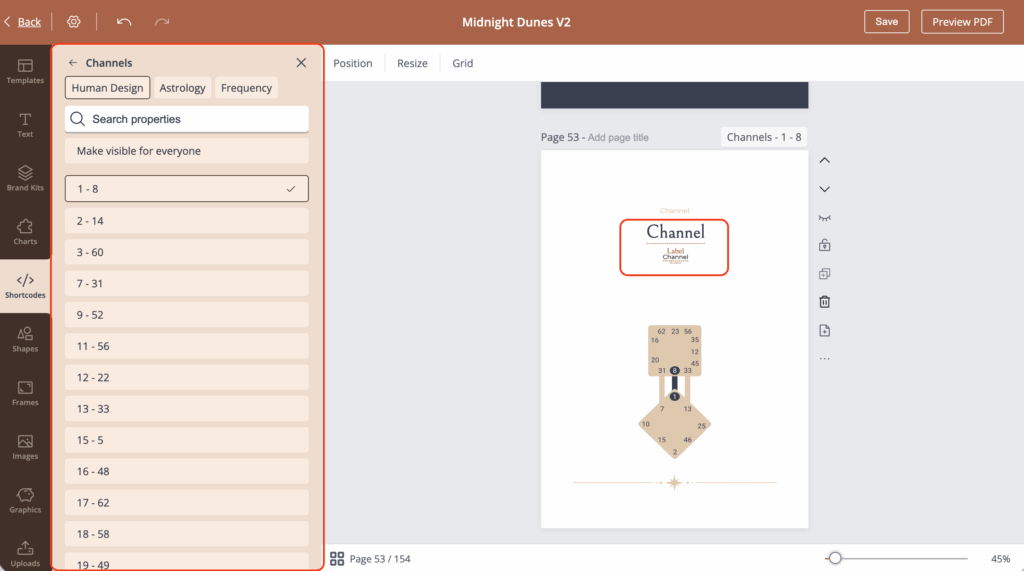
Reports – When using shortcodes, chart properties and descriptions from Chart Content can automatically populate your report content.
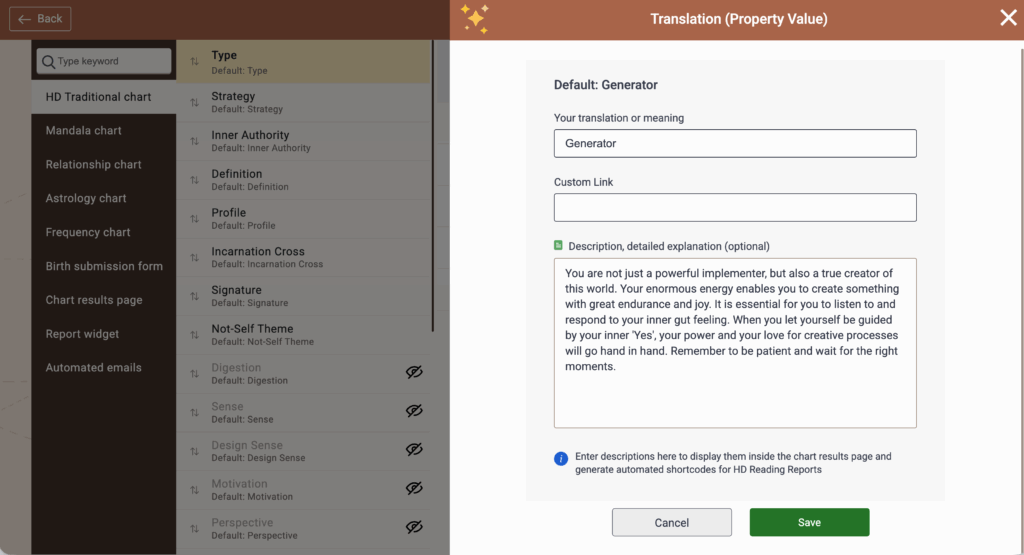
By editing the text inside Chart Content, you can customize the language used across these areas to match your brand, terminology, and the way you prefer to explain chart information.
Related Article
What is a shortcode and how to use it?
How to control which properties appear on the chart results page.
How to create my own language at ‘Chart Content?”
Still have questions, is above guide outdated? Please message us on Live Chat or send an email to support@bodygraph.com.

All the Tools You Need to Build, Grow, and Scale Your Human Design and Astrology Business

