


Uploading video
Last Updated: Mar 17, 2026
There is no built in option/section that offers video upload option. However you can use a workaround steps suggested below:
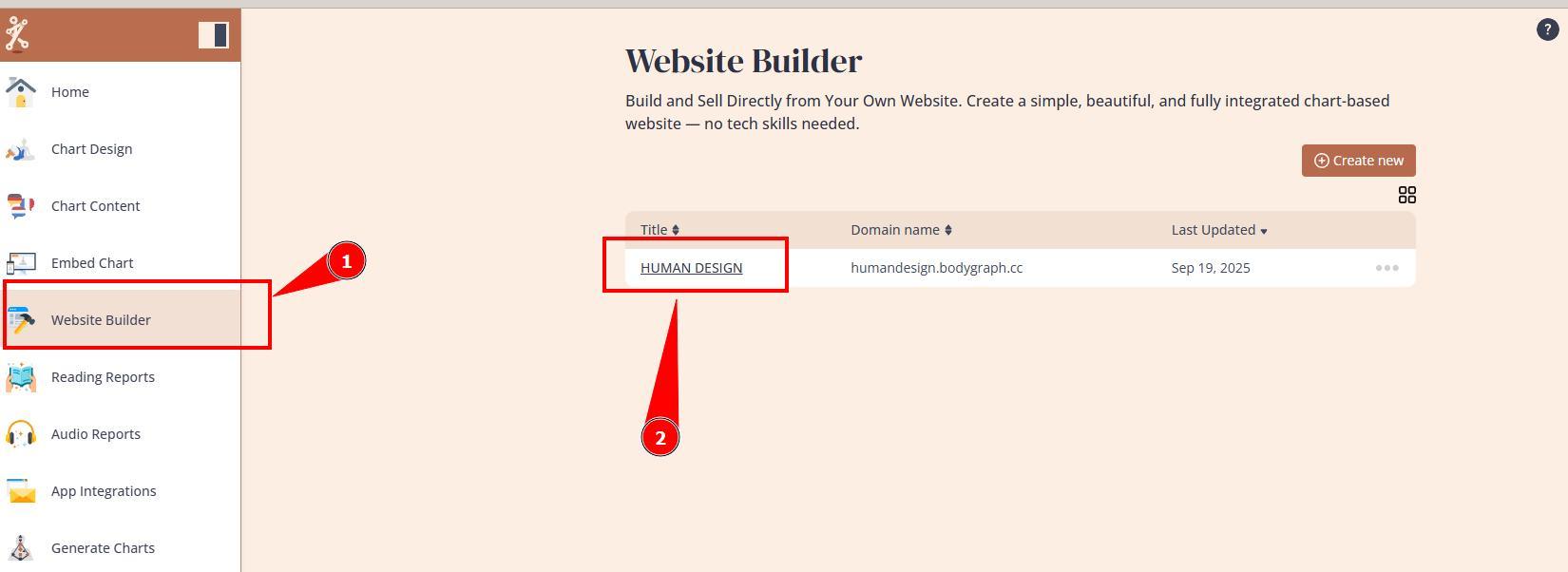
1. Open Website Builder’s dashboard.
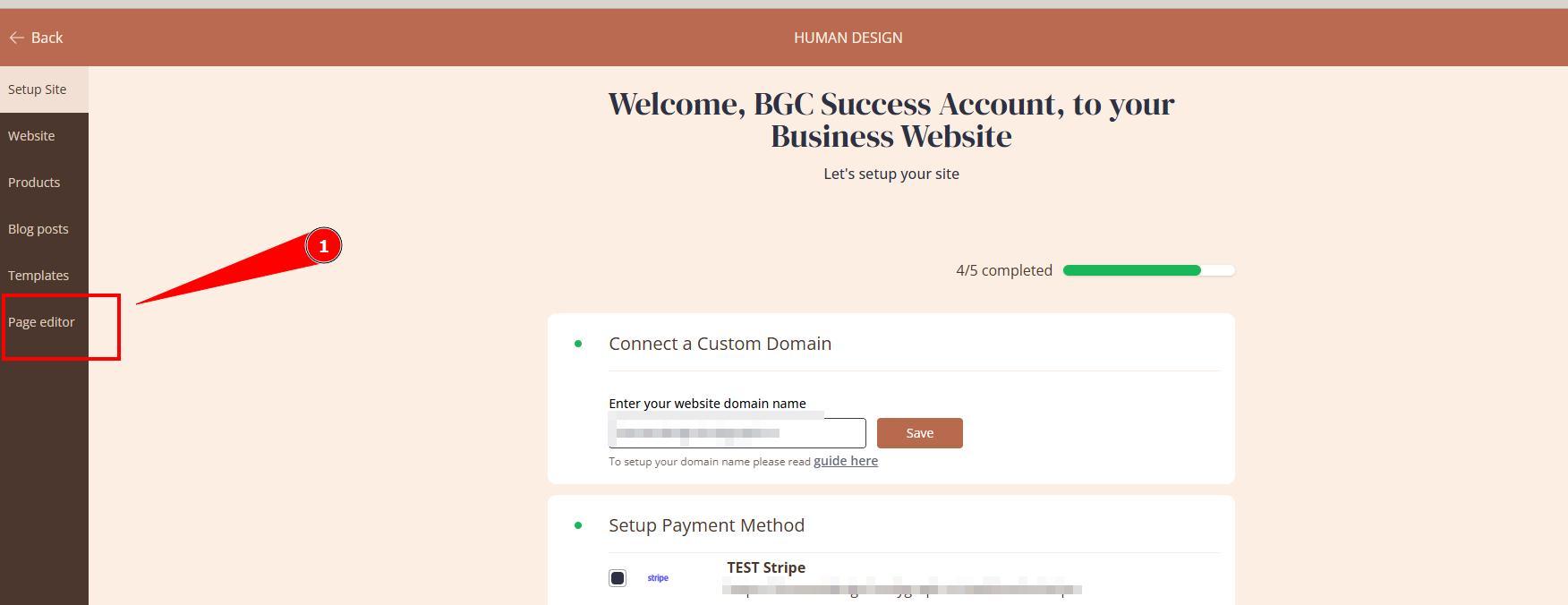
2. Open Page editor.
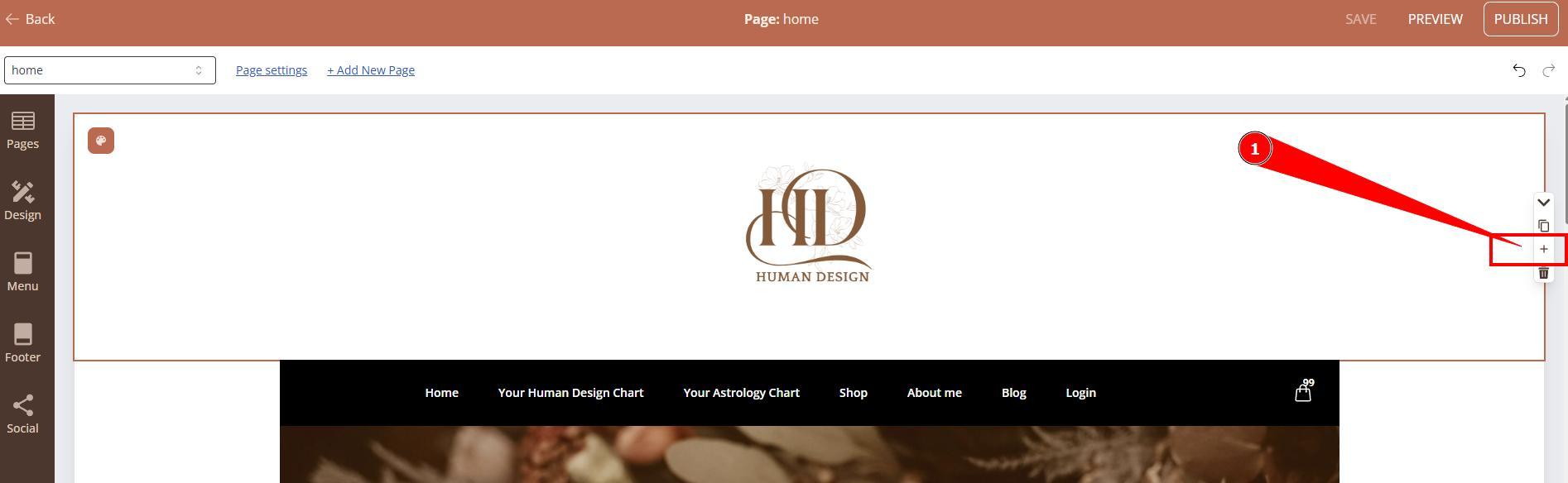
3. Navigate to to page where you want to add logo and click + sign to add section.
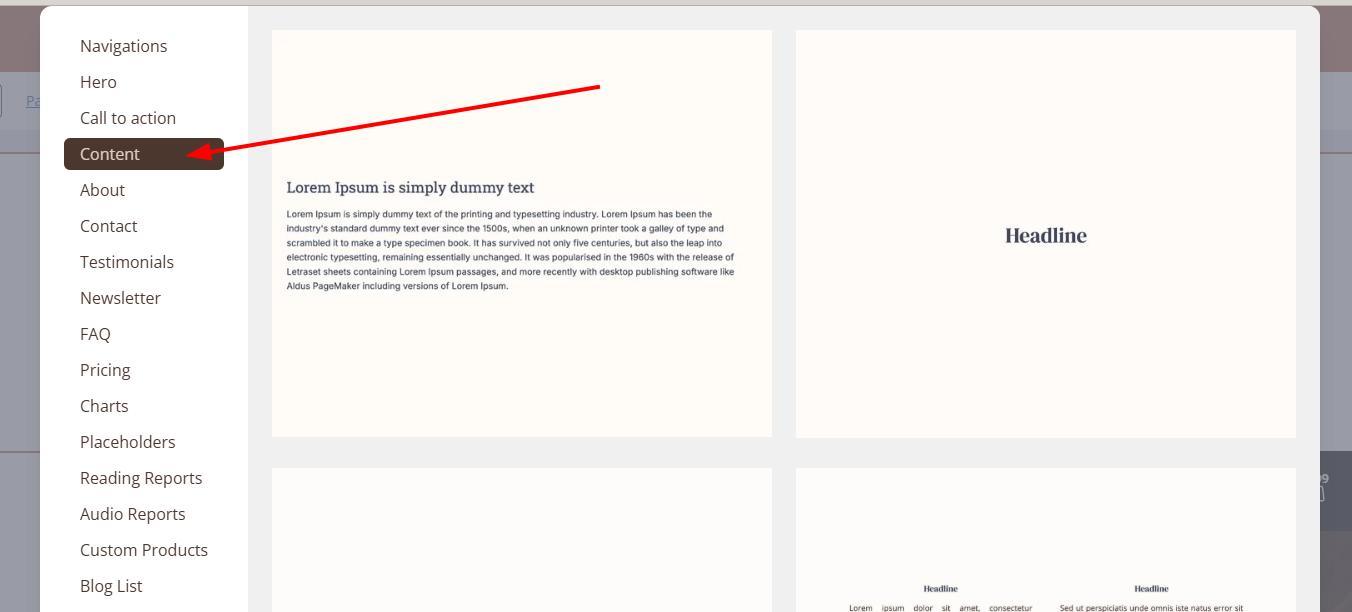
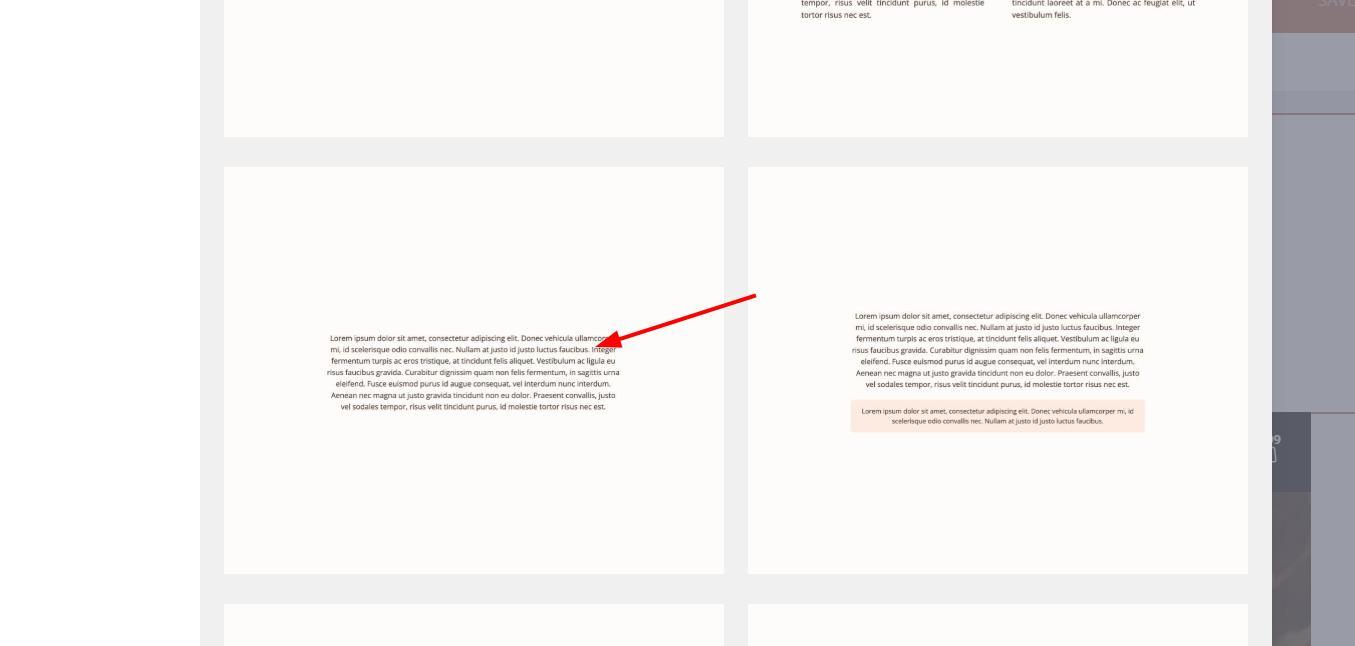
4. Select section that is wide enough for video show up fully expanded.
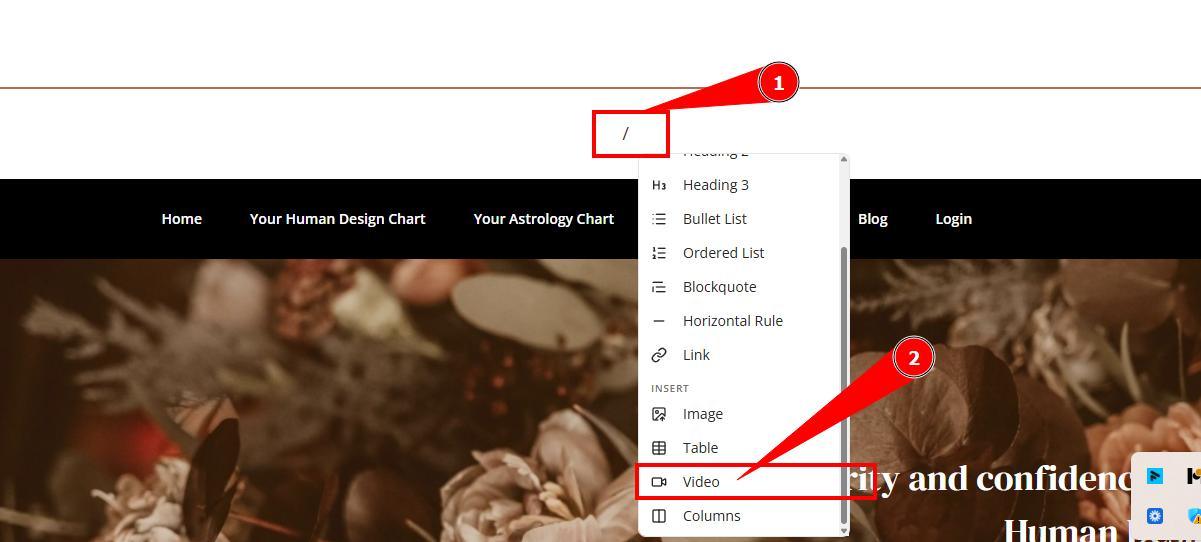
5. Type in / instead of placeholder text and select Video from the menu.
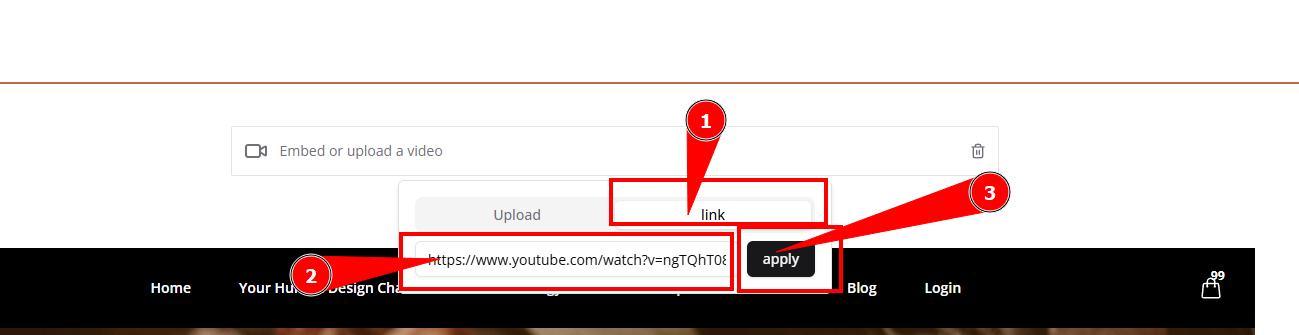
6. Please note Upload option is not supported. Therefore select Link option and provide link the video such as Youtube and click Apply.
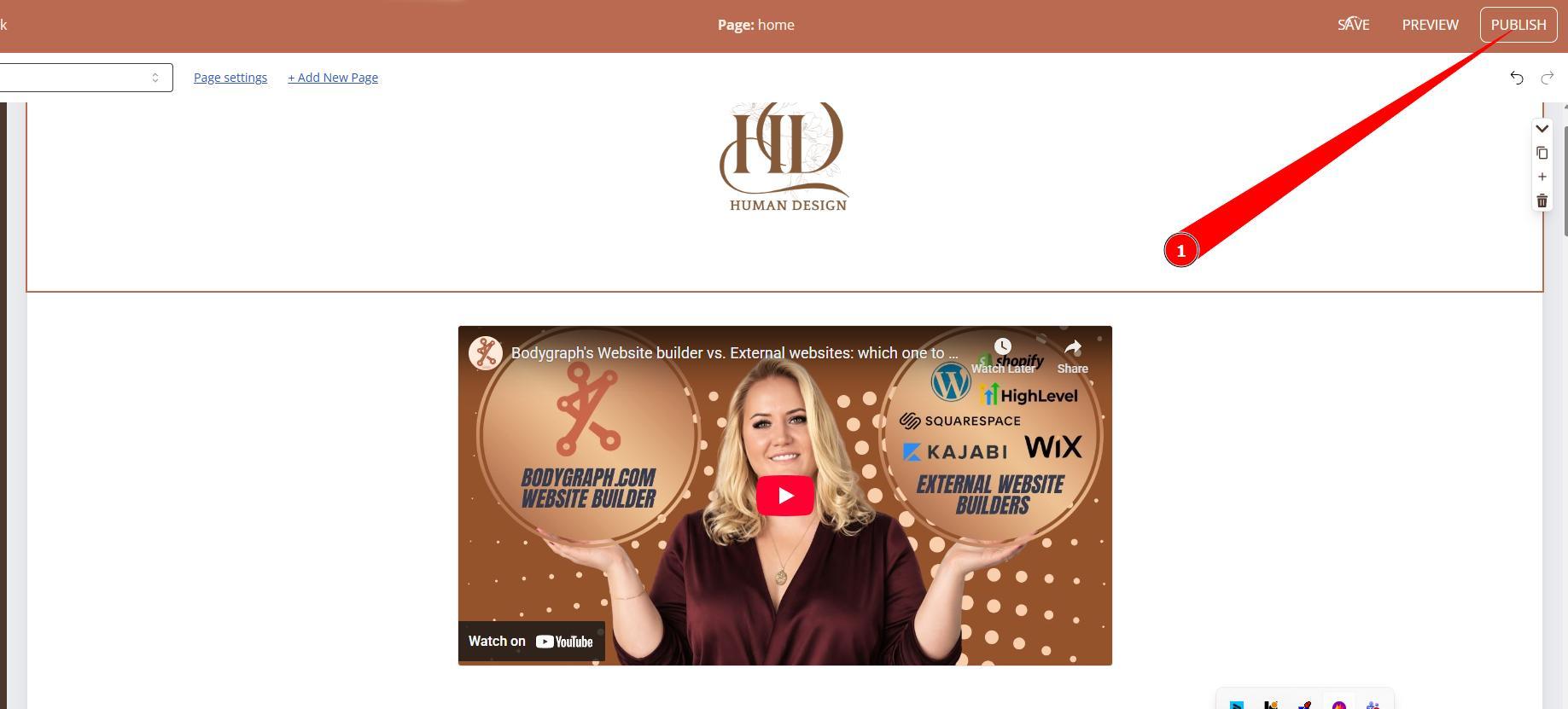
7. Click Publish and go to your live website to test it.
Still have questions, is above guide outdated? Please message us on Live Chat or send an email to support@bodygraph.com.

All the Tools You Need to Build, Grow, and Scale Your Human Design and Astrology Business

