


How to install pre-made property?
Last Updated: Jan 21, 2026
At Bodygraph help centre you will find some pre-made custom properties that will allow you to extend default property list for integrations and reading reports.
To import premade property follow the steps below:
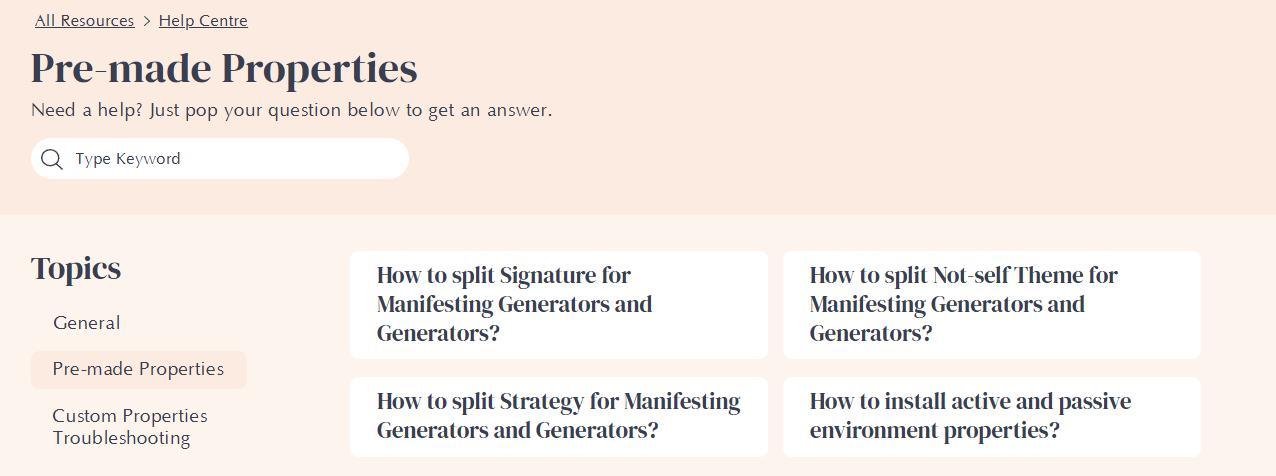
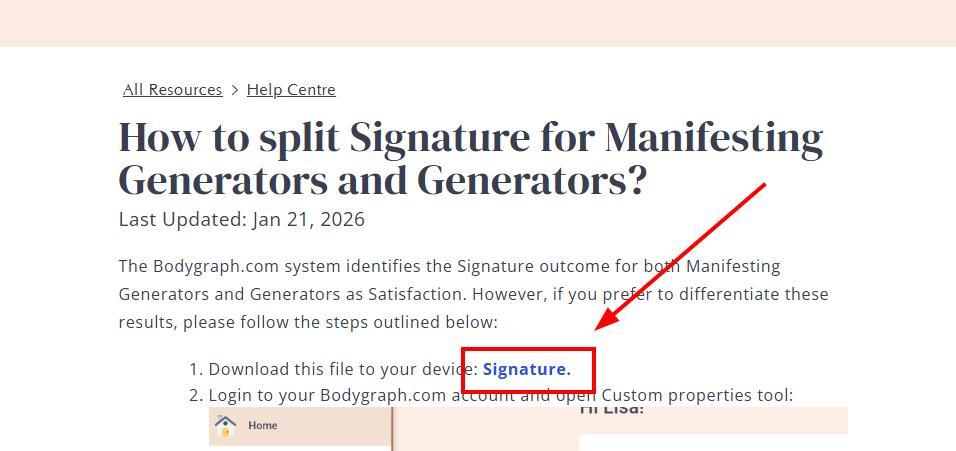
1. Navigate to the Pre-made Custom Property List and download your preferred property file.
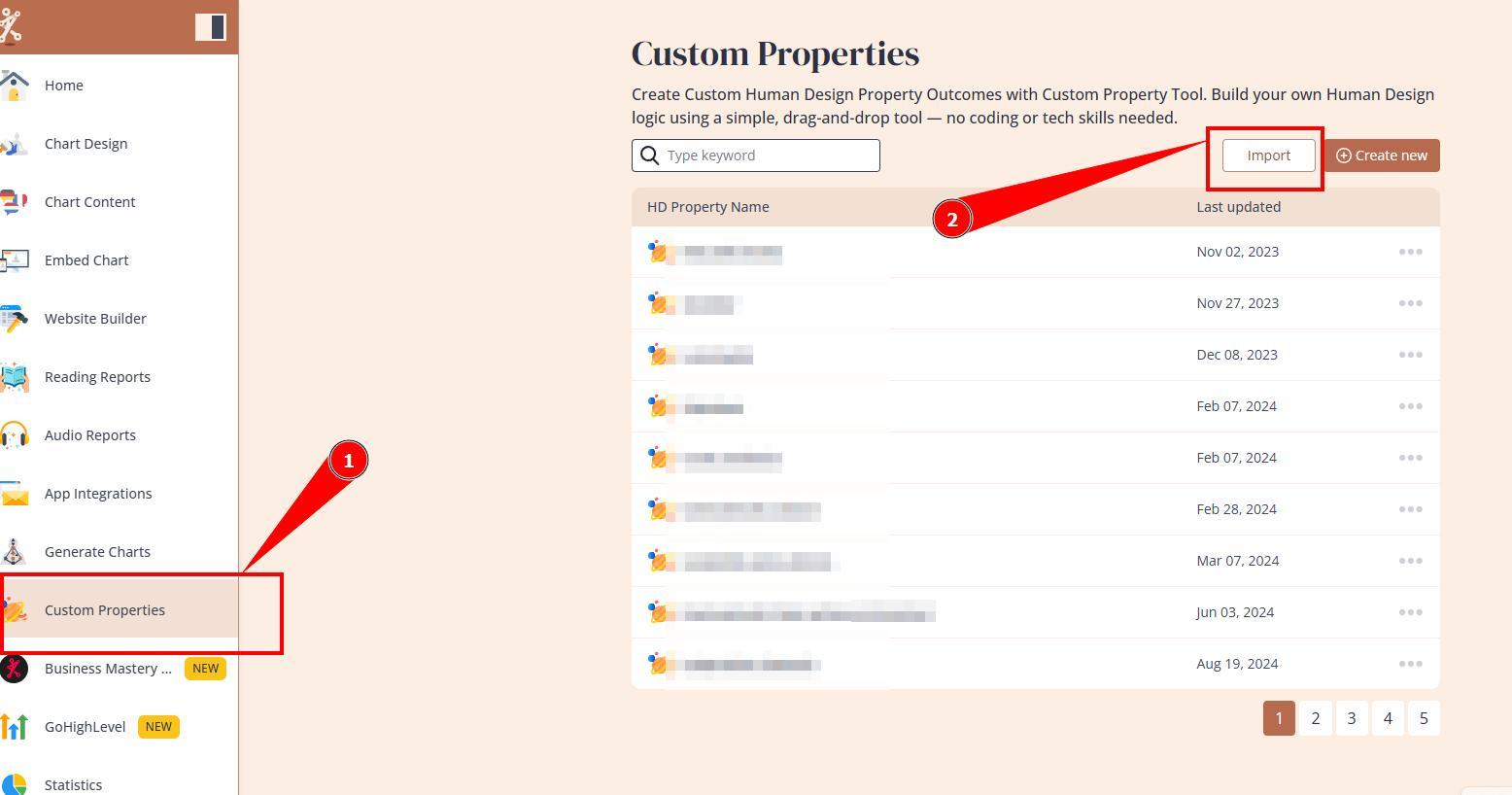
2. Navigate to your Custom Properties tool and press Import button.
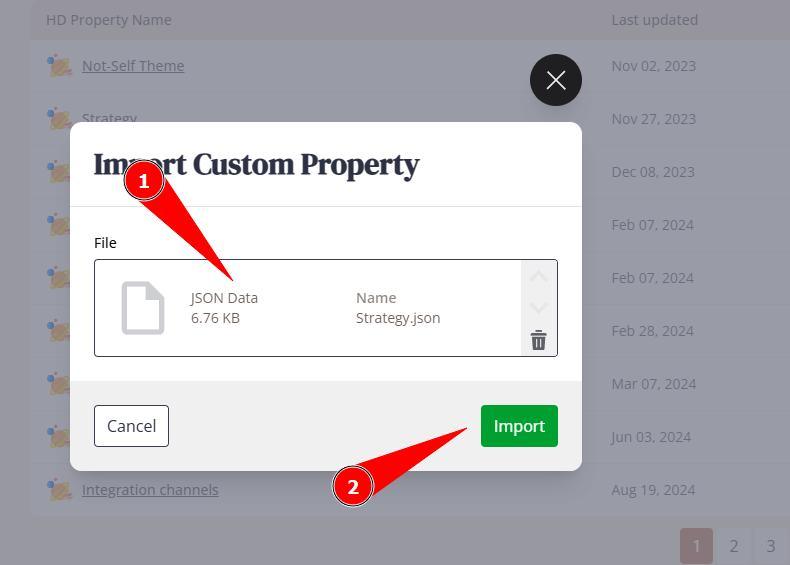
3. Select downloaded file and press Import.
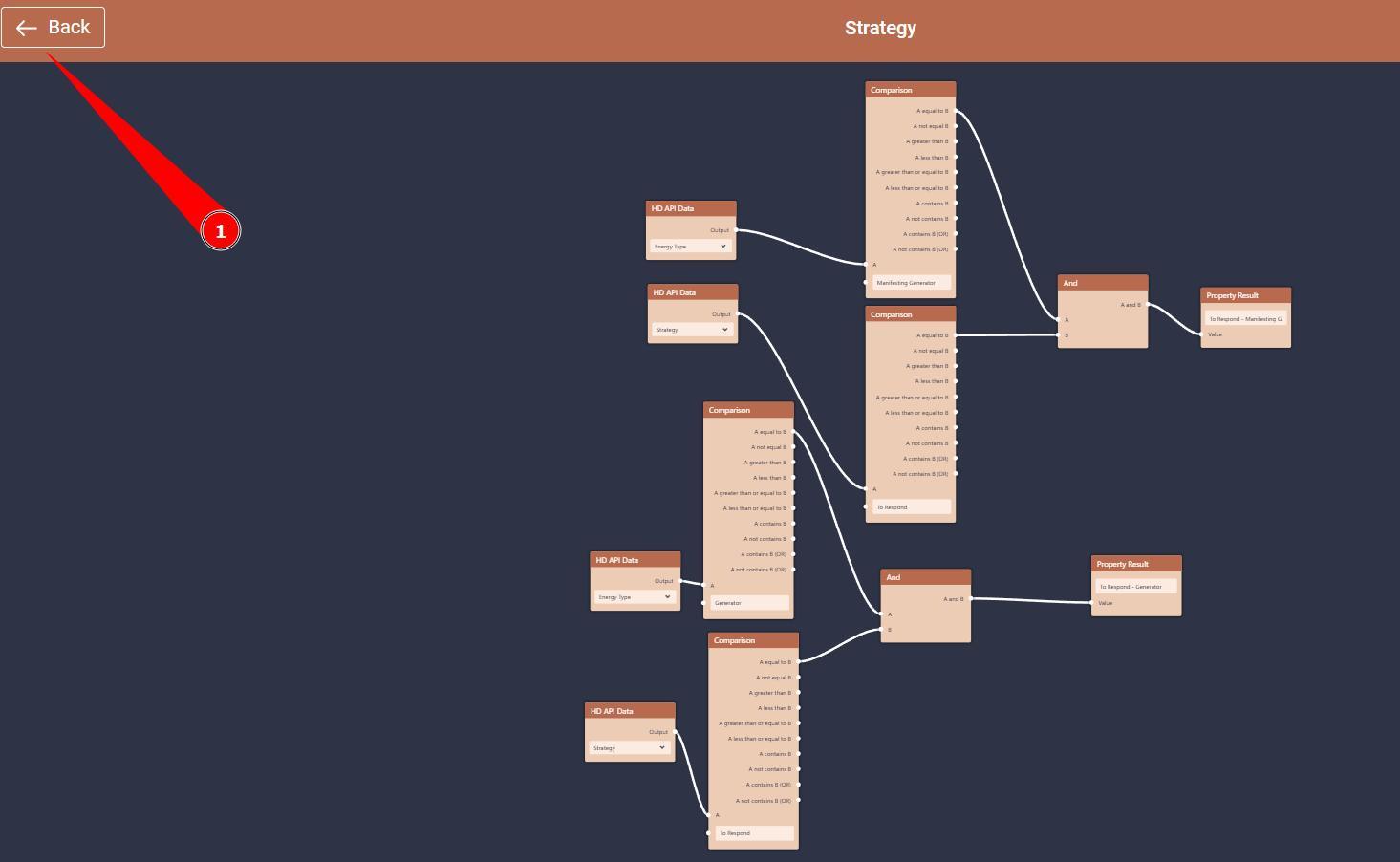
4. System will open imported logic automatically. DO NOT edit values here. Close it and proceed with following steps.
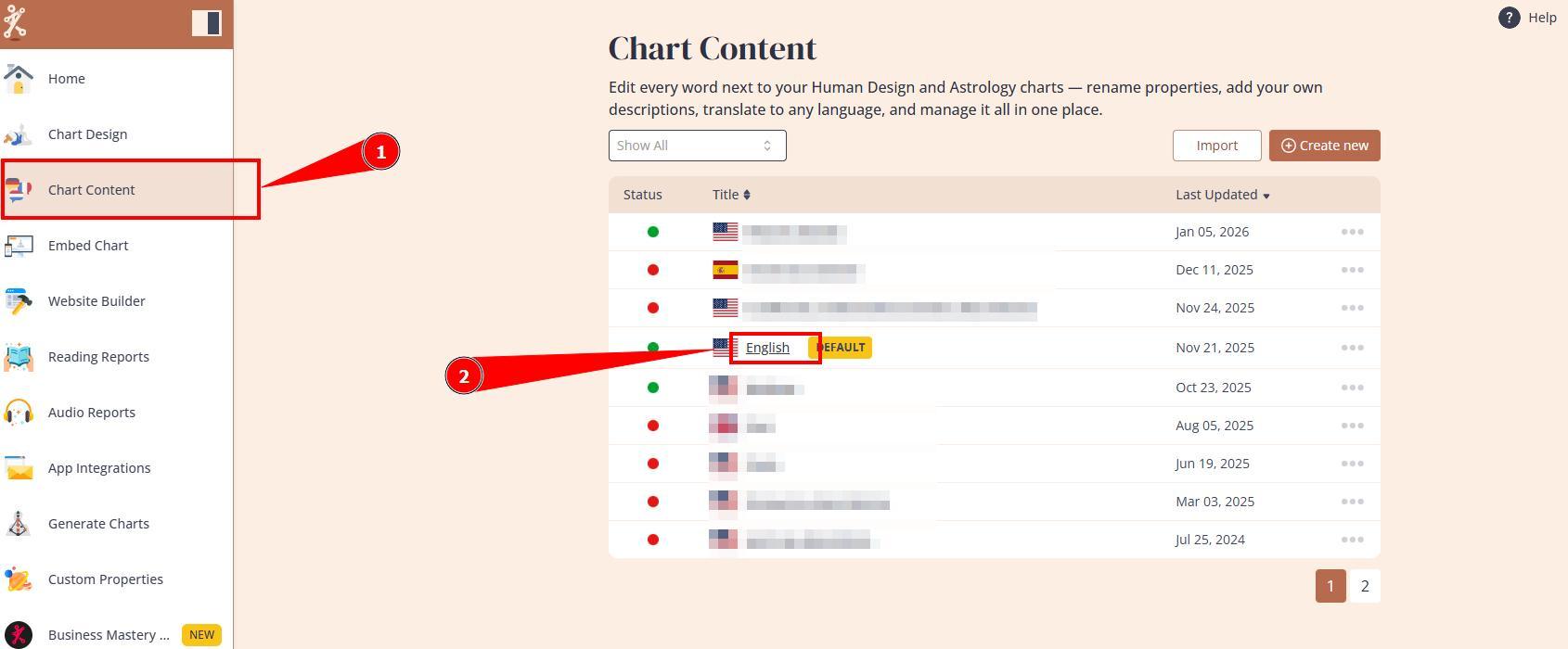
5. Navigate to Chart content tool and open language that you use with your integration.
6. Adjust label values, add descriptions and click eye icon if property only will be used at reports and you do not wish for it to show up at chart integration.
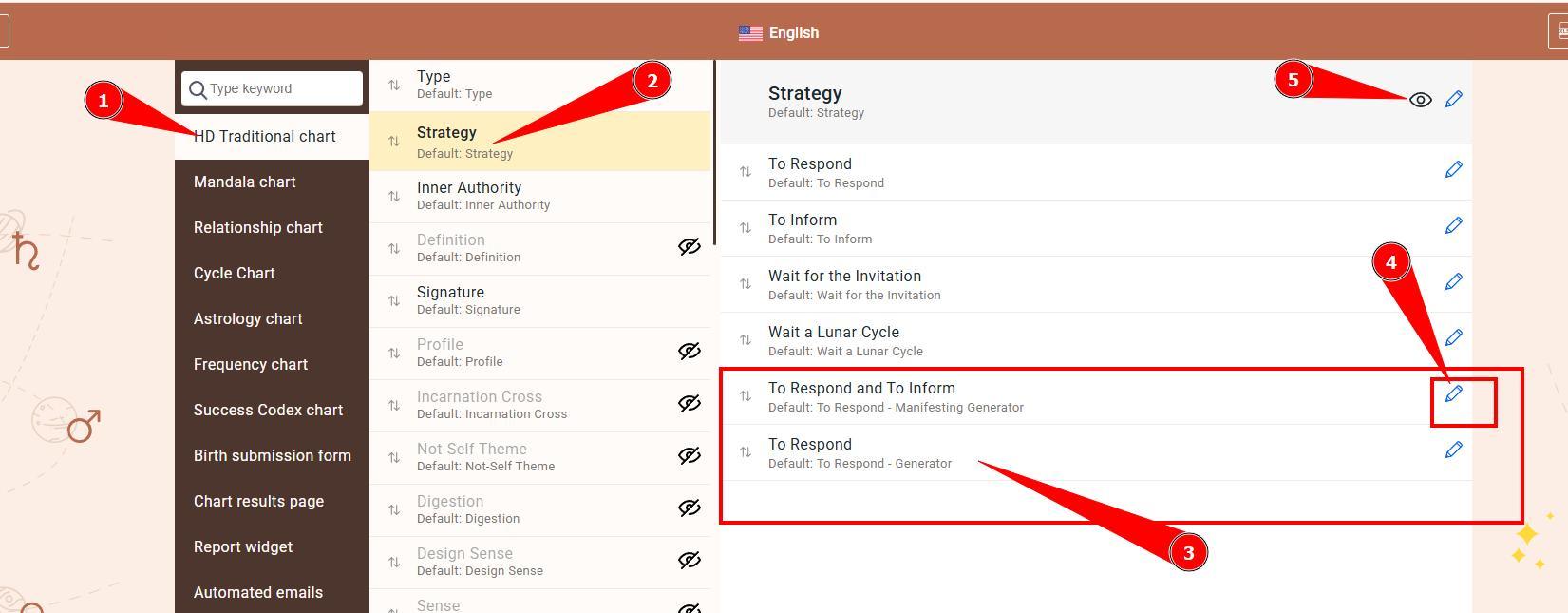
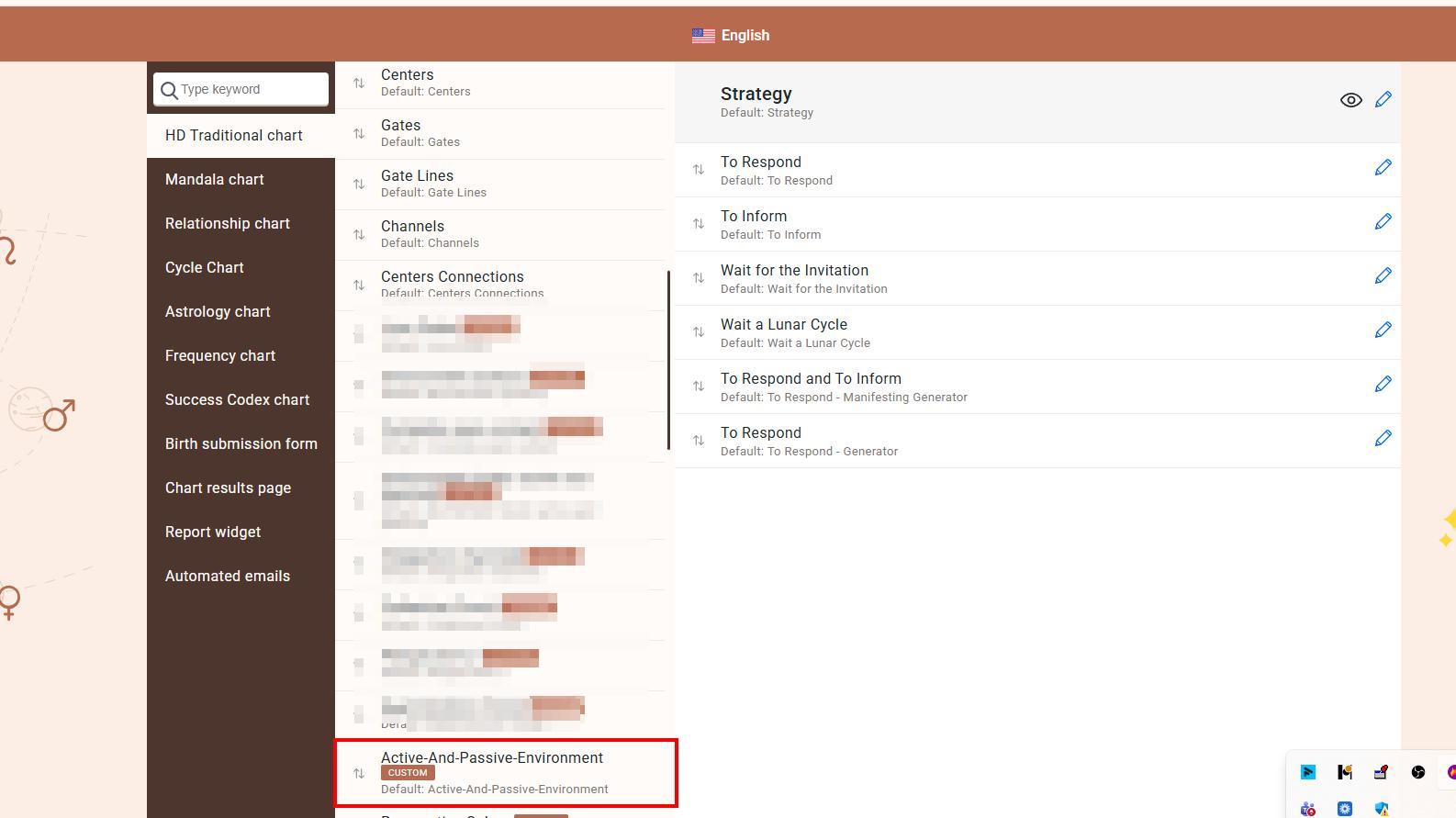
Please note: if property is named as existing default property such as Strategy, Signature, etc. imported property will add values as extension at the bottom of the existing property. And if it is completely new property such as Active and Passive Environment, it will appear at the very bottom for the list with label Custom.
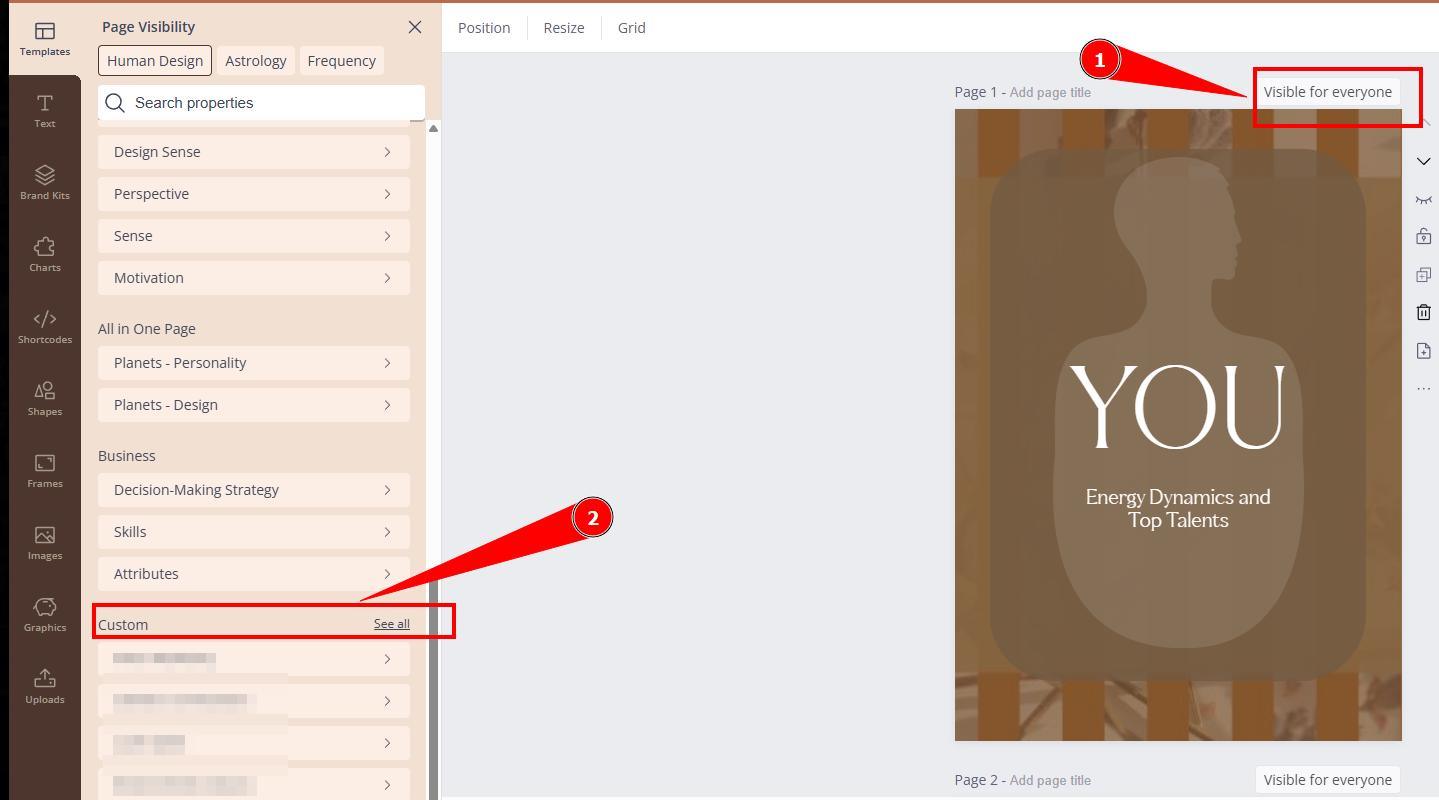
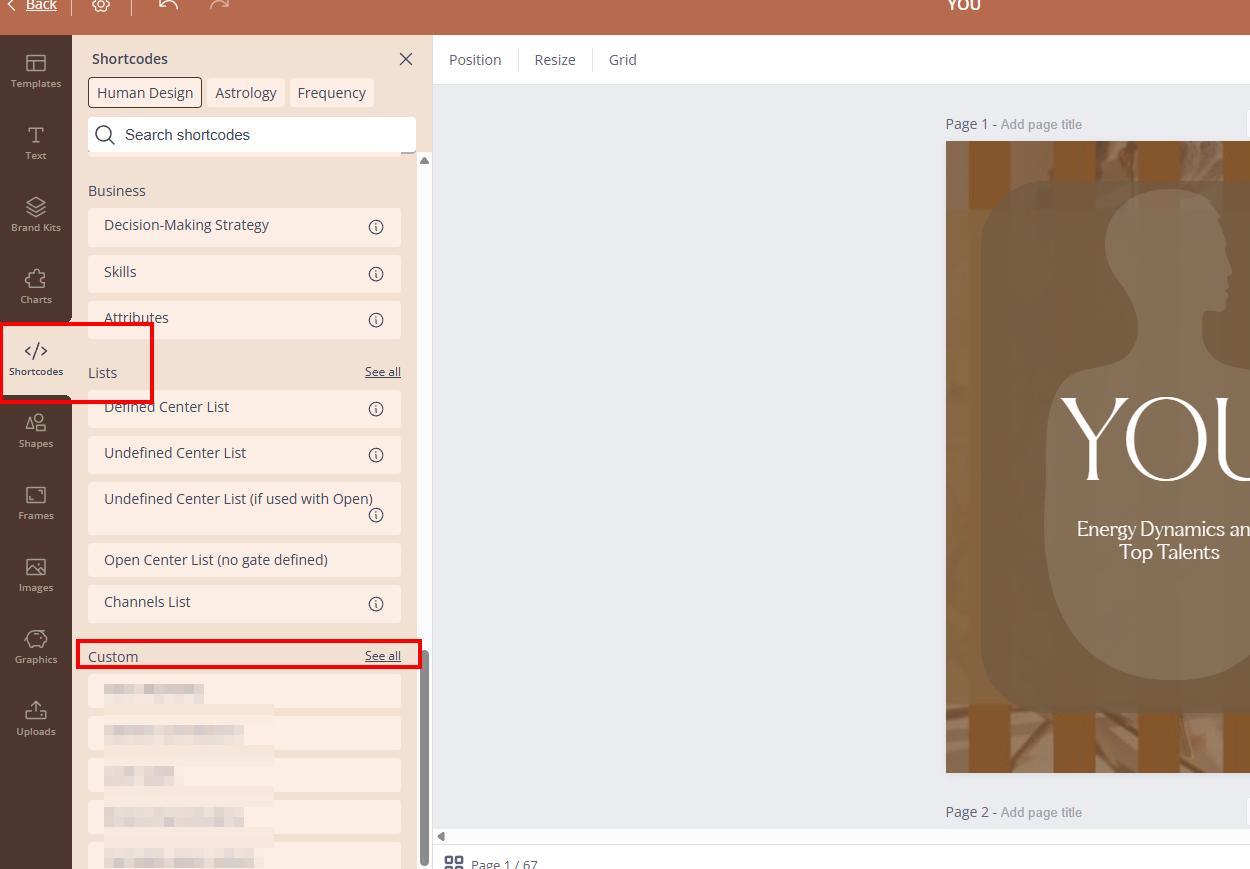
7. New property value will be brought to the chart integration (unless you choose to hide it at Chart content tool) and as Shortcode/Page visibility option at Reading reports tool.
Still have questions, is above guide outdated? Please message us on Live Chat or send an email to support@bodygraph.com.

All the Tools You Need to Build, Grow, and Scale Your Human Design and Astrology Business

