


How to install Bodygraph GoHighLevel extension?
Last Updated: Jan 26, 2026
The Bodygraph Business Plan subscription includes access to the GoHighLevel extension as an add-on service. This extension provides a powerful suite of tools designed to help subscribers scale and manage their business more efficiently, including CRM capabilities, website builders, automation workflows, scheduling tools, and more.
To start using the GoHighLevel extension, follow the steps below:
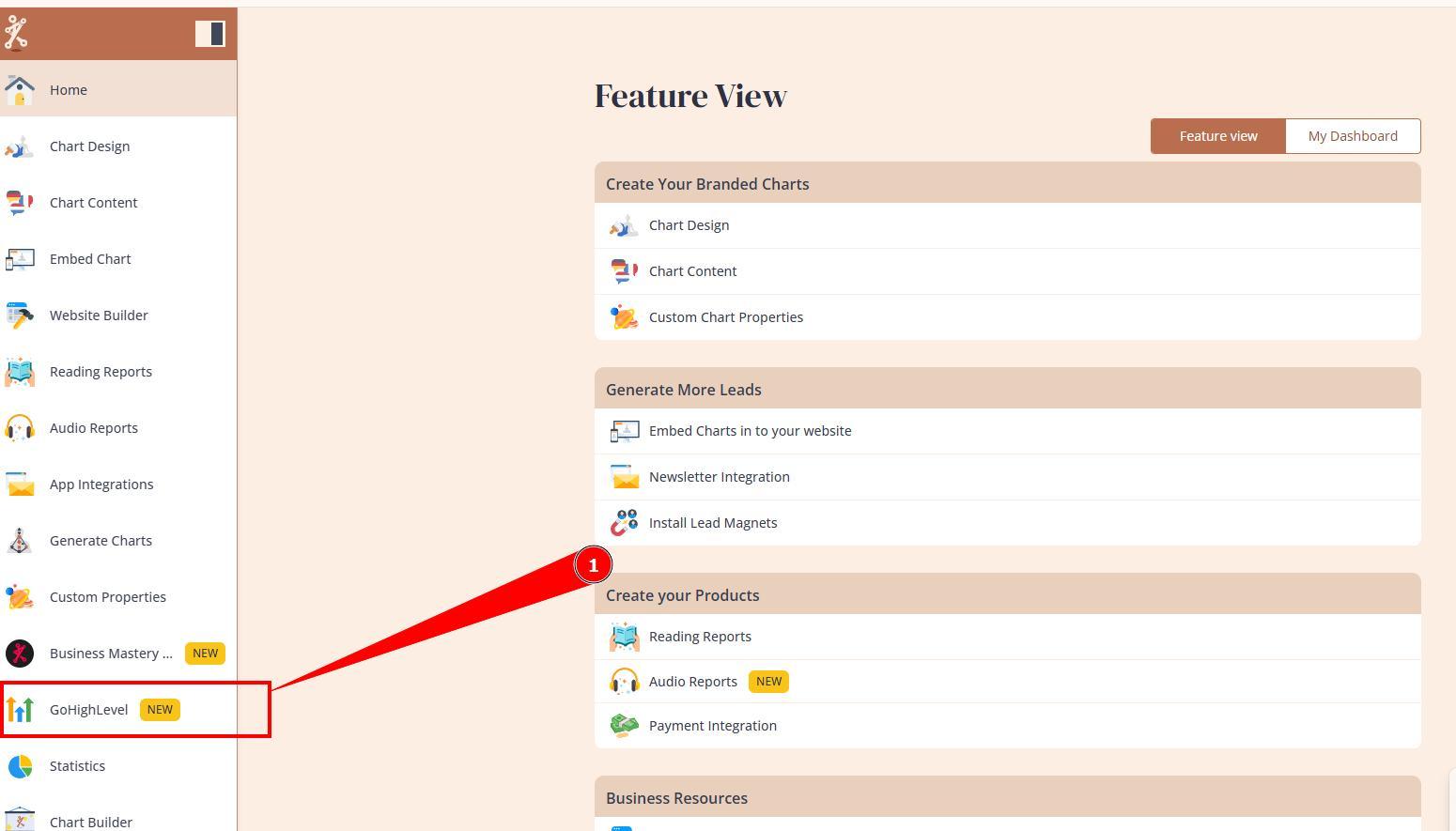
1. Login to Bodygraph account and navigate to the Bodygraph GoHighLevel tool.
2. Carefully read through all applicable terms and confirm your agreement before proceeding.
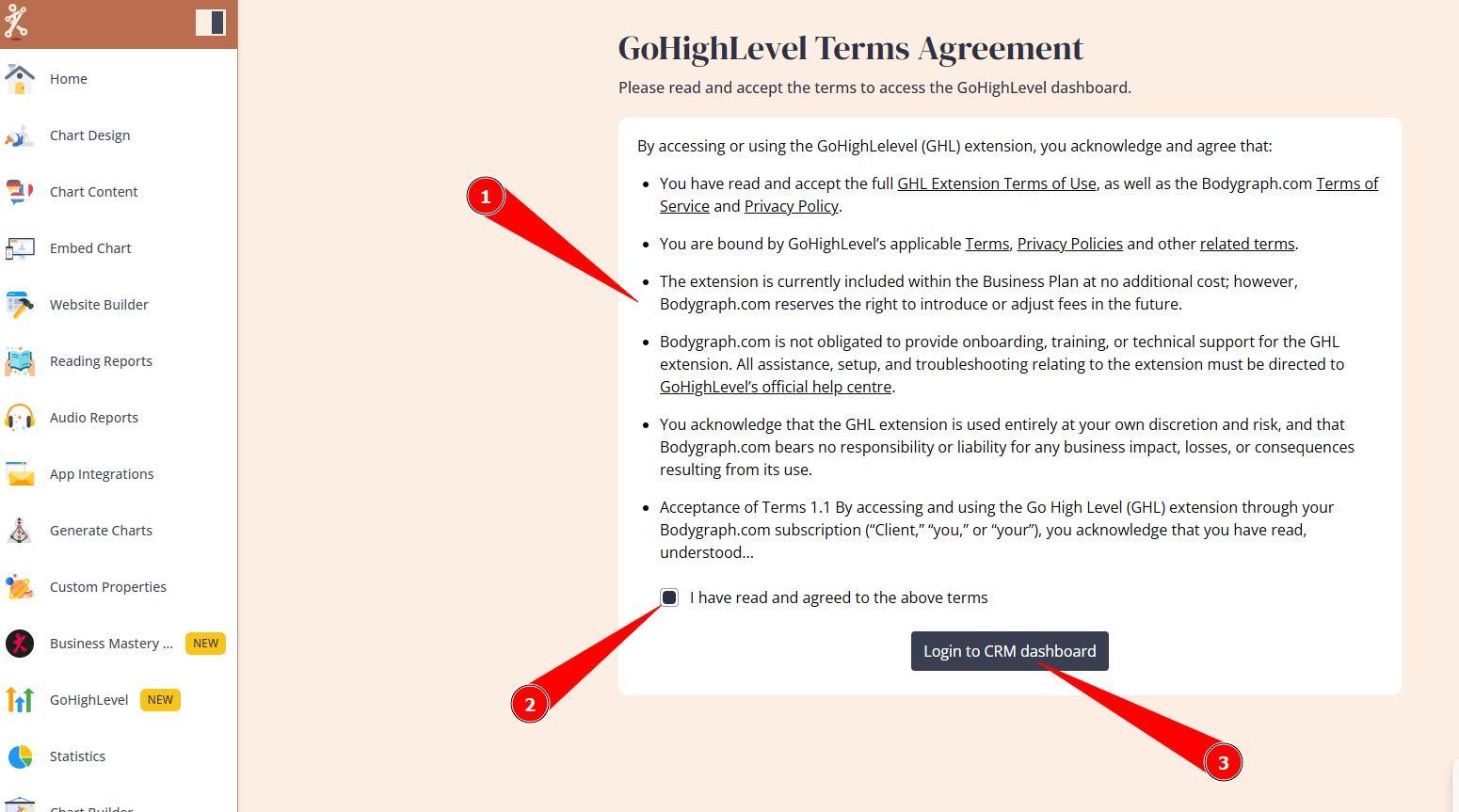
3. Click Login with SSO. This action will automatically create a GoHighLevel subaccount using the same email address associated with your Bodygraph subscription.
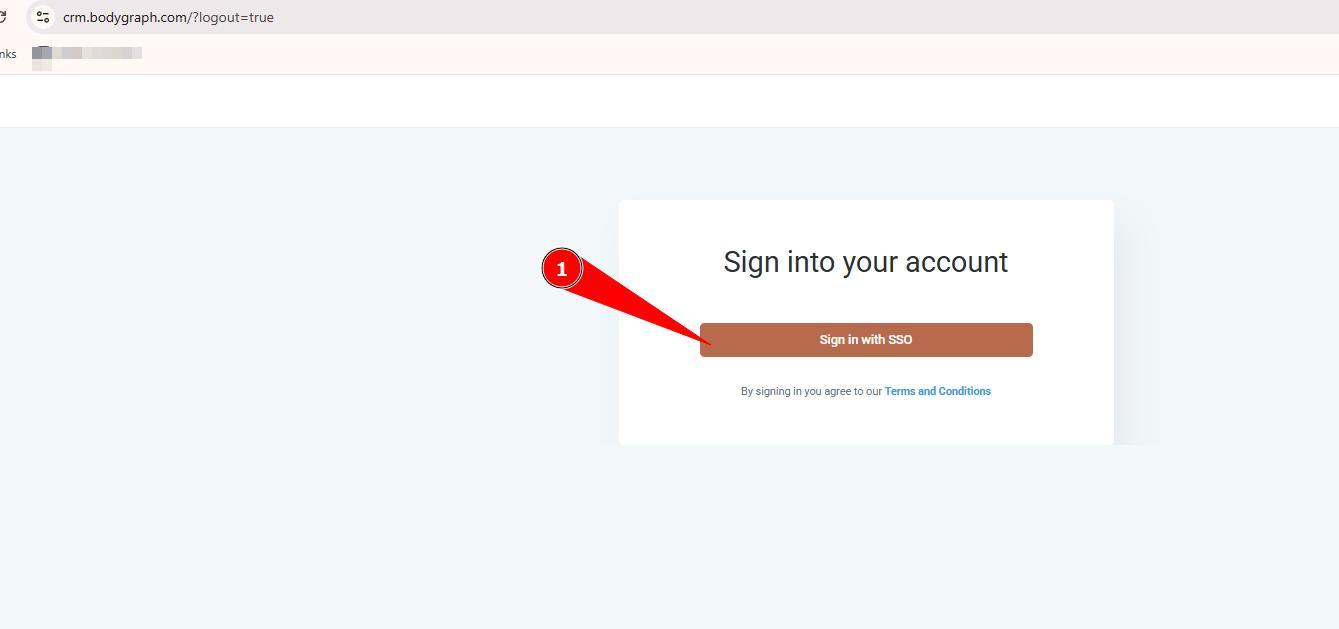
Important Notes
If you already have an existing external GoHighLevel account or any GoHighLevel white-label account registered under the same email address, the system will not be able to create a Bodygraph-linked subaccount. In such cases, the login attempt may result in an Error 500.
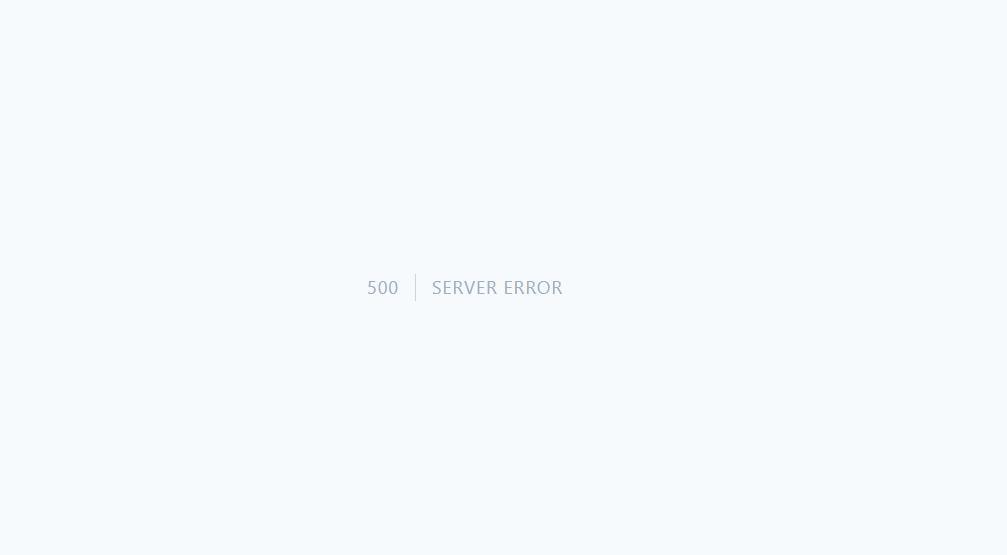
- The recommended solution is to request an email address change for your Bodygraph account before attempting to activate the extension again.
4. Proceed with setting up billing, as instructed at this guide, to ensure that all services are performing. Please note, while all tools and features are free of charge (included to Bodygraph Business Plan Subscription), third party services are not included and will be charged separately.
Frequently asked questions:
– Can I migrate my external GoHighLevel or white label assets to Bodygraphs subacount?
Bodygraph does no offer asset migration/consolidation from external GoHighLevel and white-label platforms.
– Do I get agency or subaccount access?
With Bodygraph GoHighLevel extension subscribers receive a subaccount access to use in their business.
– What services are not included and will require extra fee?
All tools and features of Bodygraph GoHighLevel extension are included to business plan. However below services are not included and will incur additional fees:
– Email delivery and email verification services
– WordPress Hosting
– Domain purchase fees
– AI agents (AI usage)
– WhatsApp
– Marketplace extension fees
More information about fees can be found here.
Still have questions, is above guide outdated? Please message us on Live Chat or send an email to support@bodygraph.com.

All the Tools You Need to Build, Grow, and Scale Your Human Design and Astrology Business

