


Create a WIX account.
Embed Chart to WIX
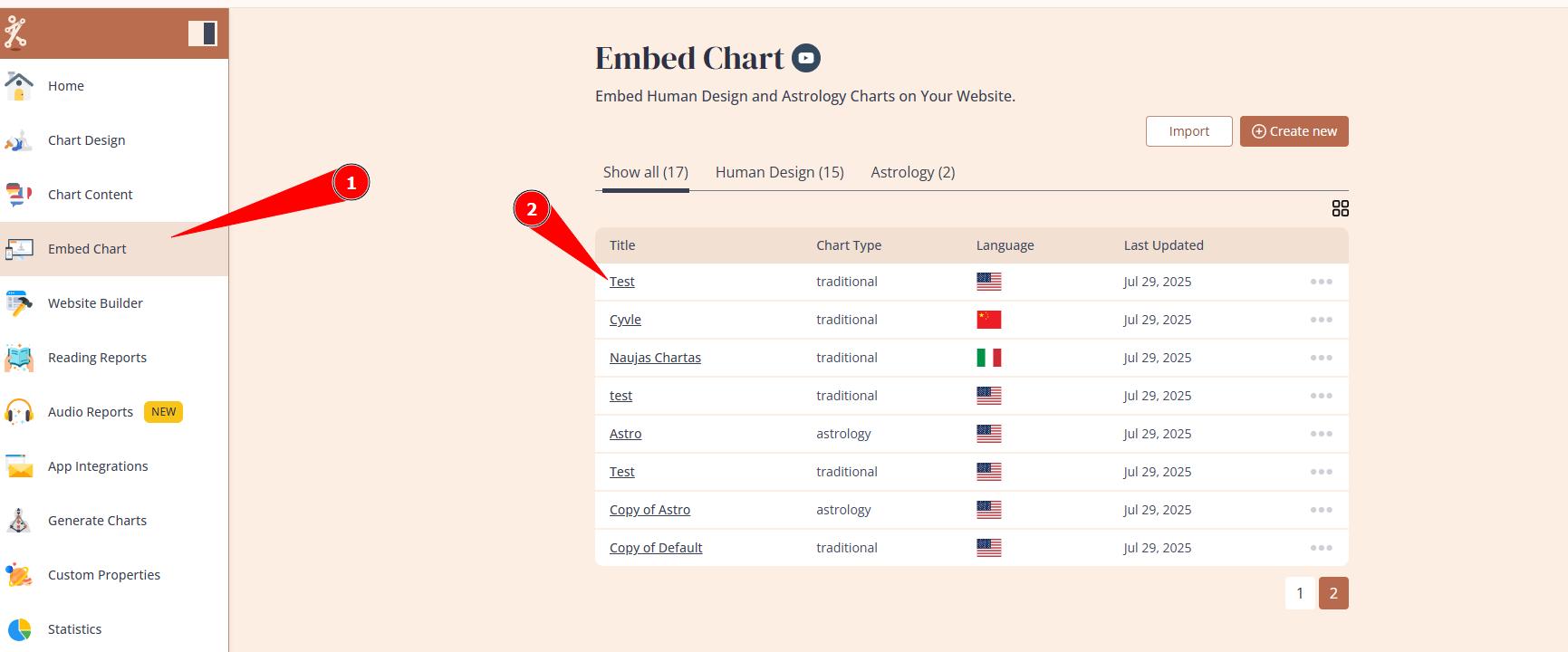
1. Login to your Bodygraph.com account, go to the Embed Chart section and select your embed code. If you just signed up, there will be only Default embed code available.
2. Select the option: ‘WIX’ from the dropdown.

3. Copy the Server URL.

4. Open your desired WIX page and add ‘Custom element’ from the ‘Embed Code’ section. IMPORTANT: common mistake to select Embed HTML section instead which will not work. It is required to use Custom element and WIX dedicated embed code.

5. Enter the Serval URL in ‘Choose Source’ and click on ‘Update’.


