


Editing Menu
Last Updated: Mar 18, 2026
To website navigation Menu, follow the steps below:
1. Navigate to Website Builder dashboard.
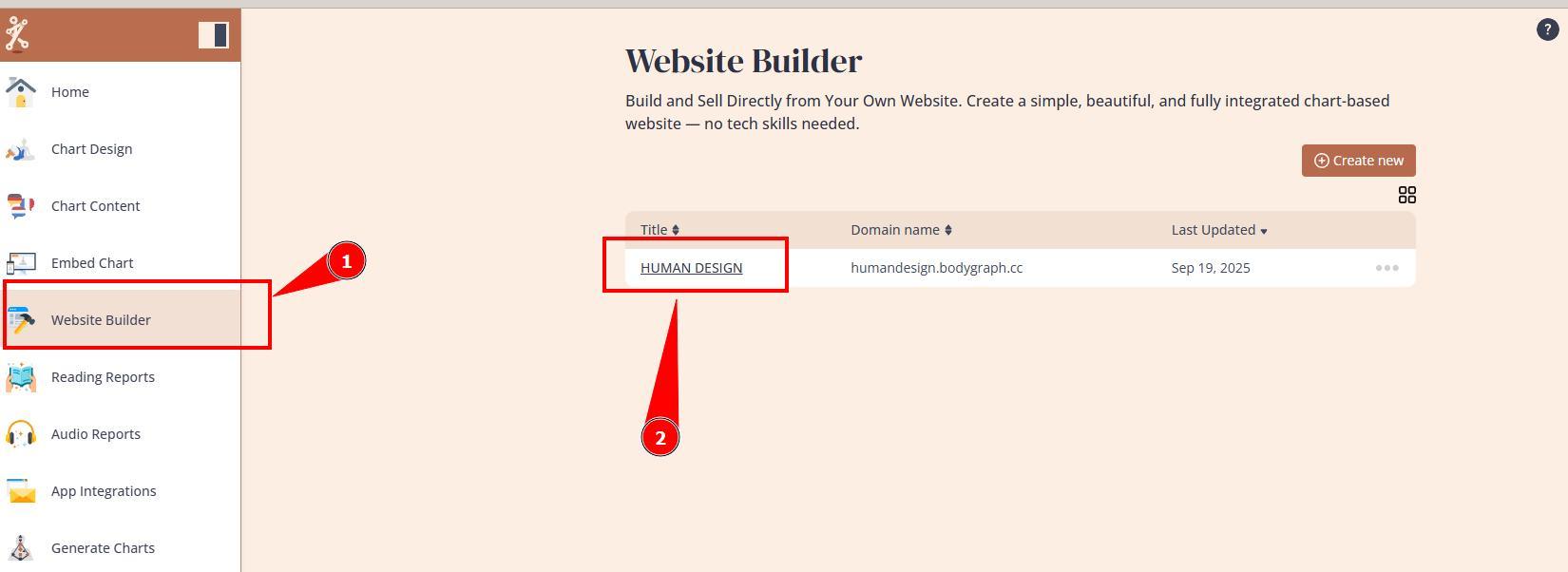
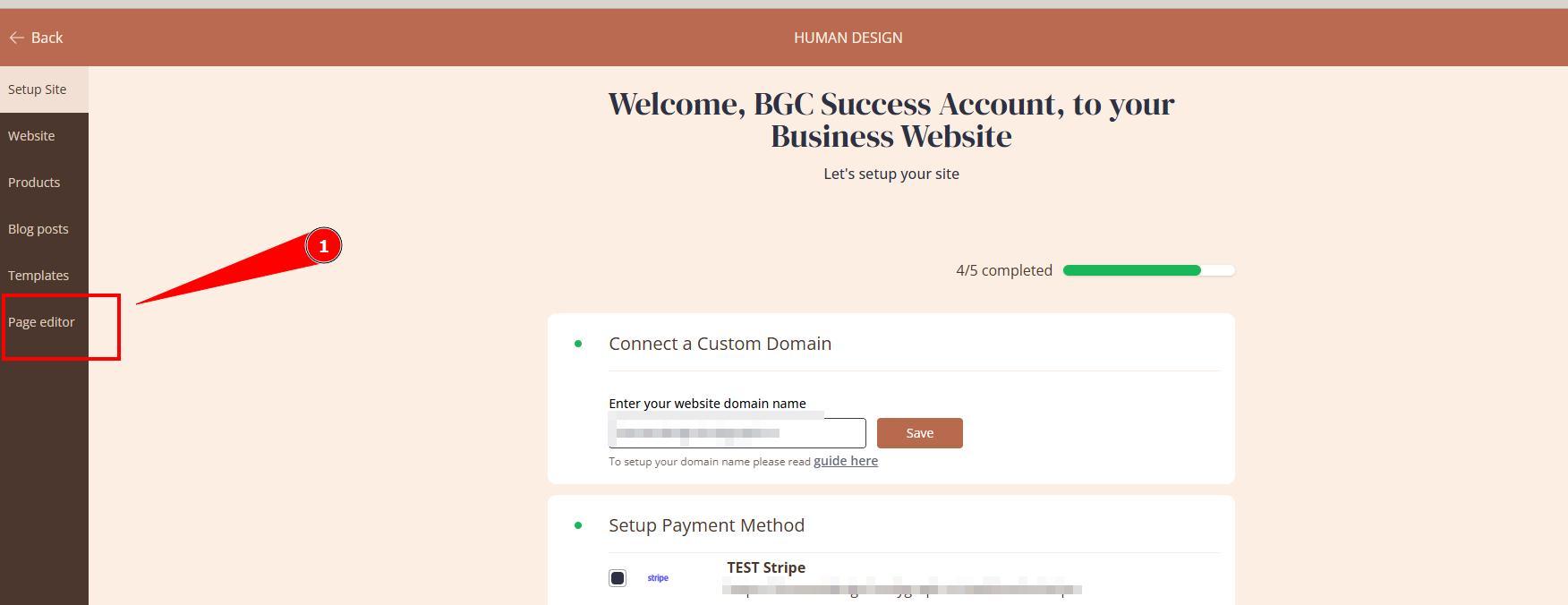
2. Open Page editor.
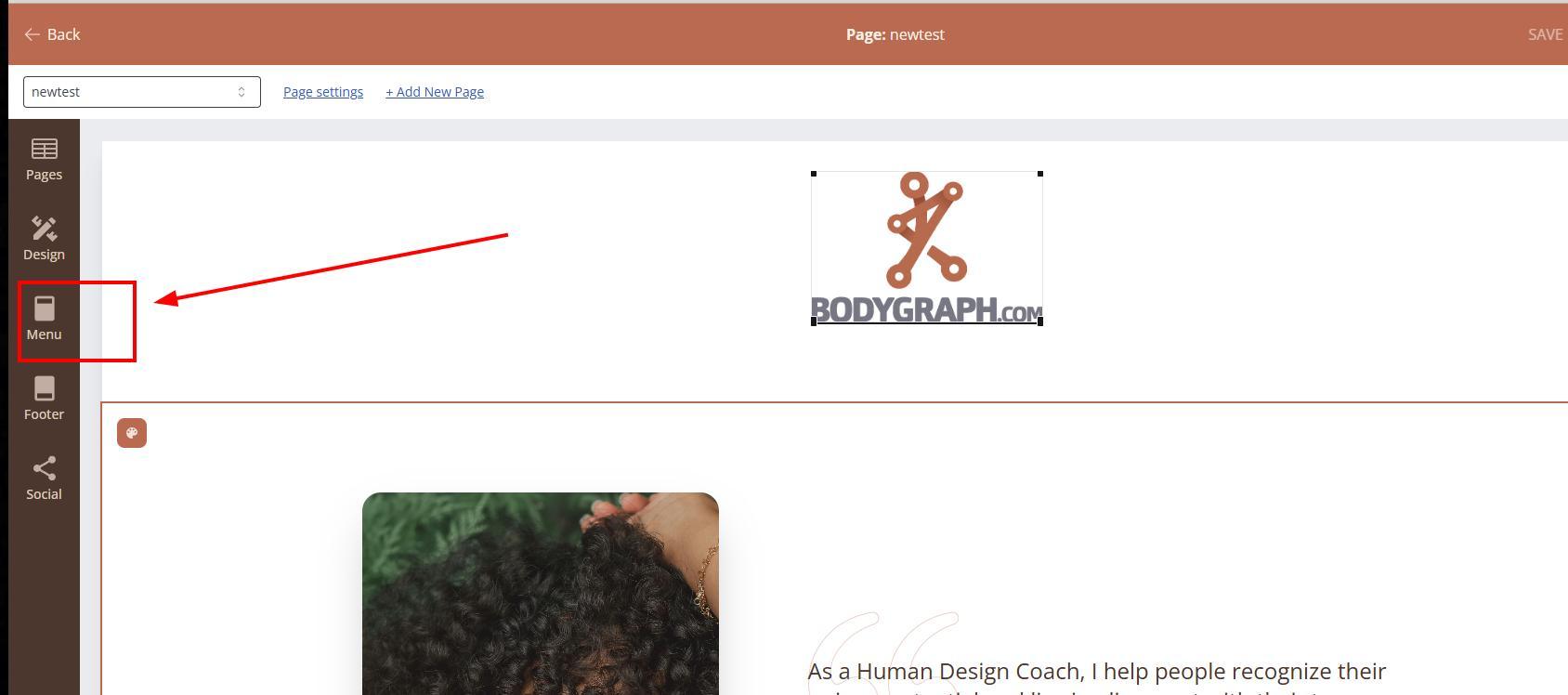
3. Open Menu editor on the left navigation.
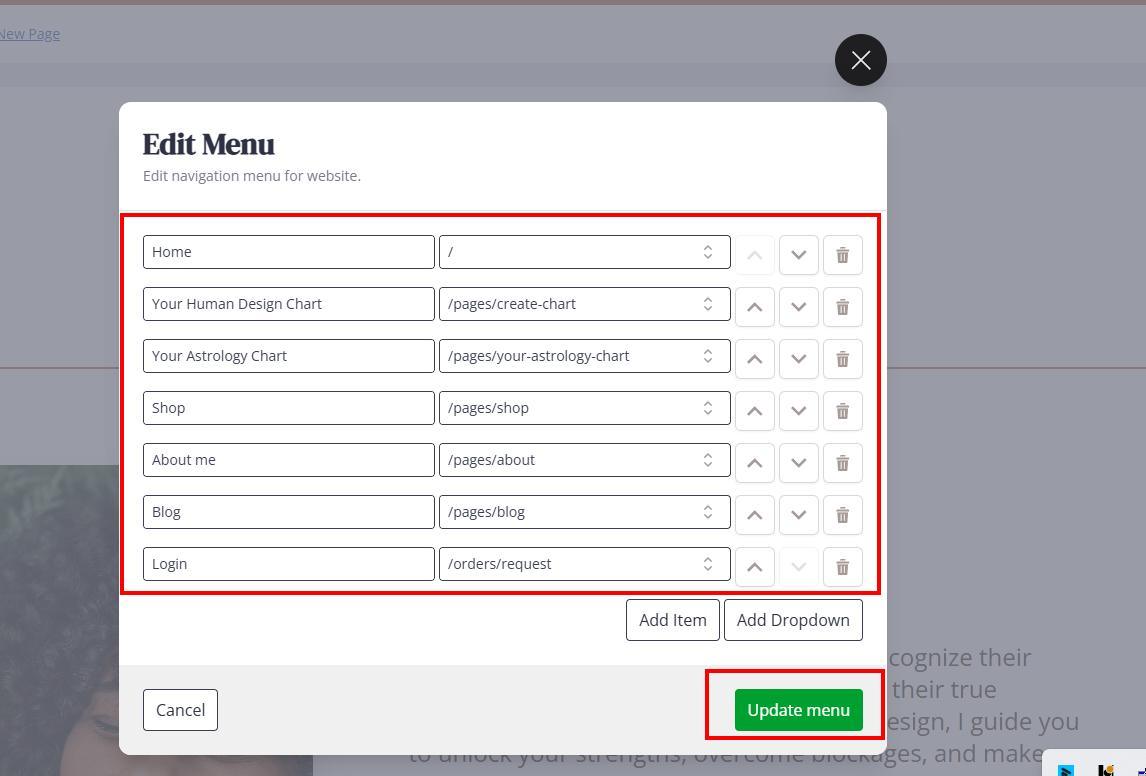
4. Edit Menu elements and press Update menu. You can add menu and sub-menu elements, delete pages (deletes only from menu, not actual page), reorder and rename menu elements. You can link Menu elements with internal Website builder by selecting slug from the dropdown or link menu elements with external pages, e.g. Calendly calendar, where you will need instead slug, paste full URL staring with https://….
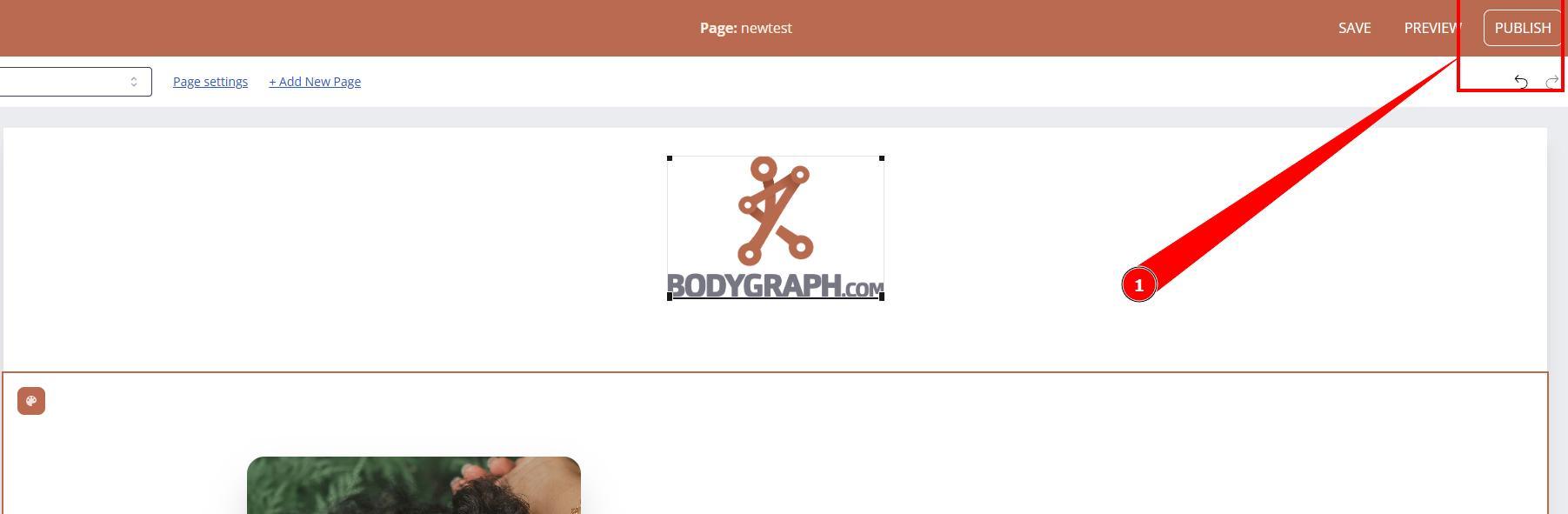
5. Do not forget to save and Publish website changes.
Still have questions, is above guide outdated? Please message us on Live Chat or send an email to support@bodygraph.com.

All the Tools You Need to Build, Grow, and Scale Your Human Design and Astrology Business

