


Can I grant admin access to assistants?
Last Updated: Jan 20, 2026
Account Access and Security
Bodygraph does not currently offer an admin or multi-user access system. If you need to grant account access to an assistant or third party to help manage your setup, there are two available options.
Available Access Methods
1. Sharing login credentials
You may choose to share your login details directly. Please note that this is done entirely at your own risk. Bodygraph is not liable for any data breaches, loss of content or violations that may occur as a result of shared credentials.
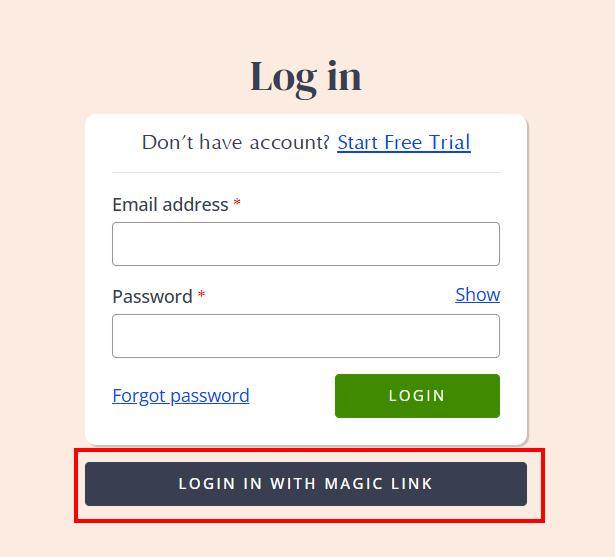
2. Single-use magic link
Alternatively, you can generate a single-use magic link that remains valid for 30 minutes. This link can be shared with your assistant each time access is required to complete specific tasks.
Best Practice Recommendations
Bodygraph strongly advises keeping your login credentials secure at all times. When granting access to your account, we recommend establishing clear written agreements that outline:
• Data protection responsibilities
• Copyright ownership
• Scope of access and permitted actions
• Confidentiality terms
These precautions help protect your work, your data and your business while allowing others to assist you safely.
Still have questions, is above guide outdated? Please message us on Live Chat or send an email to support@bodygraph.com.

All the Tools You Need to Build, Grow, and Scale Your Human Design and Astrology Business

