


Adding new page
Last Updated: Mar 18, 2026
To add new (custom page) to Website Builder, follow the steps below:
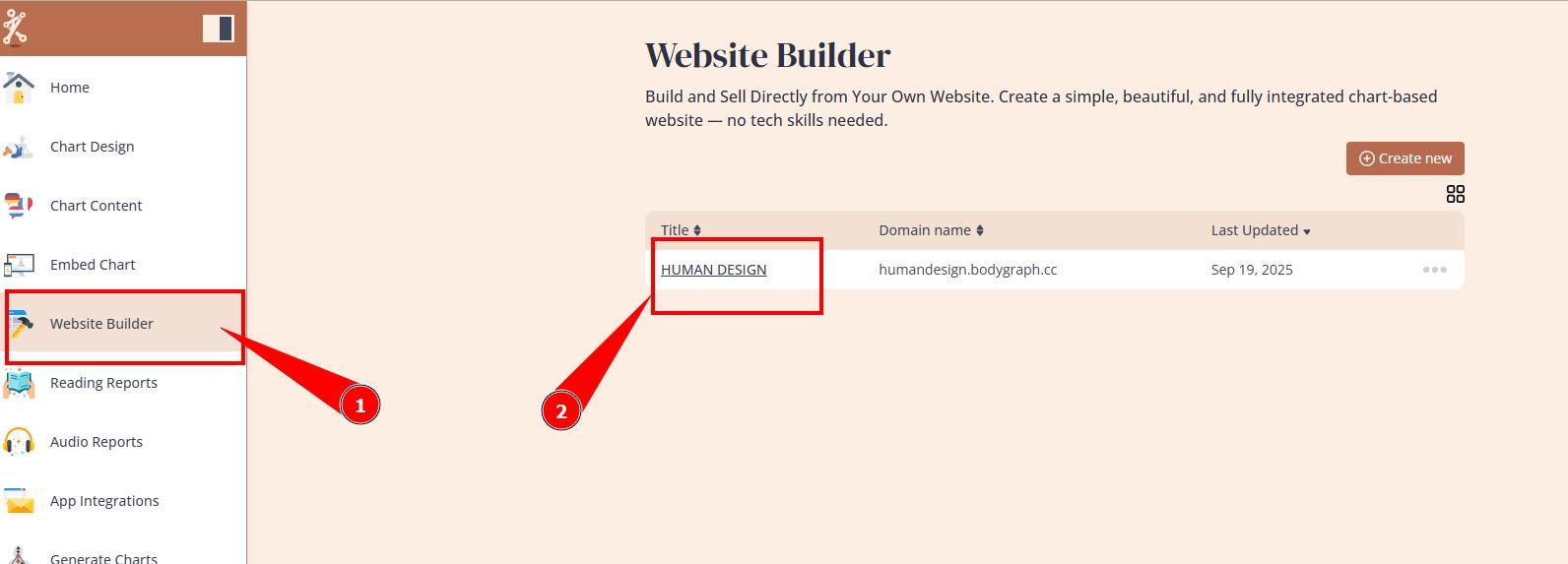
1. Navigate to Website Builder and open dashboard.
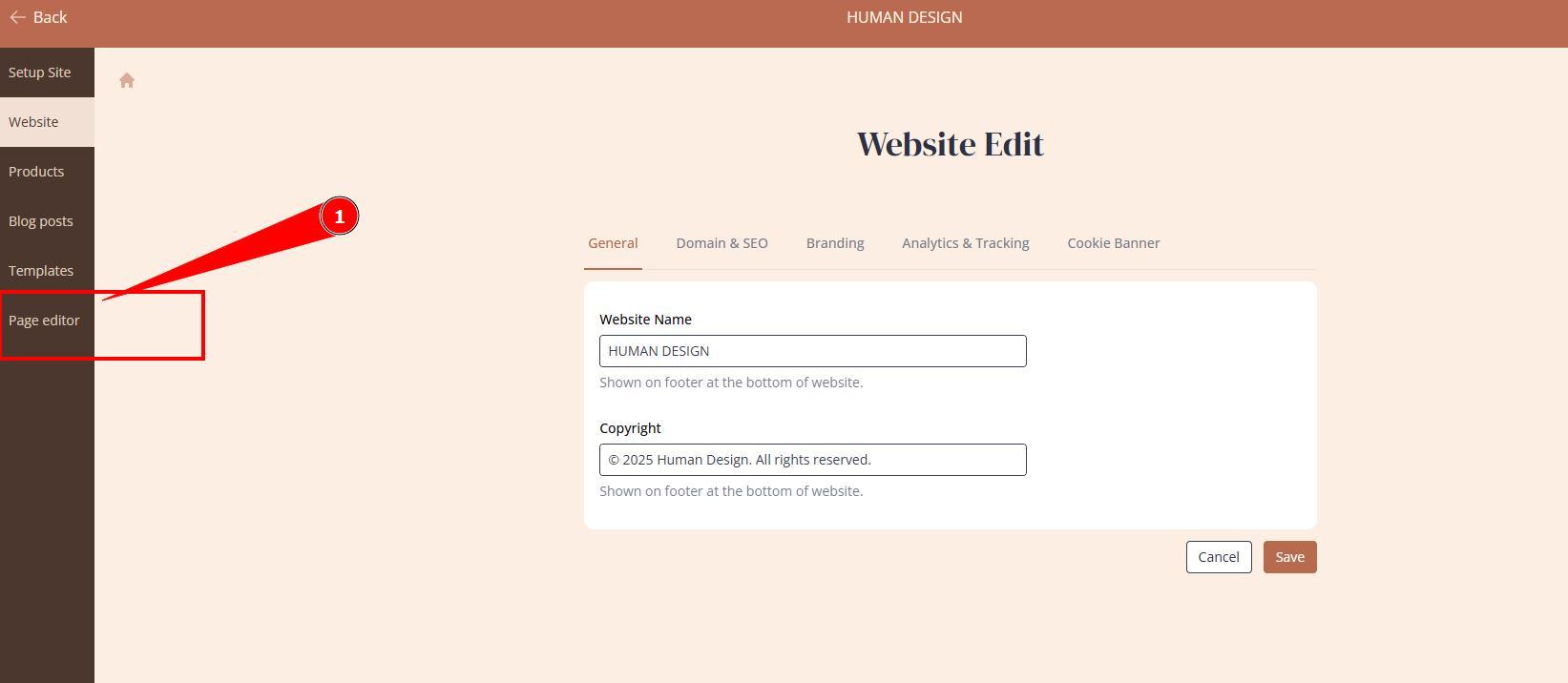
2. Go to page editor.
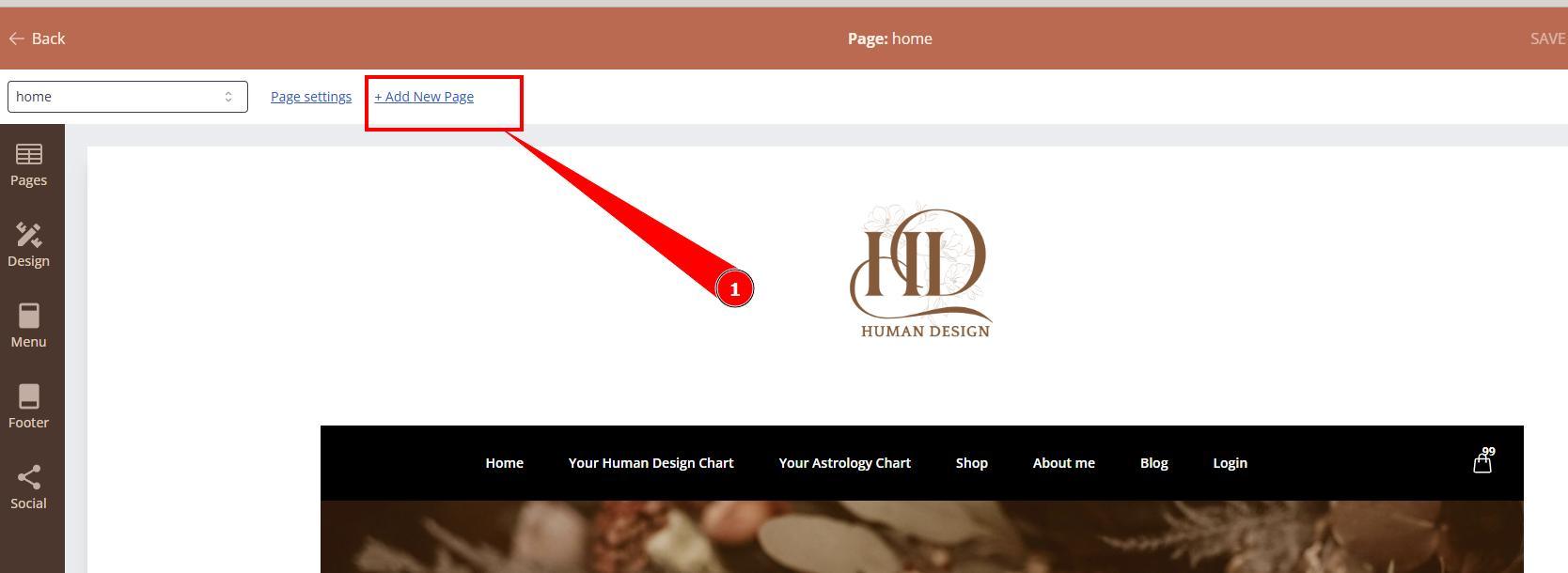
3. Click Add New Page at the top.
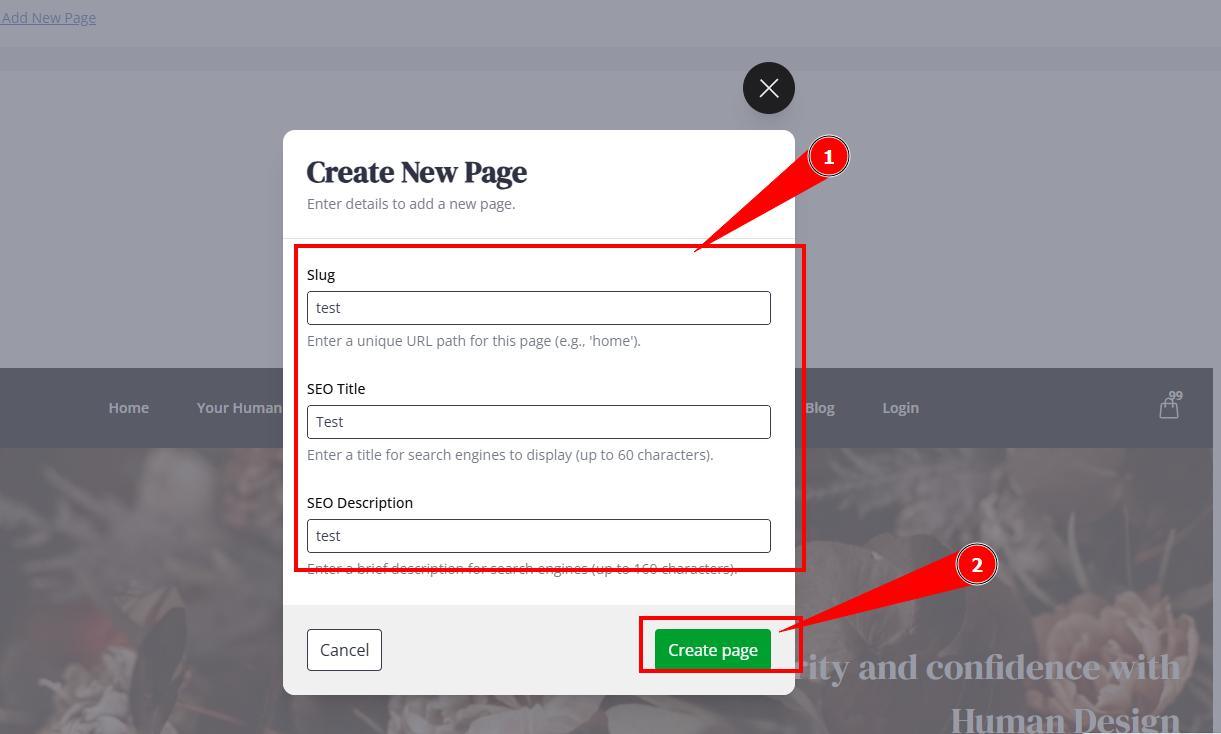
4. Fill in required fields and click Create Page.
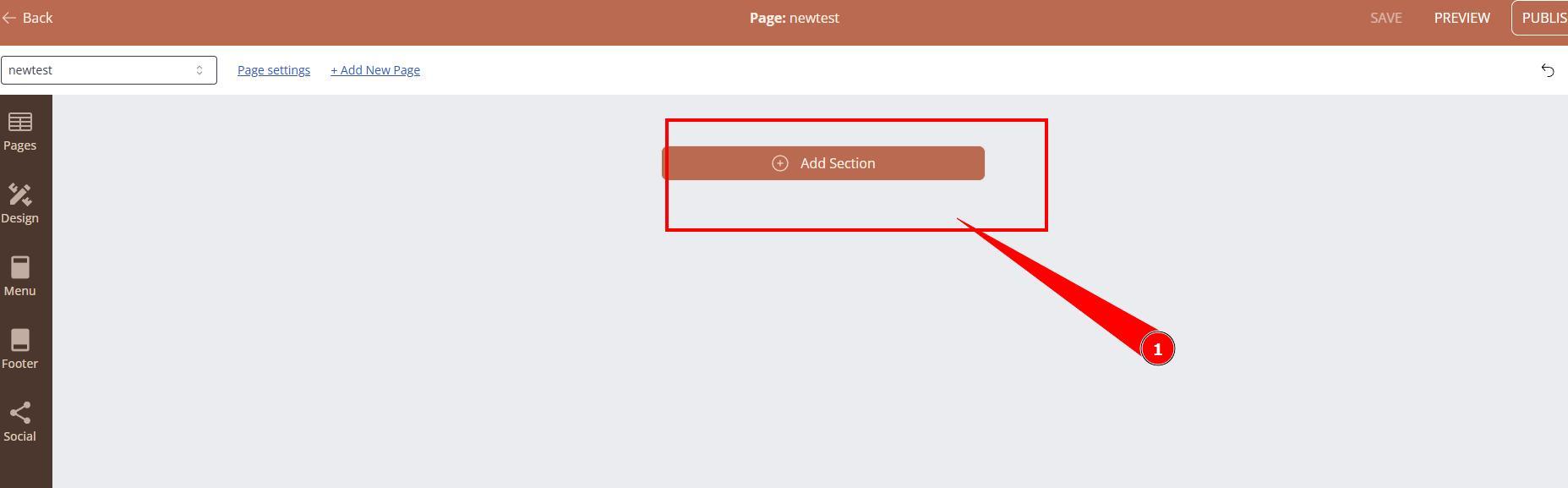
5. Click Add Section and start building/designing your page.
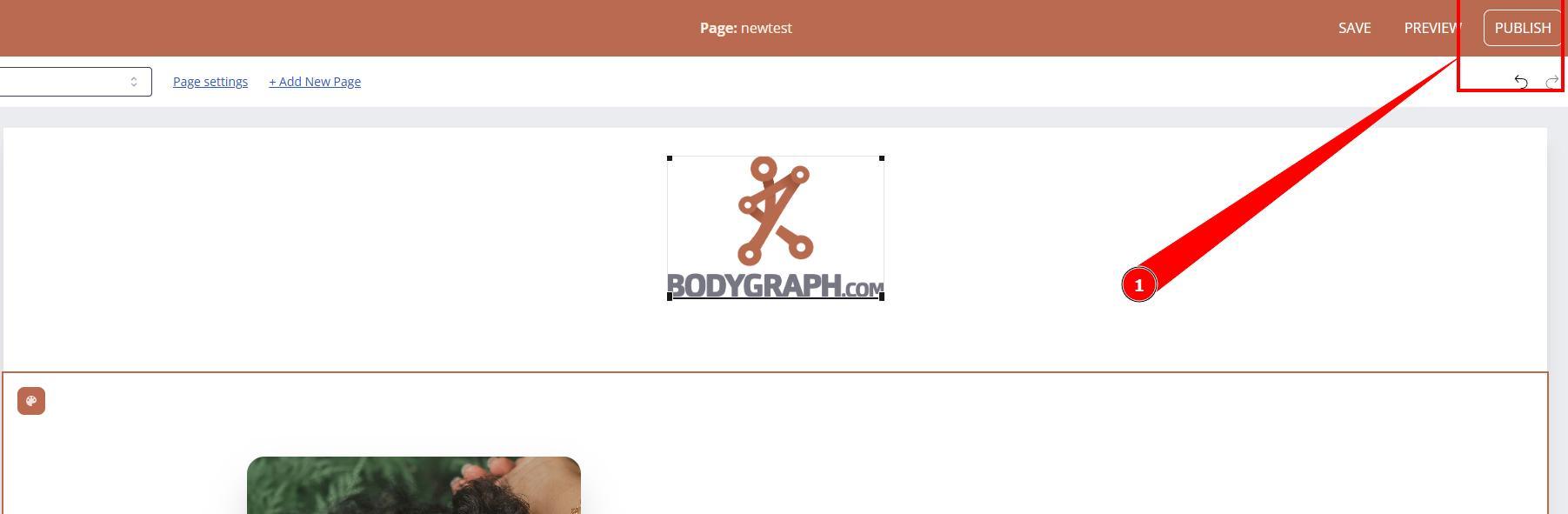
6. Once done do not forget to Publish your page.
IMPORTANT: page will not be automatically added to the the Menu. To add page to menu follow THIS guide.
Still have questions, is above guide outdated? Please message us on Live Chat or send an email to support@bodygraph.com.

All the Tools You Need to Build, Grow, and Scale Your Human Design and Astrology Business

