
To change the file name used when PDFs are generated or downloaded, follow the steps below:
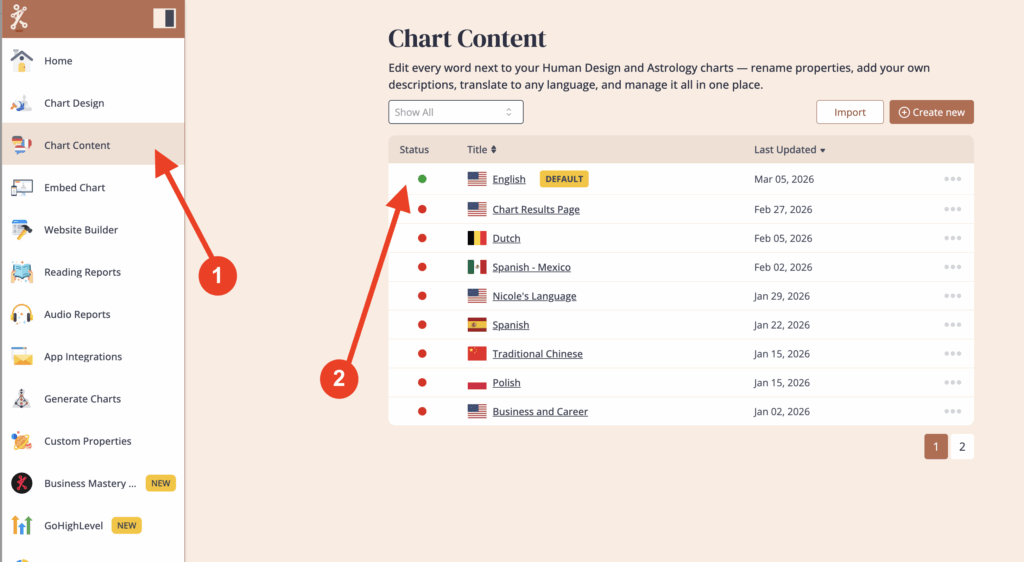
Click on ‘Chart Content‘, then click on the language assigned to your embed code to open it.
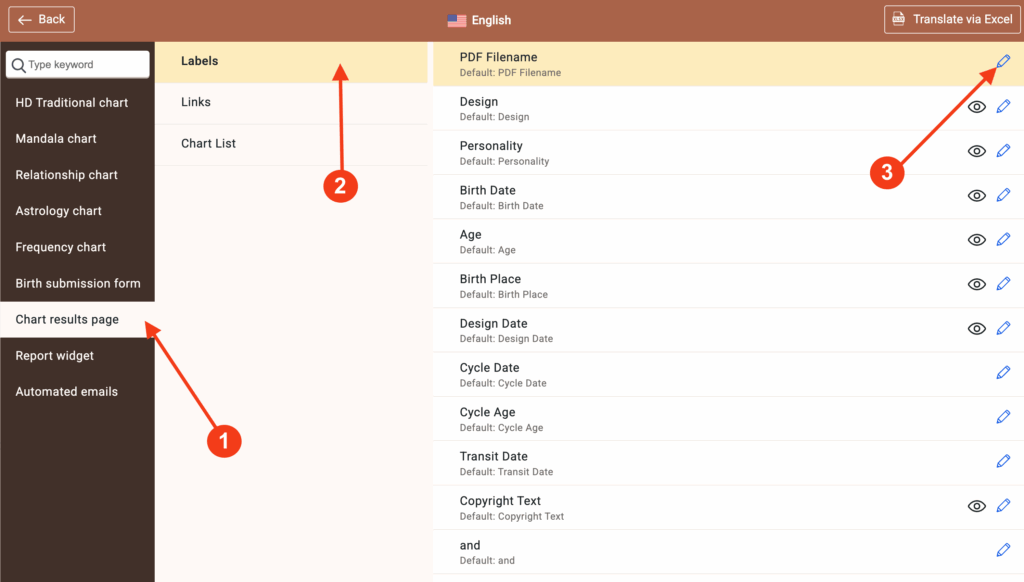
Click ‘Chart results page’, then ‘Labels’, and click the pencil icon next to ‘PDF Filename’.
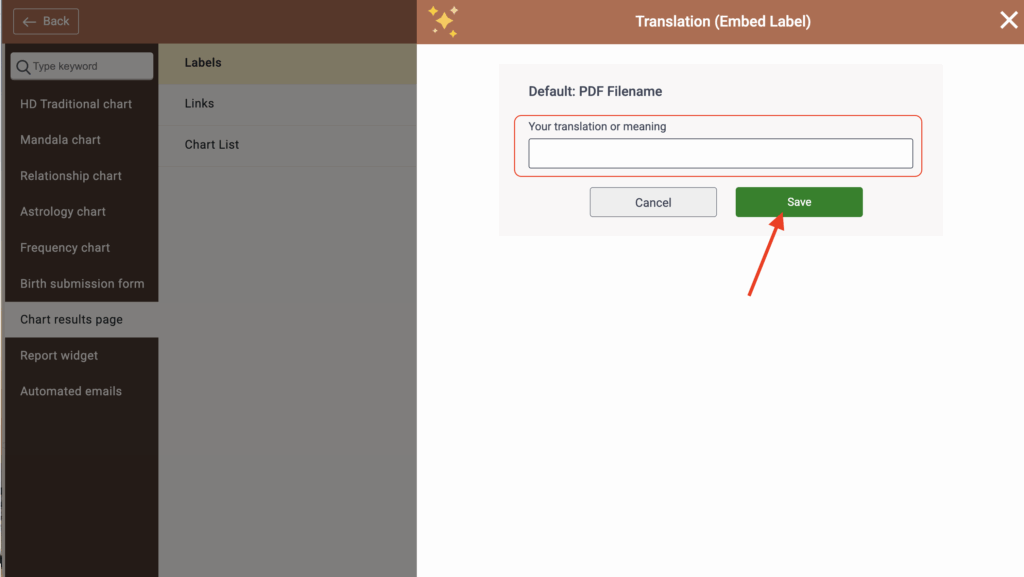
Make your edits, then click ‘Save.’
Note
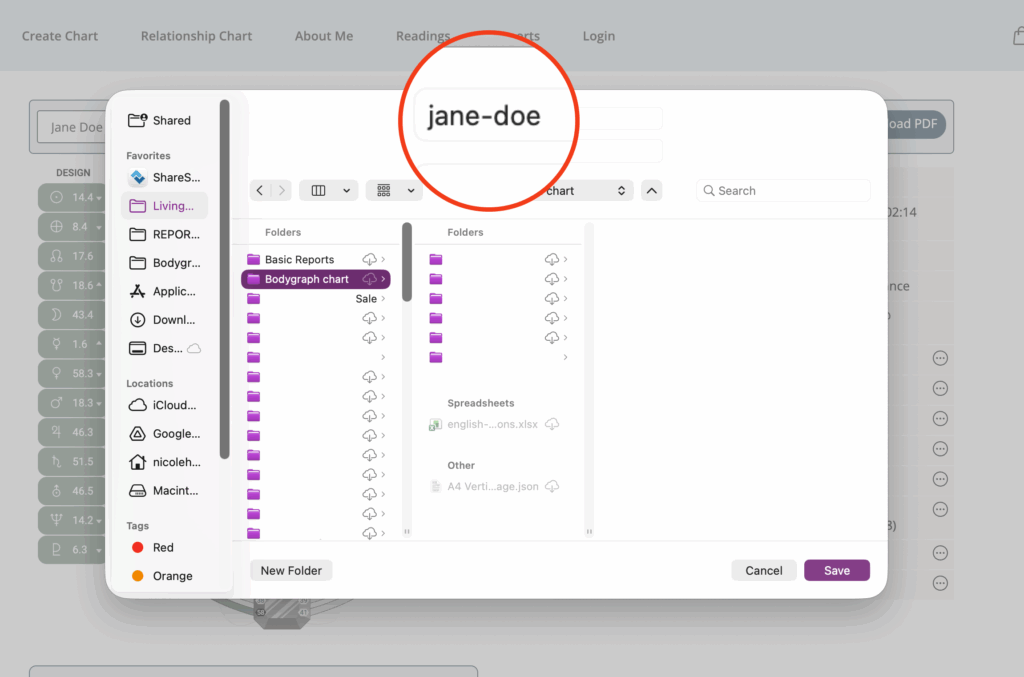
If you leave the PDF File Name field empty and save, the generated PDF will use the customer’s name as the file name.
Note:
If you enter a specific title, that title will be used for all generated PDFs, including multi-page reports, and the customer’s name will not be included.
Related Video:
Still have questions, is above guide outdated? Please message us on Live Chat or send an email to support@bodygraph.com.