
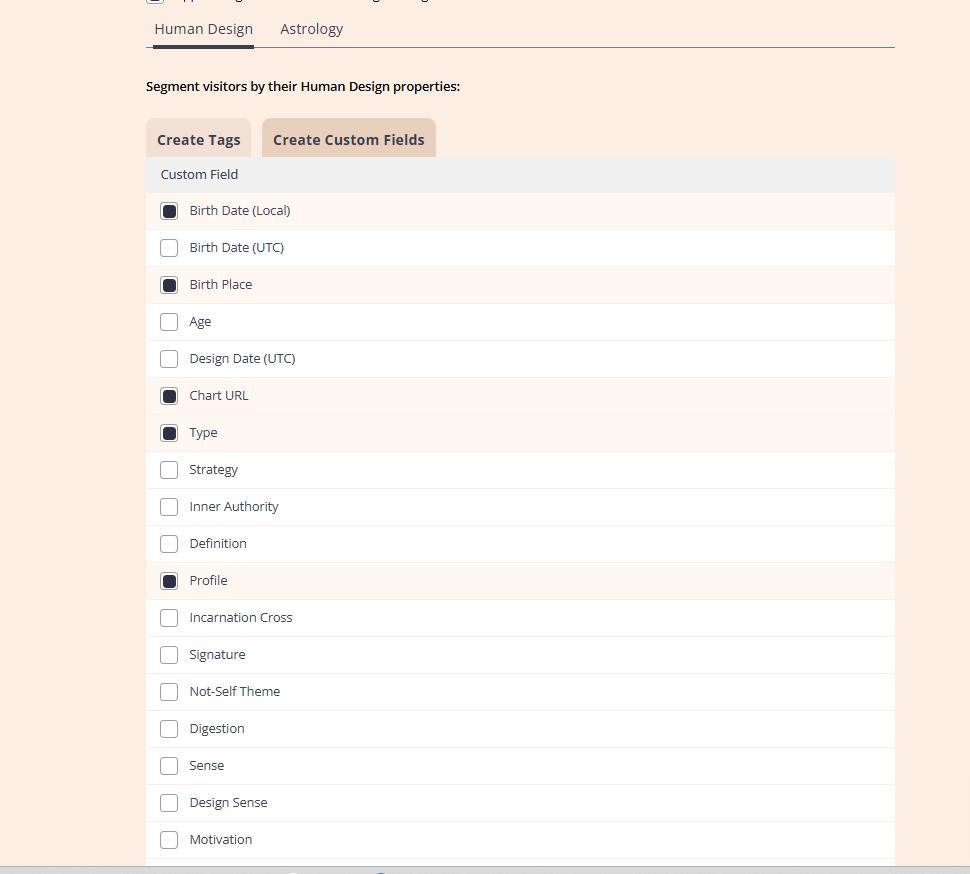
As you set up your newsletter connection, you’ll get to choose tags and the custom fields (data) you want to send to your newsletter provider such as customer’s birth details, link to chart, type, astrology placements and much more.
For Human Design Integrations, your will be able to select related tags (if app supports tagging) and Custom fields:
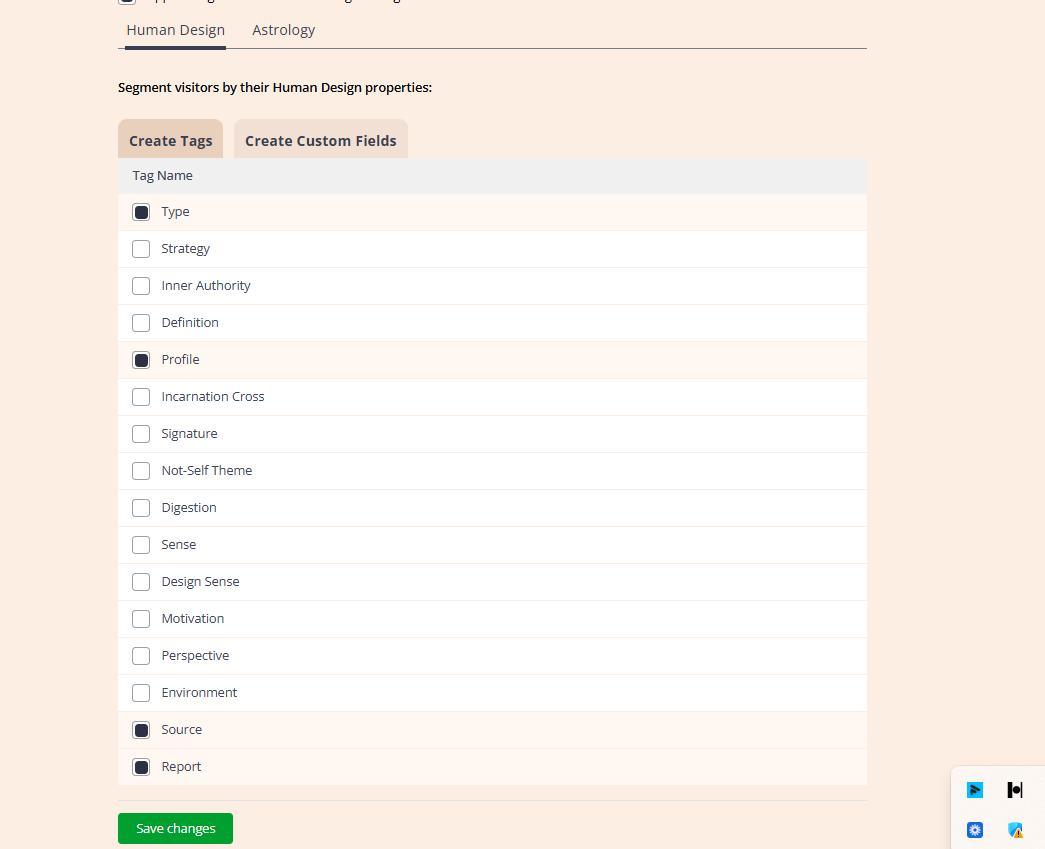
For Astrology integrations you can also collect house and zodiac sign placements as tags (if app supports tagging) and Custom fields:
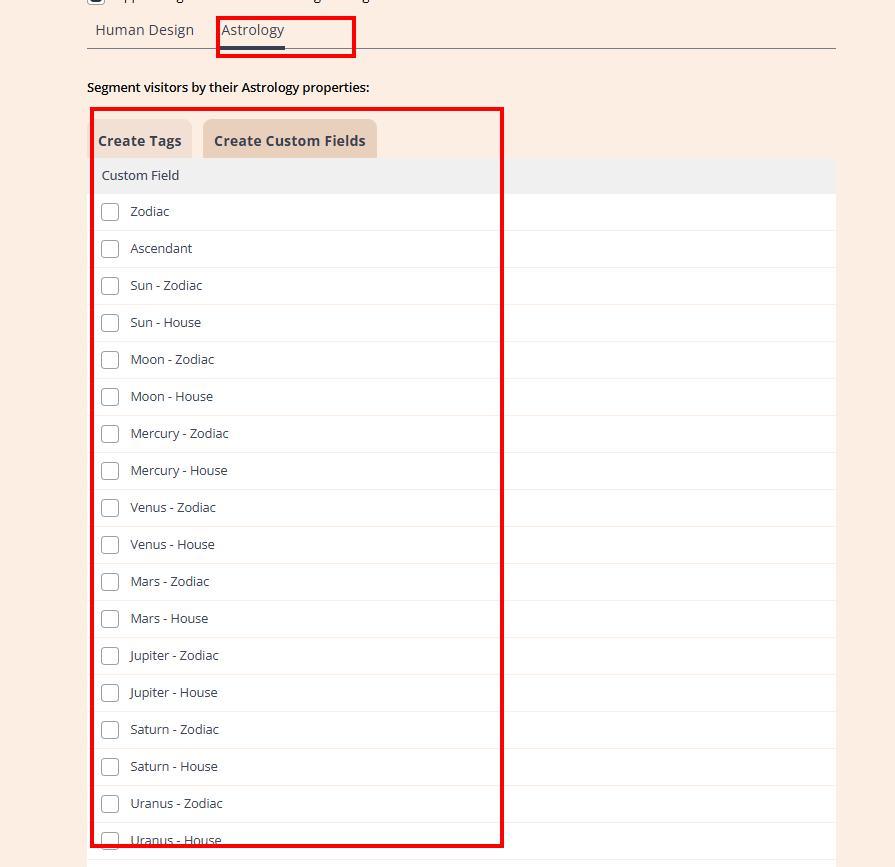
Please note: to avoid duplication, general information custom fields such as Date and Place of birth, age, link to the chert, etc. still need to be selected at Human Design Tab even if you use Astrology embed code only.
Subsequently, you can utilize the tools provided by your newsletter platform to filter, group, and establish automations with this information.
Important thing to note that ability to send tags can vary among different apps. Also, the data collection is triggered by submission of the chart form and only few app integrations that do support report download/purchase tagging.
Still have questions? Is above guide outdated? Please message us on Live Chat or send an email to support@bodygraph.com.