
Bodygraph audio reports can be delivered in two formats:
- MP3 – sends the full report as one combined audio track containing all chapters.
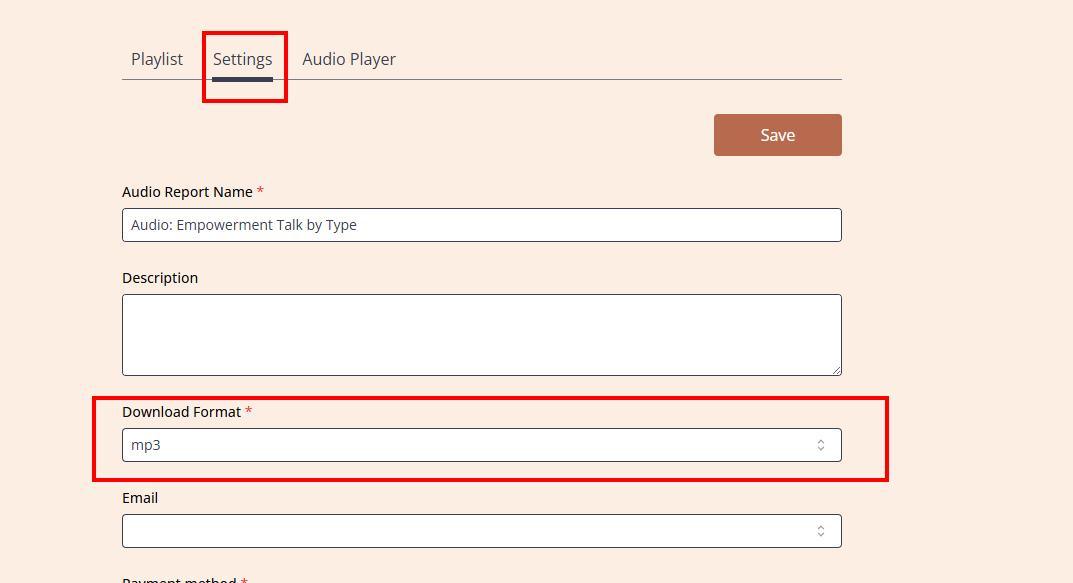
- ZIP – sends a ZIP file with each chapter delivered as a separate audio track.
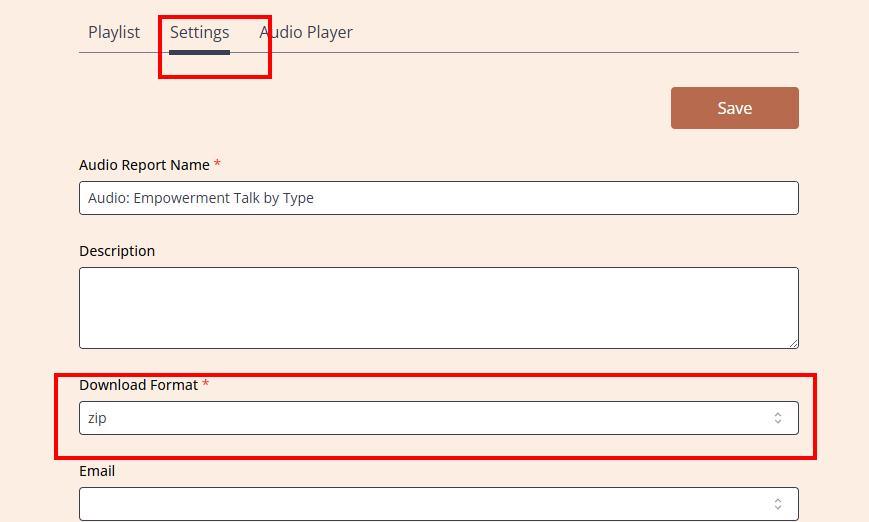
To select your preferred audio report download format, follow these steps:
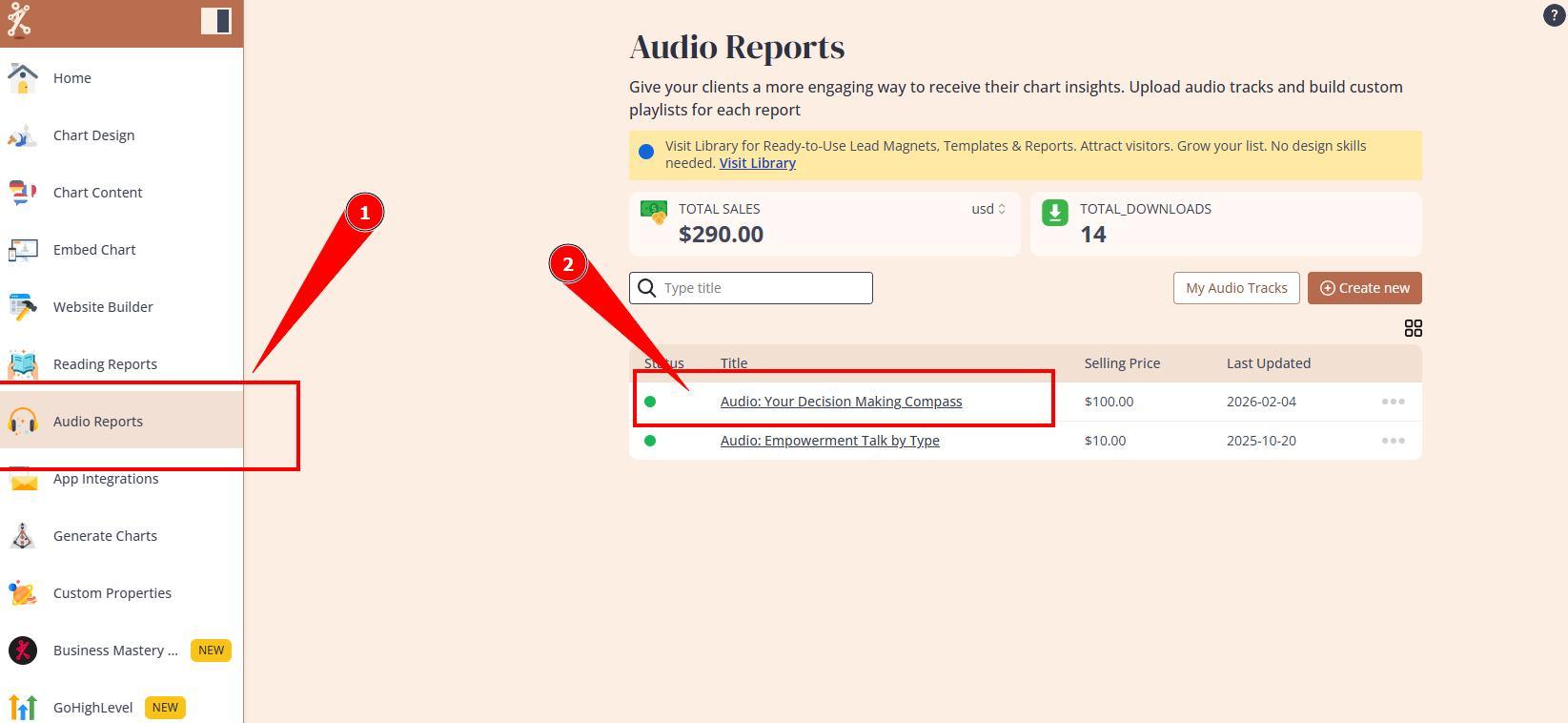
Navigate to the Audio Reports section and open the report you want to update.
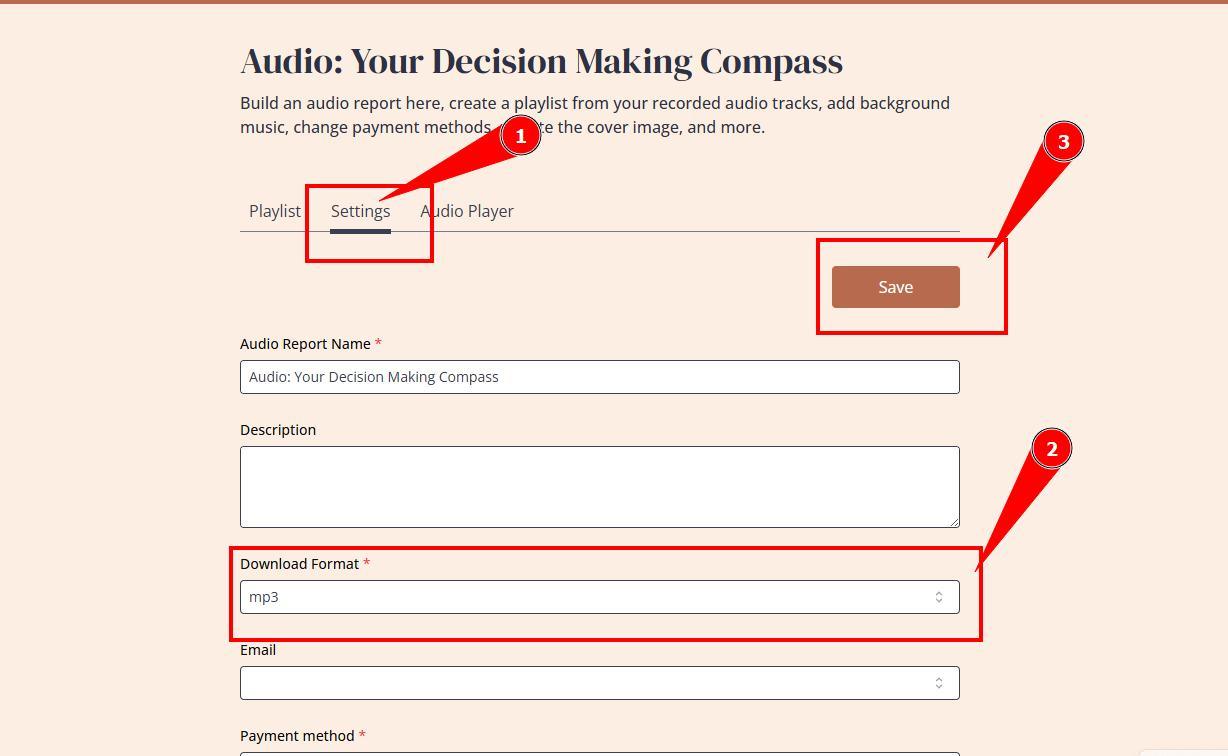
Open the Settings tab. Select your preferred download format and click Save.
Watch related video:
Still have questions, is above guide outdated? Please message us on Live Chat or send an email to support@bodygraph.com.