
Editing report delivery email depends on where they are being sold:
– If reports are sold via embed code widgets.
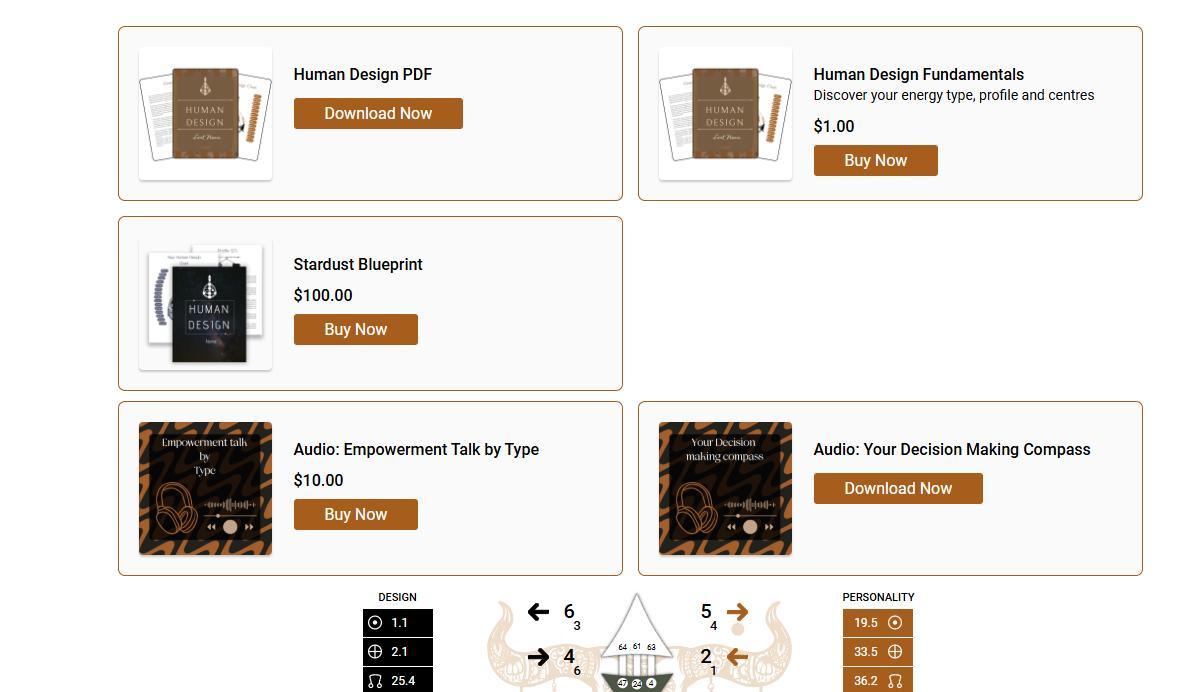
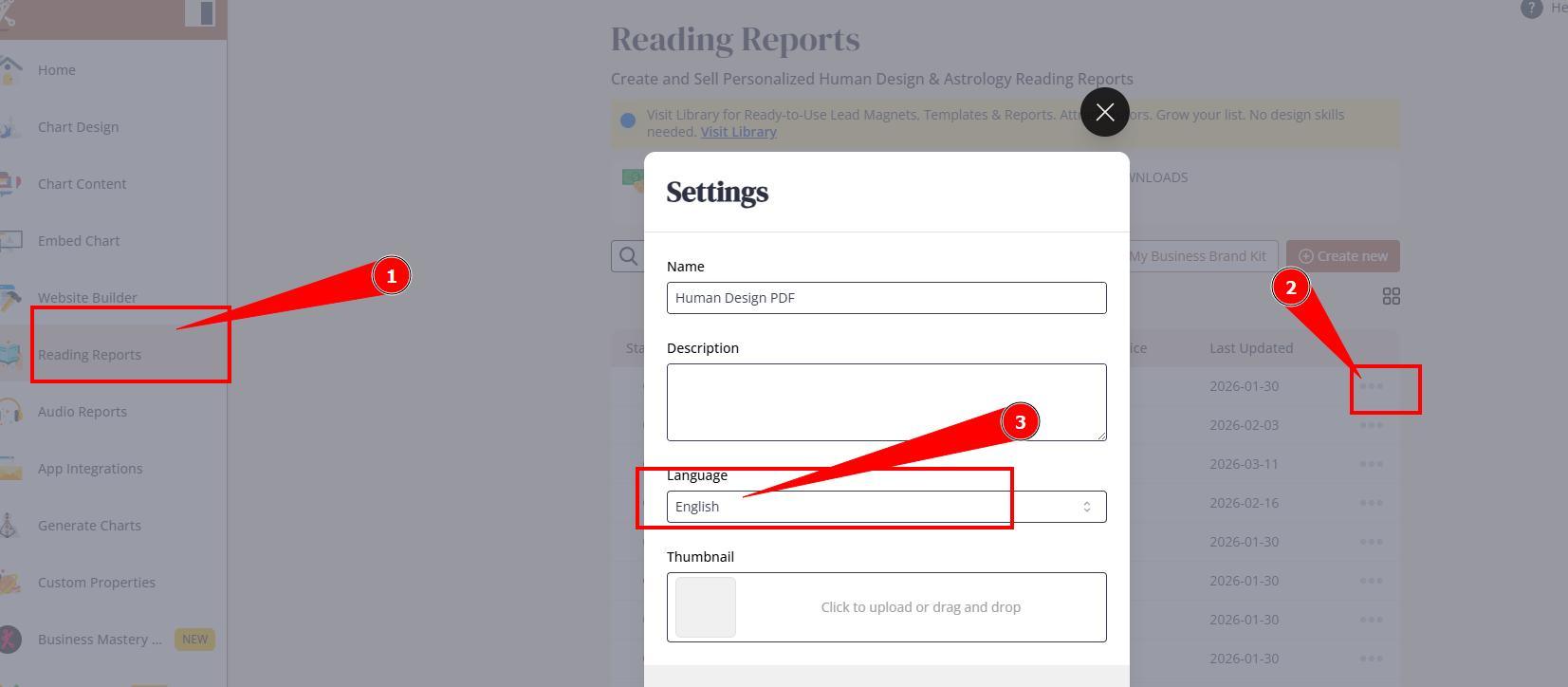
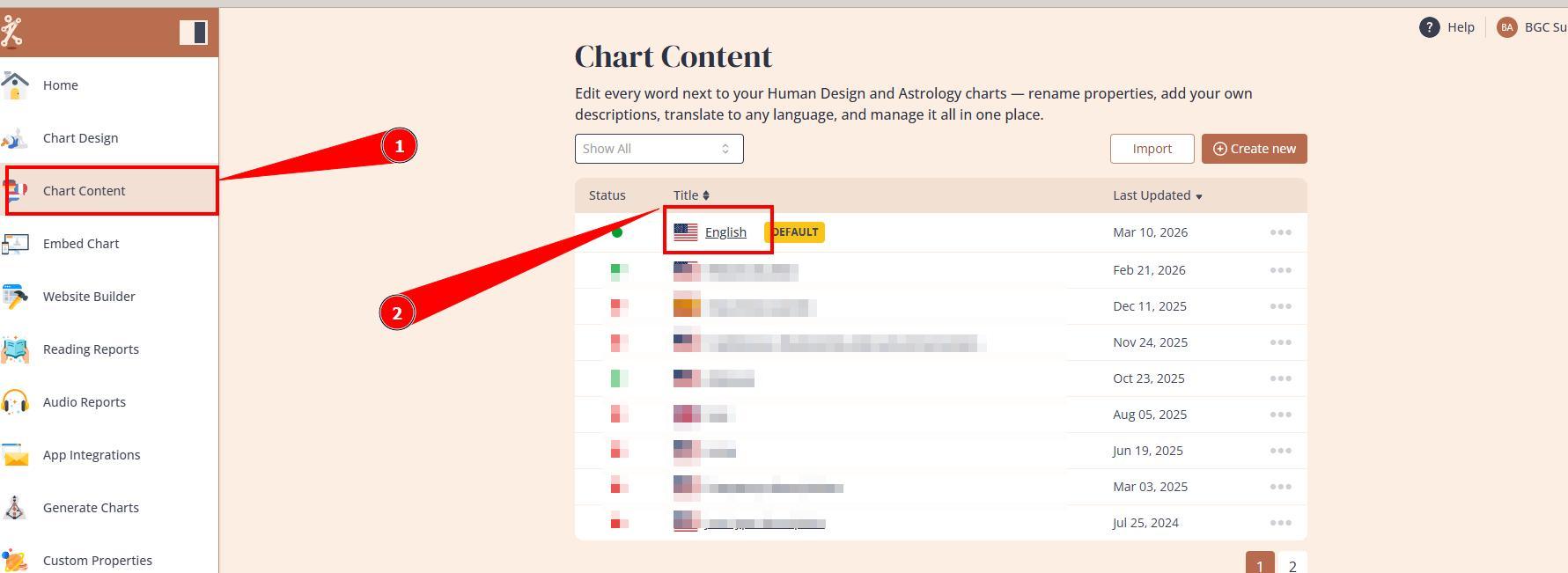
Then report email content must be customized at Chart content tool, at the language that is assigned to the report.
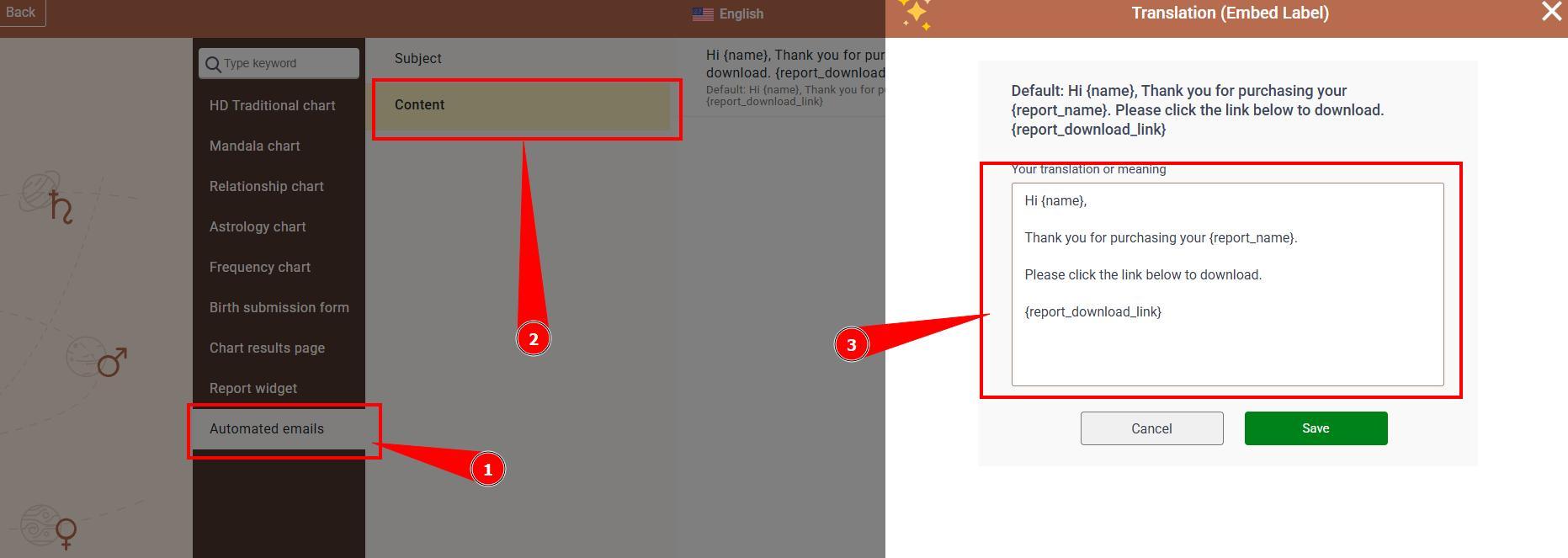
Important: do not remove, edit, translate shortcode {report_download_link} as it is important for including links to the purchased reports. Also, you might want to include information that link has an expiration window of 7 days.
– If reports are sold via Website Builder shop.
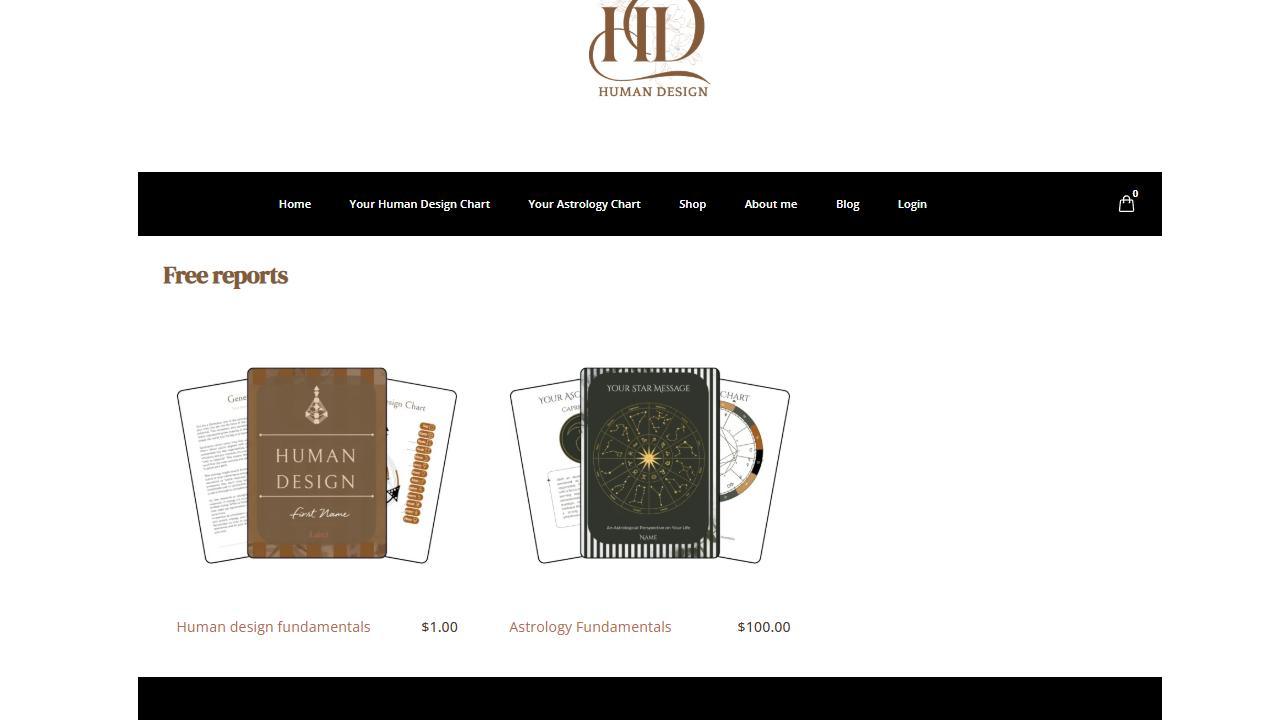
Then report email content must be customized at Website Builder Cart page settings.
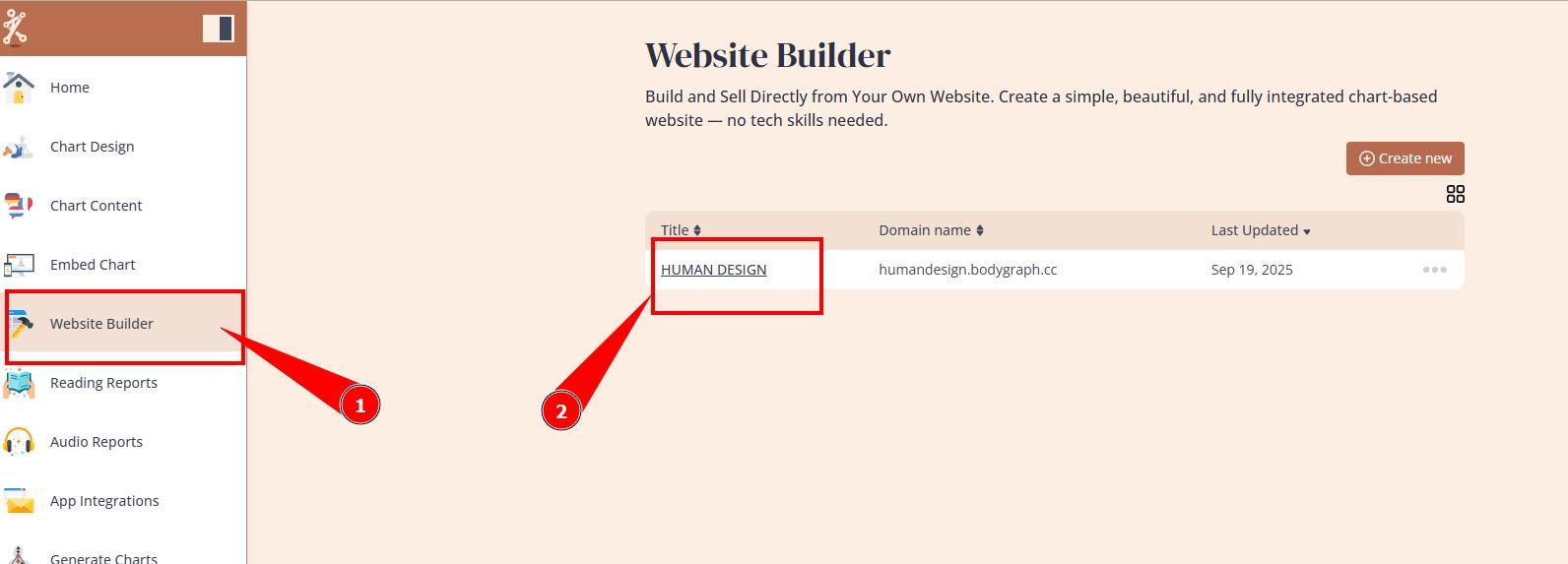
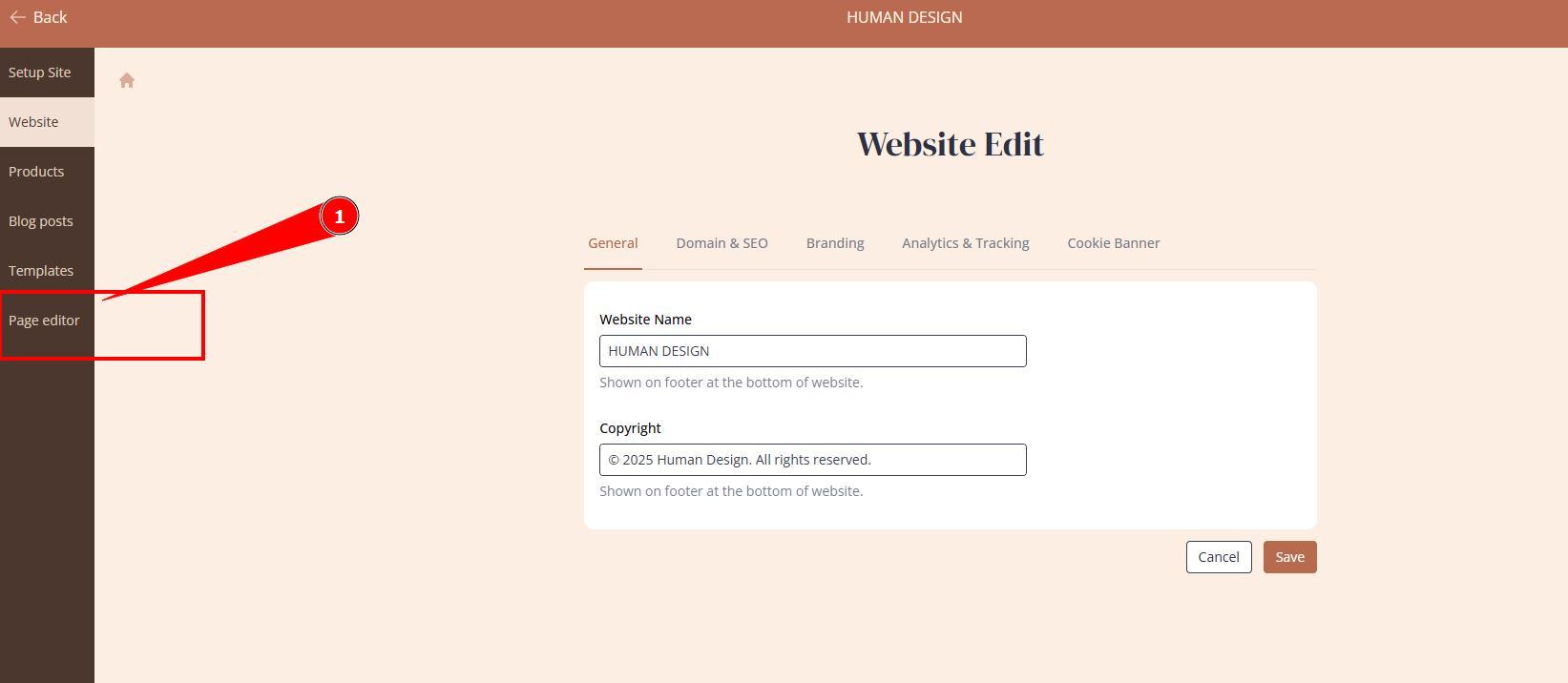
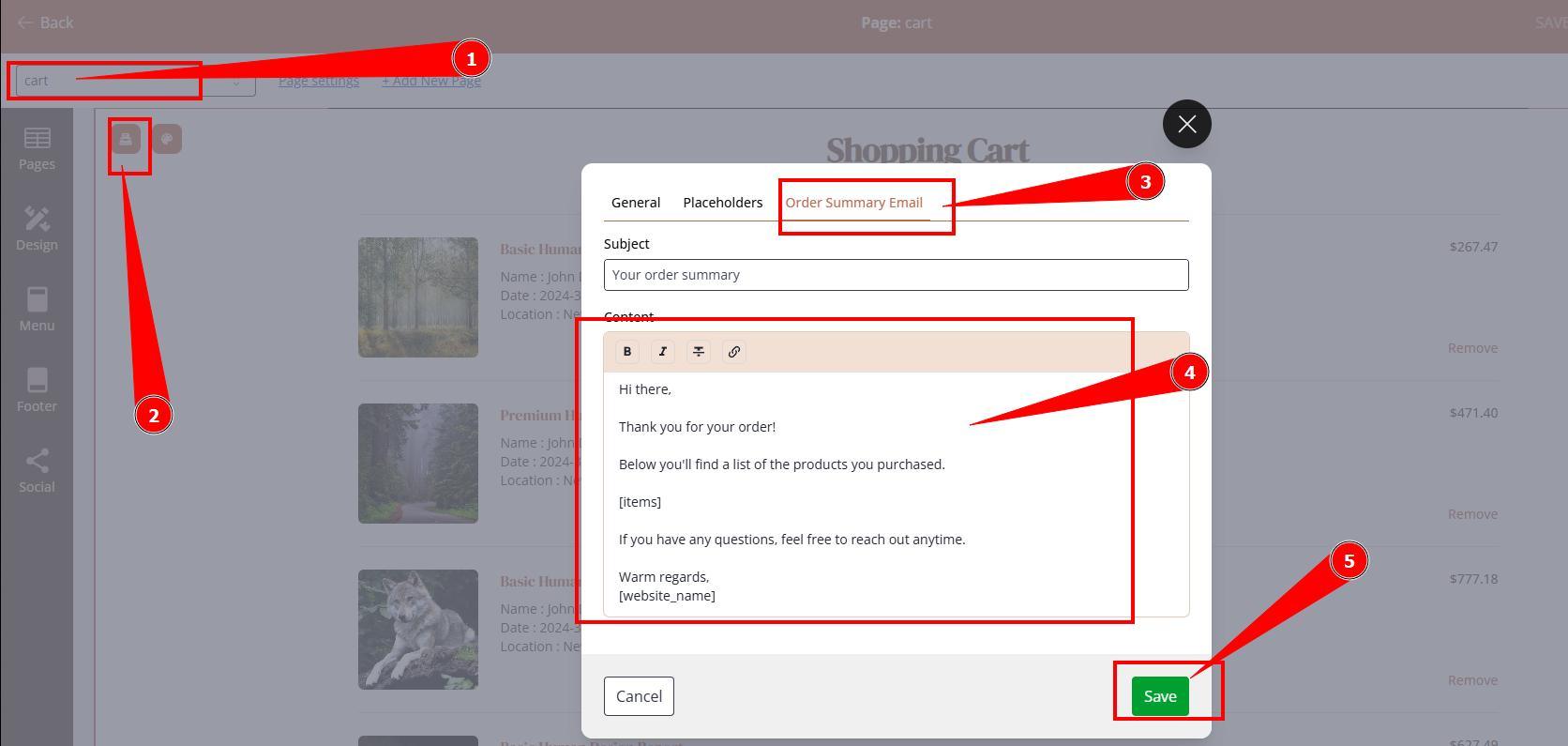
Important: do not remove, edit, translate shortcode [items] as it is important for including links to the purchased reports. Also, you might want to include information that link has an expiration window of 7 days.
If you offer reports both ways, that means both email templates must be updated.
Frequently asked questions:
– Can I upload images to the email templates?
No. Email templates do not support image uploads.
– Can I send report as PDF attachment instead of link?
No. All generated reports are stored at Bodygraph servers for 7 days and system issues the link to send for client.
– Can I extend the link retention period?
There is no option to extend default retention period. However, if client missed an opportunity to download report within 7 days you can:
a) trigger email re-delivery at Statistics
b) download report PDF from Statistics and send it, as attachment to email, manually.
Still have questions, is above guide outdated? Please message us on Live Chat or send an email to support@bodygraph.com.