
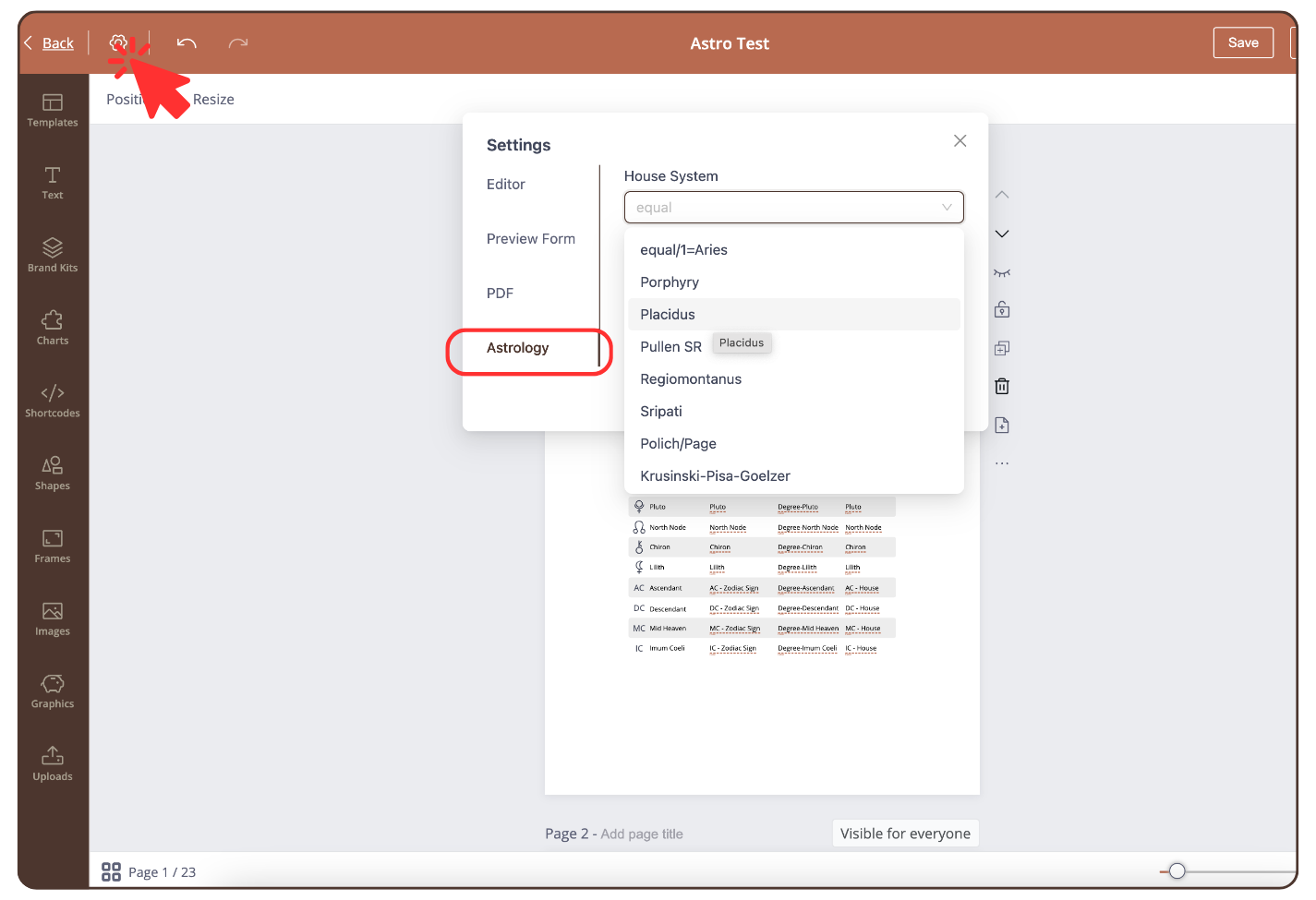
To change the house system in the astrology chart in ‘Reading Report’ proceed as follows:
From the ‘Reading Reports‘ tool, open the Astrology reading report that you are working on
- Click on the settings icon at the top left
- Click: ‘Astrology’ and select a house system
Still have questions, is above guide outdated? Please message us on Live Chat or send an email to support@bodygraph.com.
Similar questions:
How to change the house system in the tool ‘Reading Reports’?