
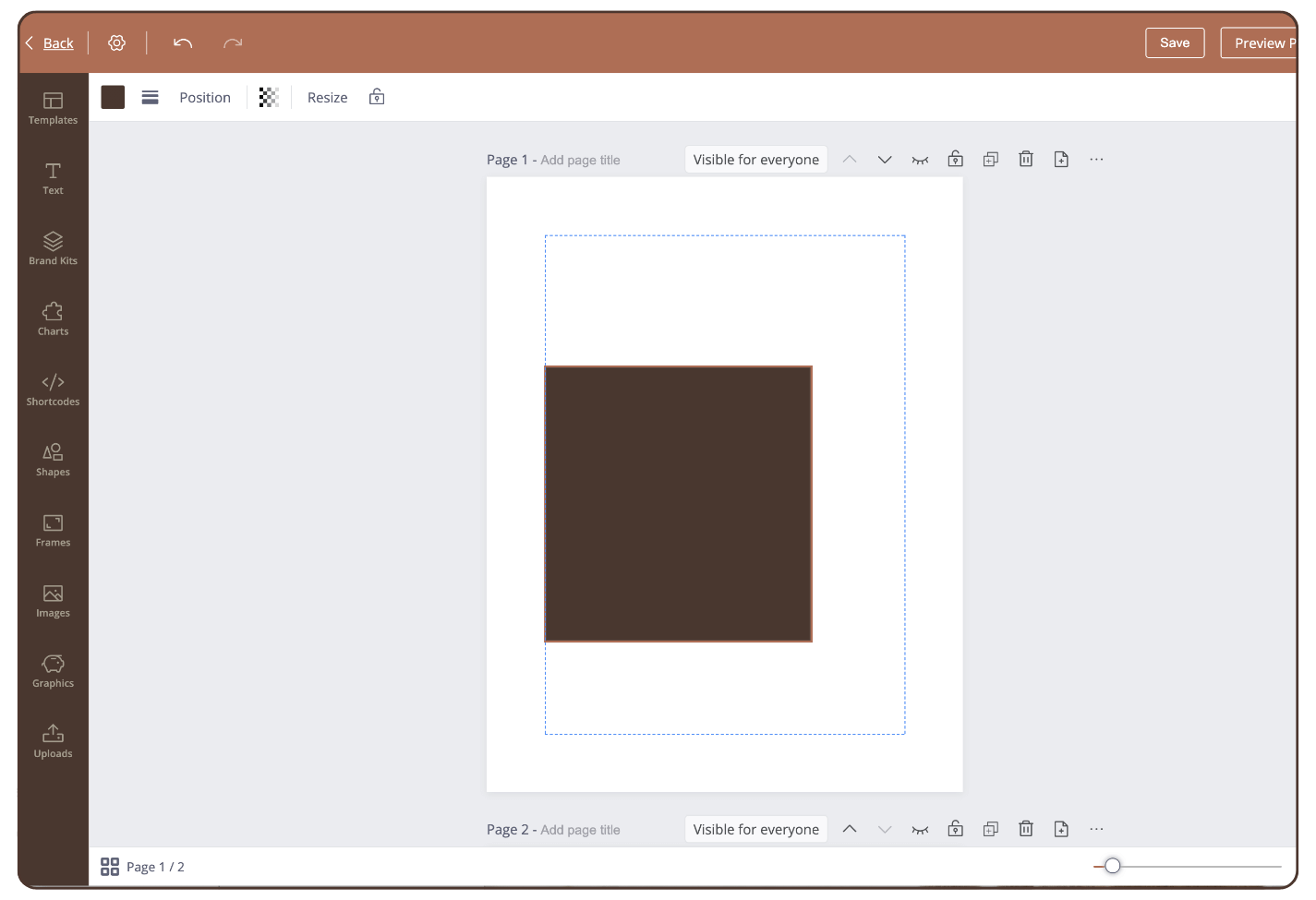
To add margins, proceed as follows:
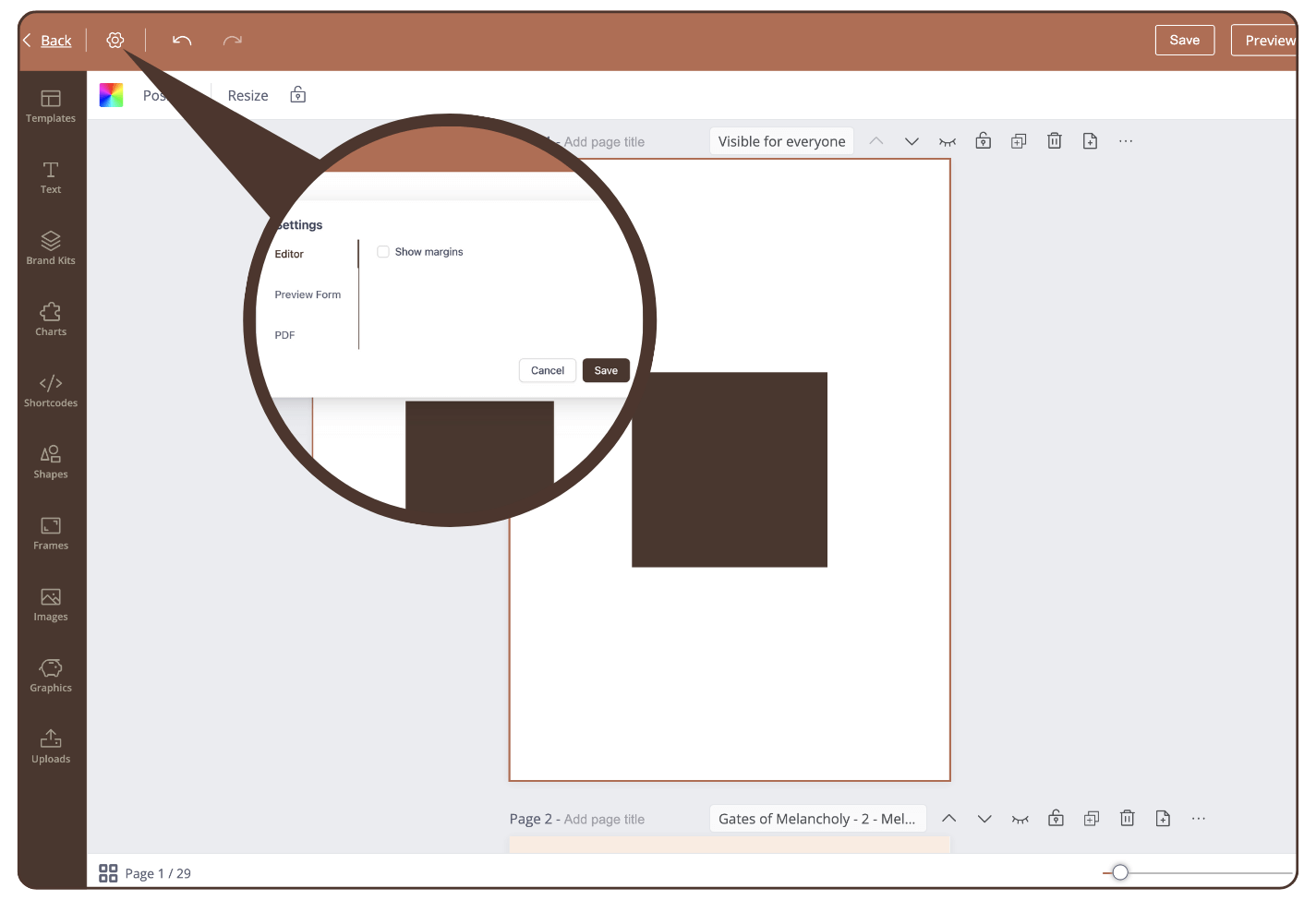
Step 1: Click on the Settings icon
The settings will open.
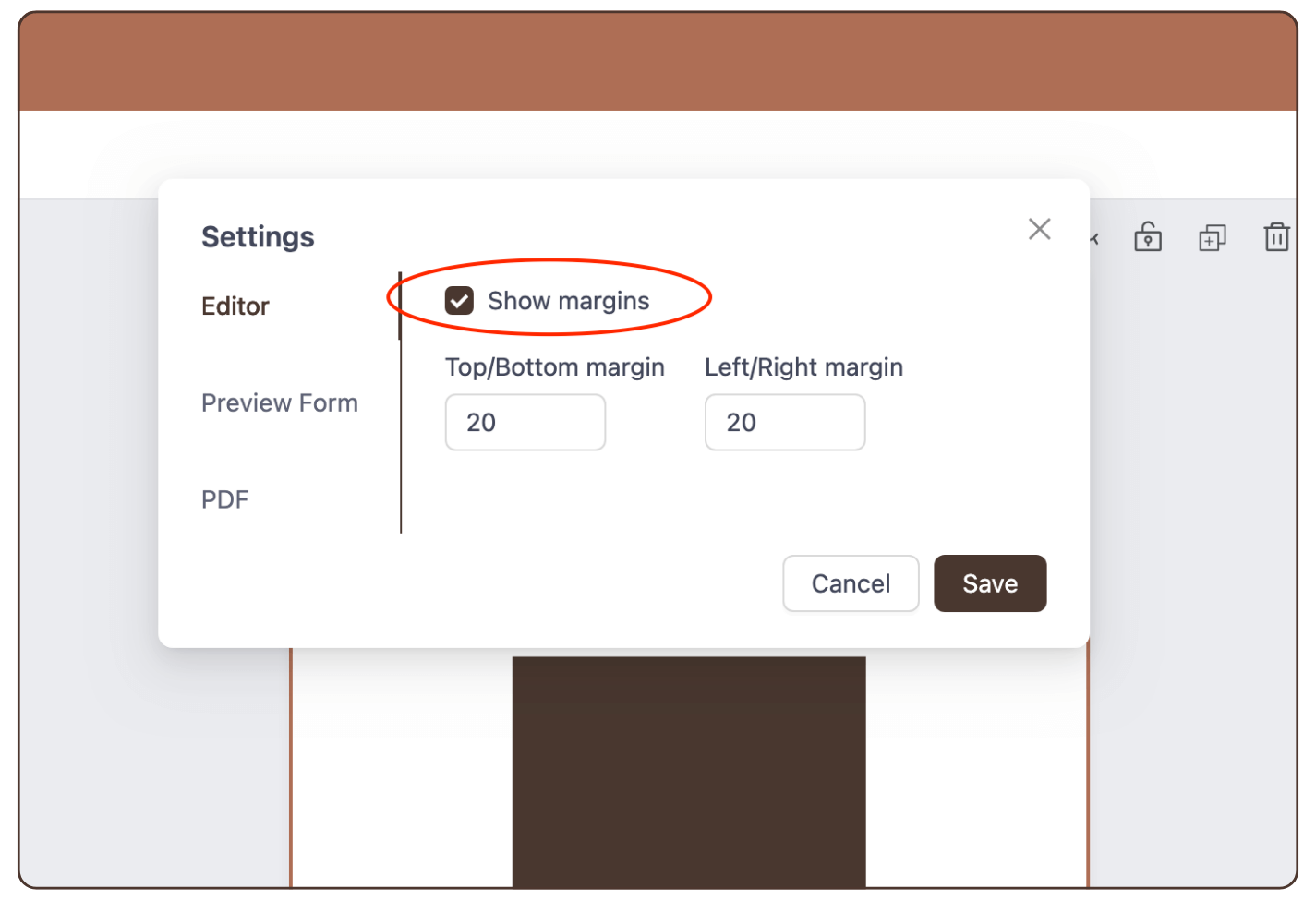
Step 2: Click ‘Show margins’
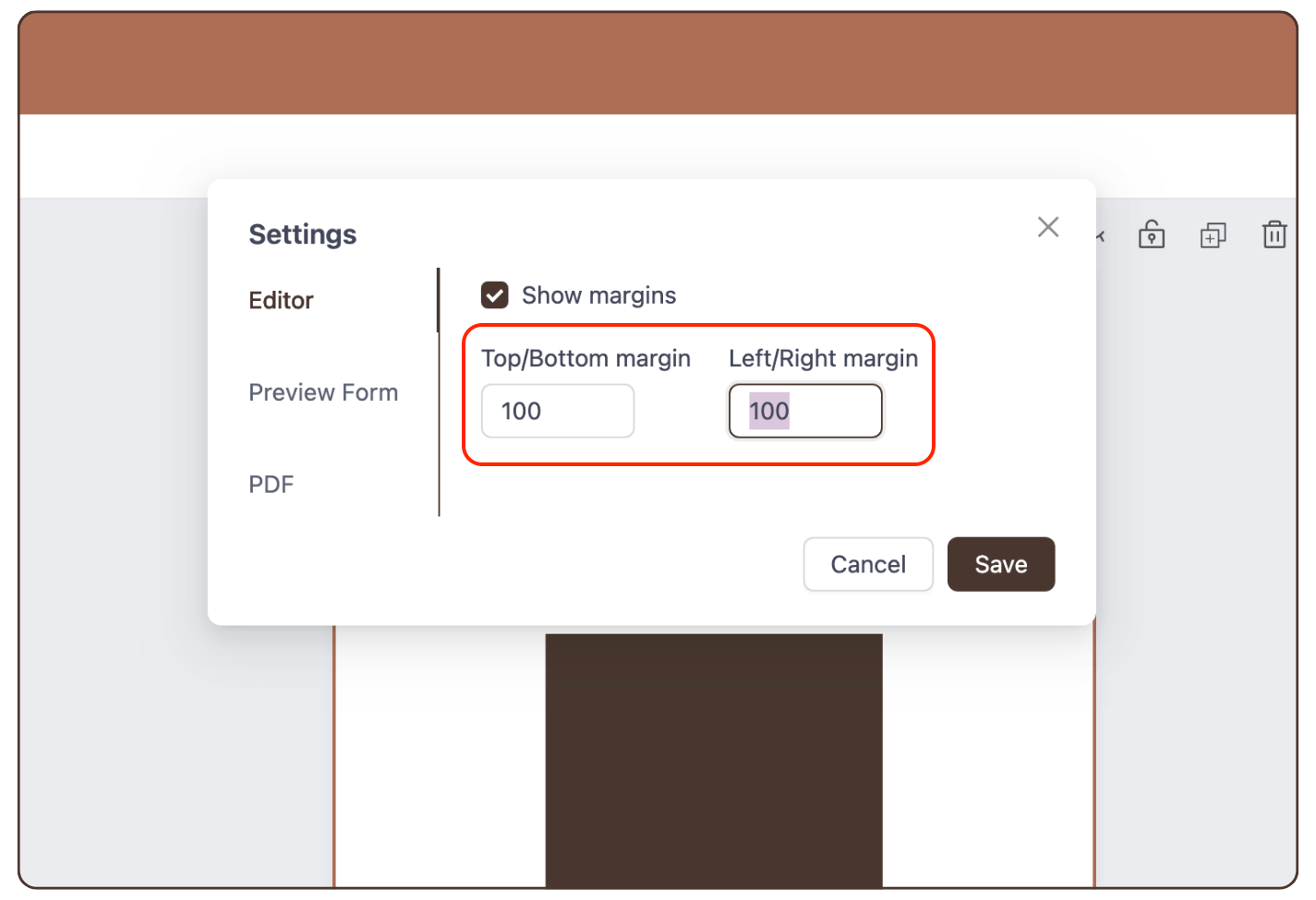
Step 3: Select the distance of the margins.
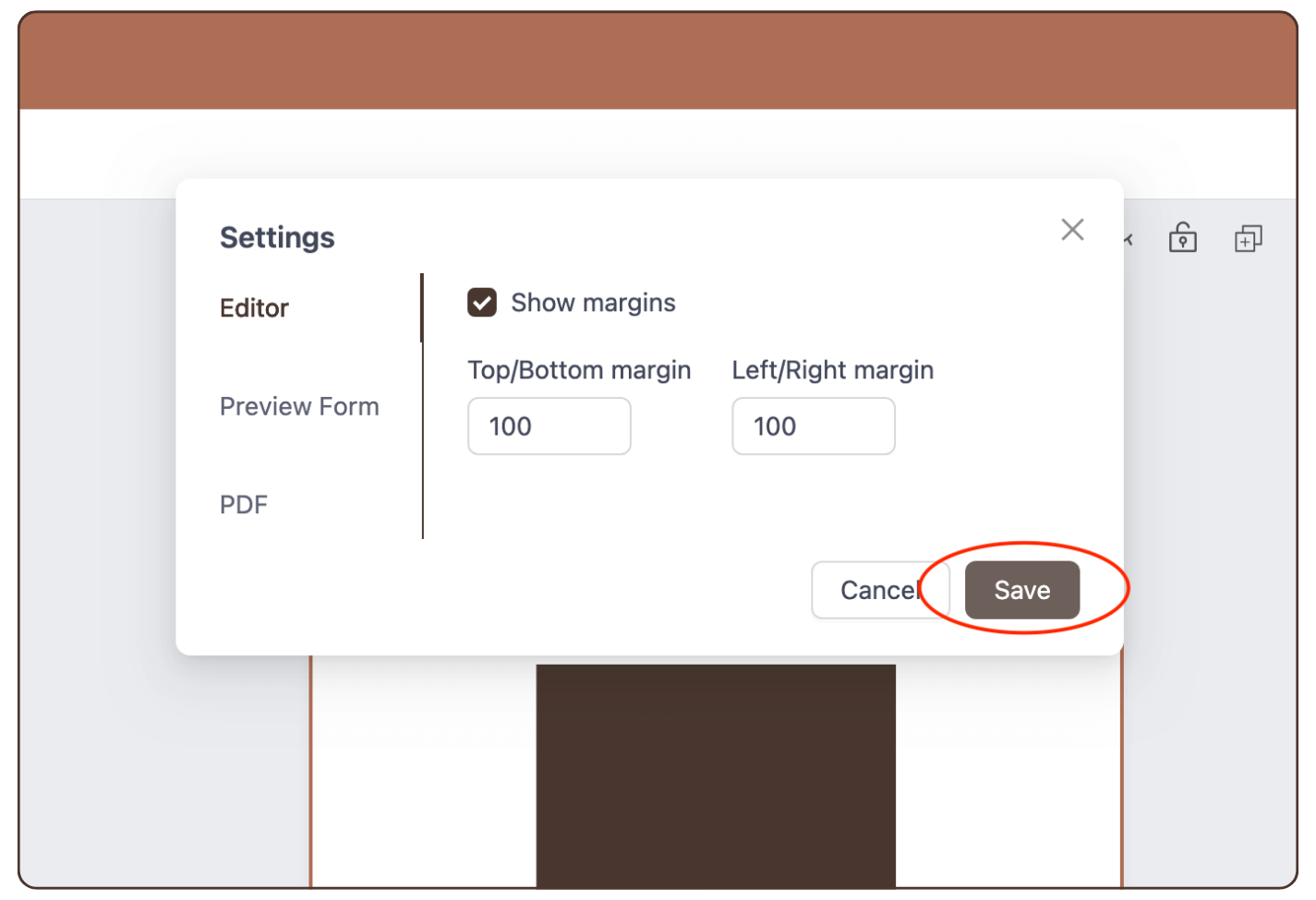
Step 4: Click ‘Save’.
Result: The margins appear when an element goes over them. The elements snap at the side margins.
Still have questions, is above uide outdated? Please message us on Live Chat or send an email to support@bodygraph.com.