
Build Custom Charts
Manually activate centers, gates, channels, and chart elements through an interactive chart interface.
Purpose: Create educational examples and visual demonstrations.

Create custom Human Design charts for presentations, workshops, social media, courses, reports, client education, and professional training. Highlight specific centers, gates, channels, and chart elements with a simple point-and-click interface designed for practitioners, coaches, and educators.
Trusted by Human Design practitioners, teachers, coaches, educators, and content creators worldwide.

The Human Design Chart Builder is an interactive visual tool that allows practitioners to create custom Human Design chart examples for teaching, marketing, presentations, workshops, and client education.
Instead of generating charts based on birth data, the Chart Builder lets you manually activate or deactivate centers, gates, channels, and chart elements with a simple mouse click. This makes it easy to demonstrate specific concepts, explain chart mechanics, and create educational materials tailored to your audience.
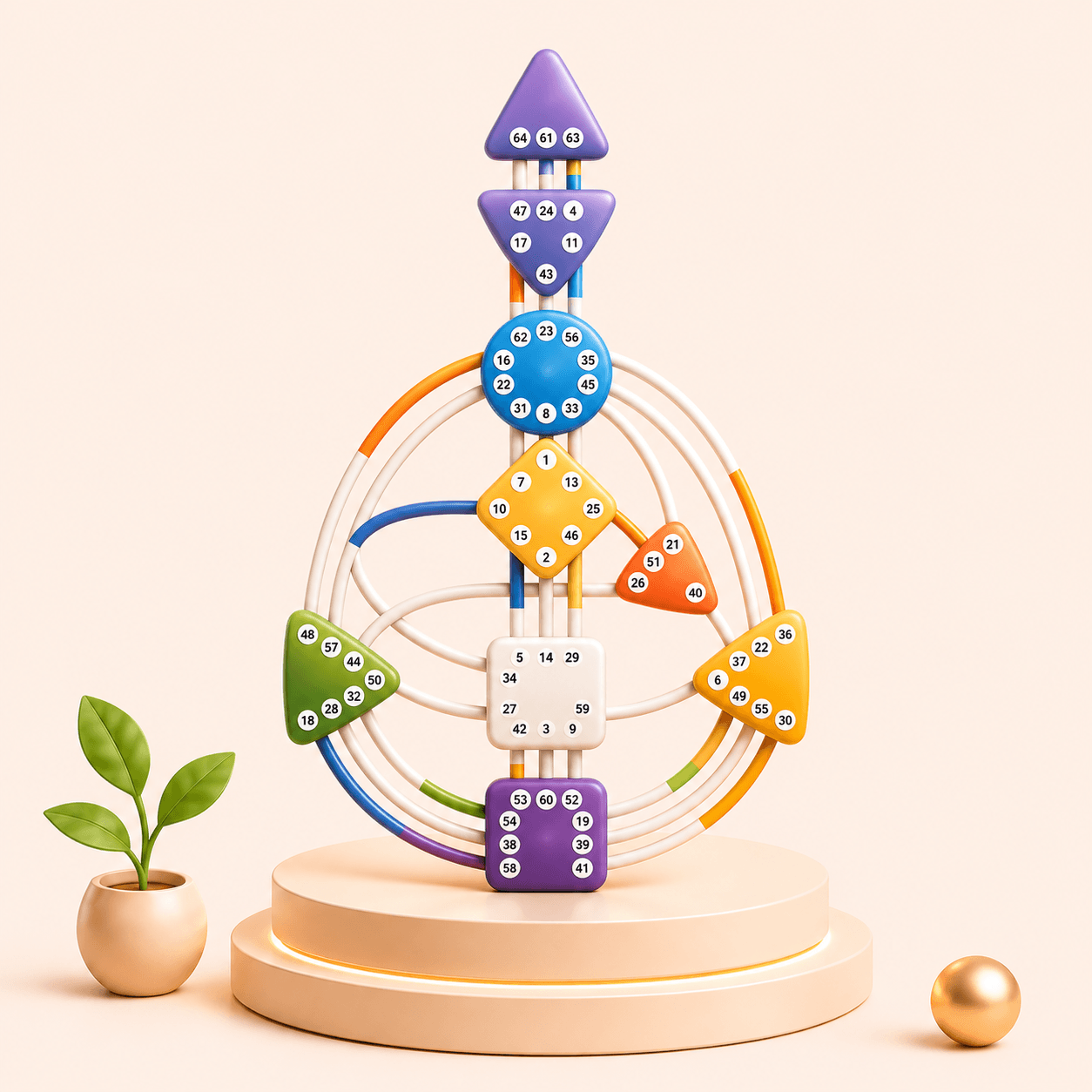
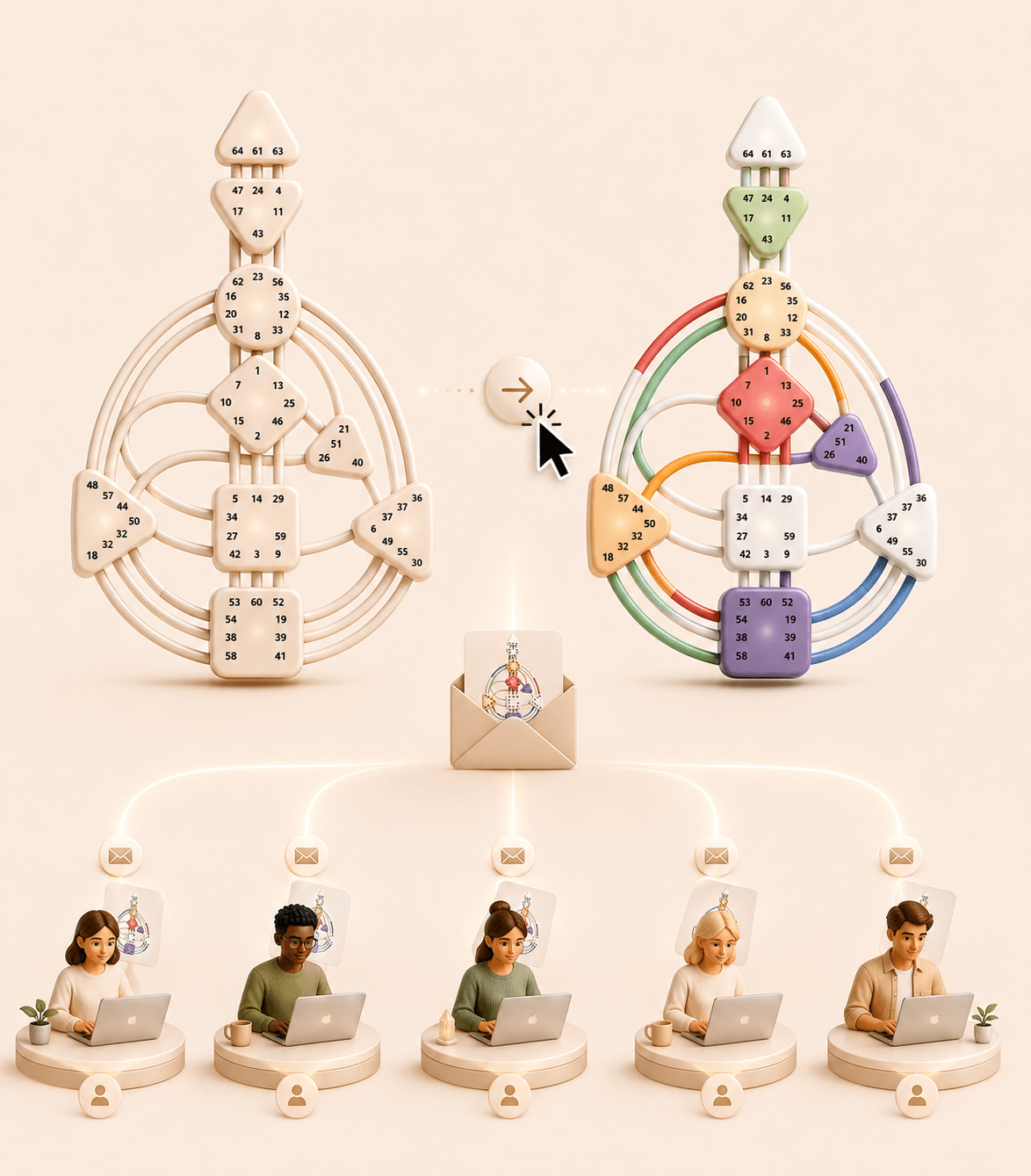
Whether you're teaching Human Design, creating social media content, building online courses, preparing client presentations, or designing workshop materials, the Chart Builder gives you complete creative control.
The Human Design Chart Builder allows practitioners to create visual examples without requiring real chart data.
Manually activate centers, gates, channels, and chart elements through an interactive chart interface.
Purpose: Create educational examples and visual demonstrations.
Build charts that illustrate specific Human Design concepts and learning objectives.
Purpose: Improve understanding and simplify teaching.
Generate custom chart graphics designed for Instagram, Facebook, LinkedIn, YouTube, blogs, and marketing campaigns.
Purpose: Create engaging educational content.
Design charts that support consultations, workshops, coaching sessions, and presentations.
Purpose: Improve client communication and learning experiences.
Use your own colors, chart styles, and visual identity across every chart you create.
Purpose: Maintain brand consistency.
Download charts as PNG images or PDF documents for presentations, courses, reports, and educational resources.
Purpose: Use charts across multiple platforms and formats.
Explaining Human Design concepts can be challenging when relying only on real charts. The Chart Builder helps practitioners create visual examples that make teaching easier and more engaging.
Show specific concepts visually rather than relying only on explanations.
Build examples tailored to workshops, courses, and training materials.
Generate custom graphics without using complex design software.
Create professional charts that match your business identity and teaching style.
A Human Design Chart Builder is an interactive tool that allows practitioners to manually create and customize Human Design chart examples for educational and presentation purposes.
Yes. Centers, gates, channels, and other chart elements can be activated or deactivated individually.
Yes. The tool is designed specifically for workshops, presentations, courses, social media content, and client education.
Yes. You can use your own branded chart designs, colors, and visual styles.
Yes. Charts can be exported as PNG images and PDF documents.
Yes. Exported charts can be added to PowerPoint presentations, Google Slides, PDFs, online courses, reports, and marketing materials.
The tool is ideal for Human Design practitioners, teachers, coaches, educators, content creators, workshop facilitators, and course creators.