
Please note that selected templates immediately adds template at the page that you are on. Therefore if you are on page with content, it will be replaced and old content ovveriden.
Therefore it is important to add blank page an only then add template.
To add a page template to the report, proceed as follows:
Step 1: Click on the templates icon in the left sidebar. The page templates will open.
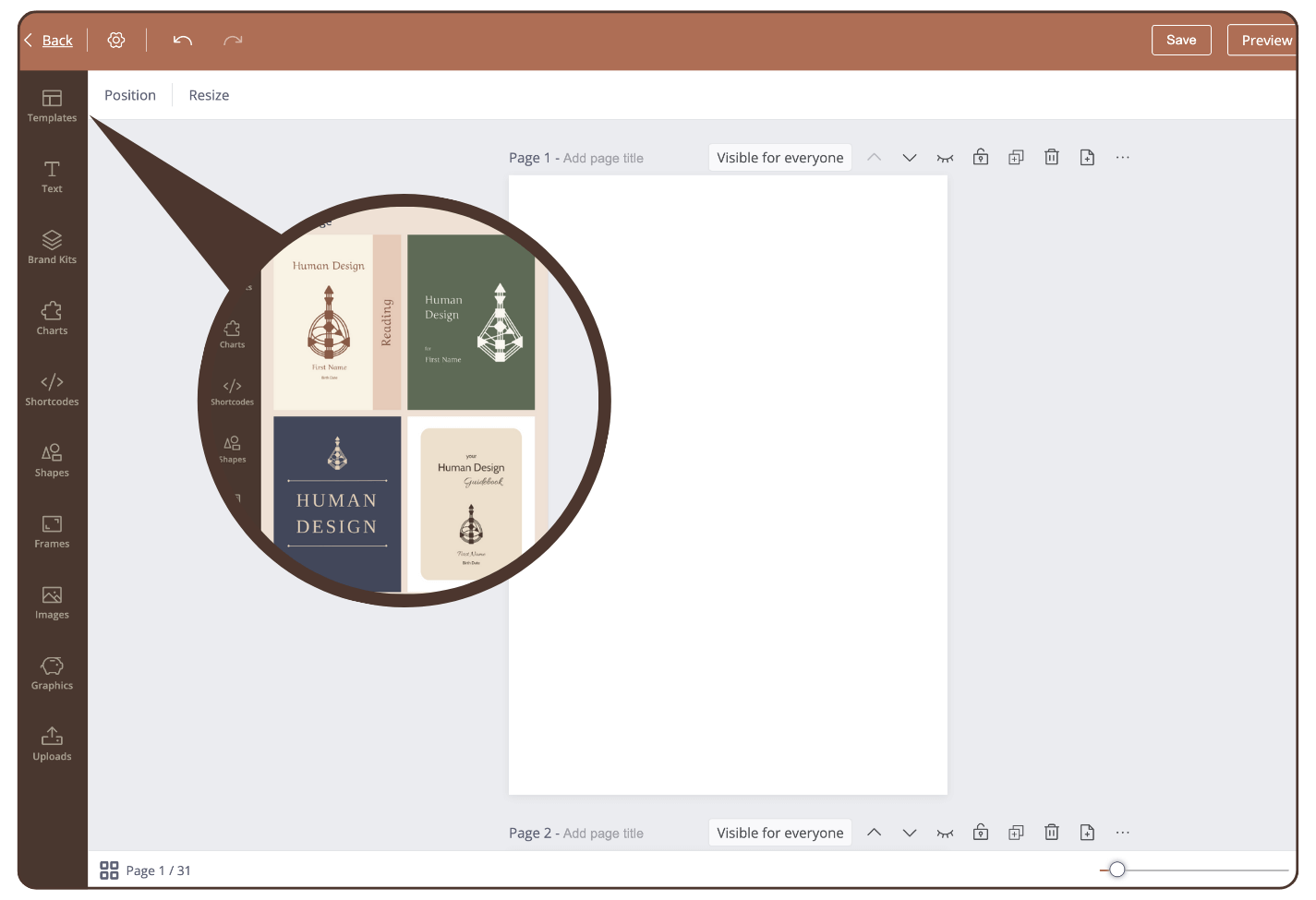
Step 2: Choose a page template and click on it.
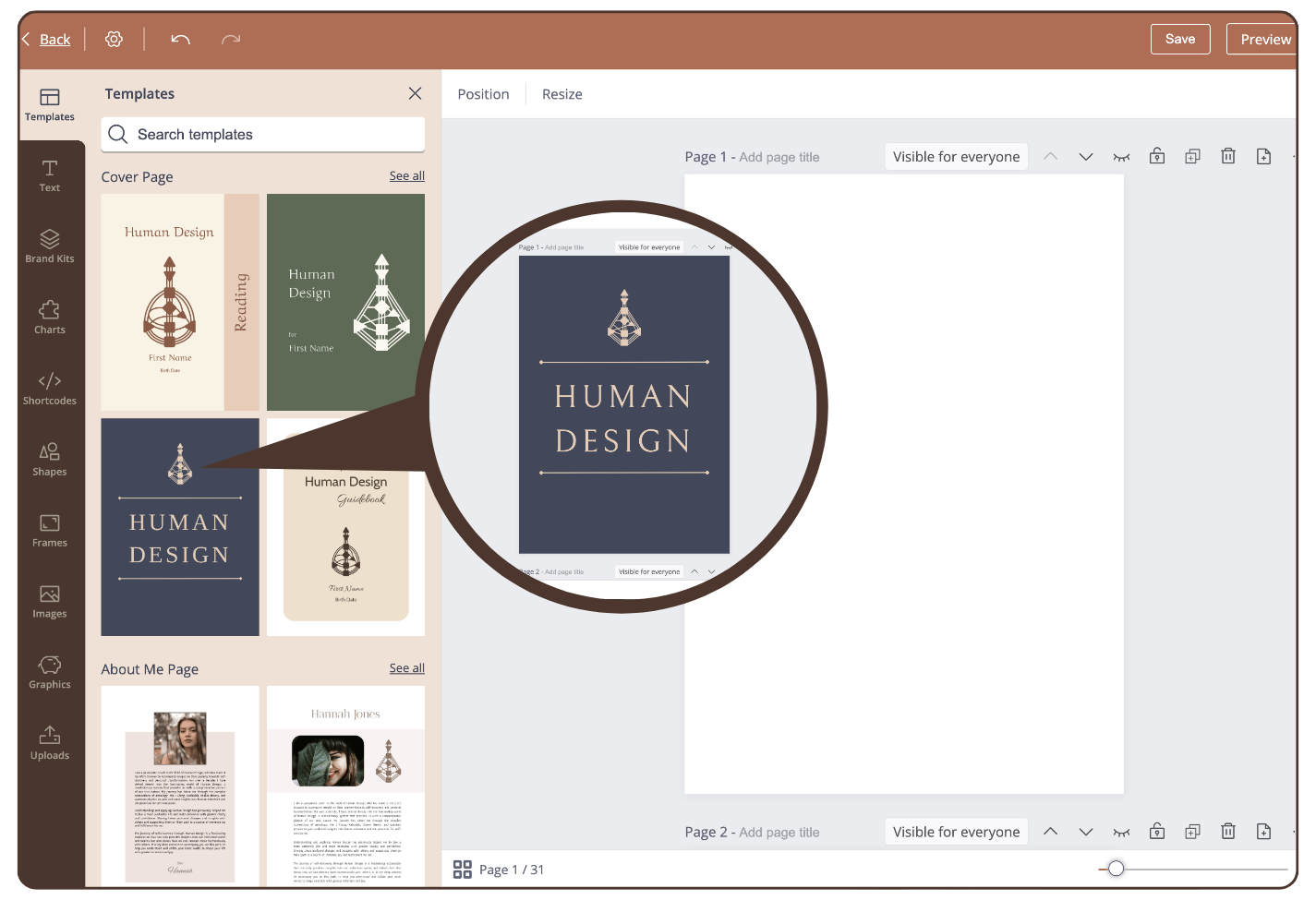
Result: the page template is inserted in the current page.
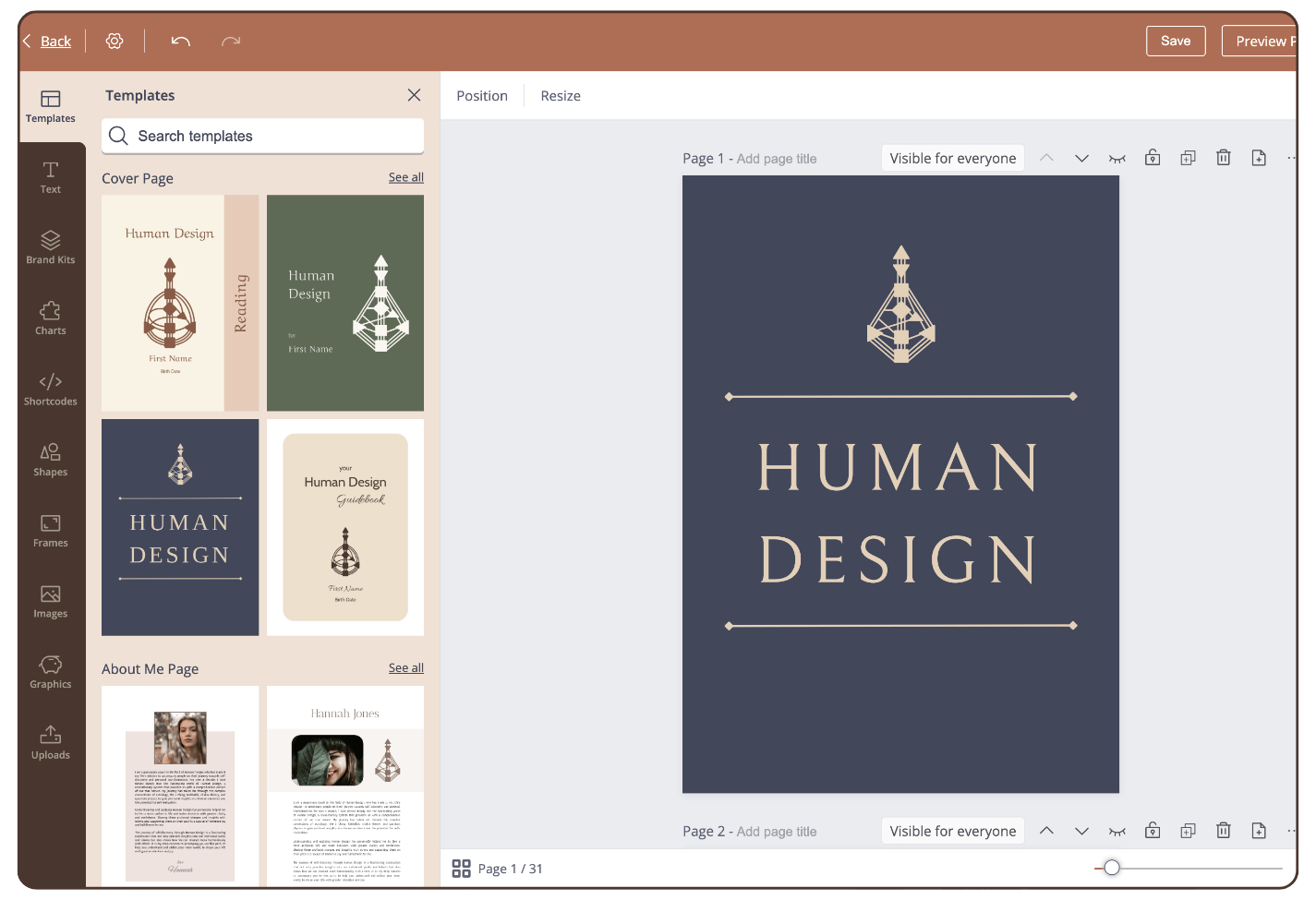
IMPORTANT: templates only will work if you creating report in original report page size. If you changed/customized page format, then templates will mismatch and will create issues, such as extra blank pages, etc. That also applies if you saved templates at let’s say report that is set in A4 format but then try to insert same template to Letter format, it will mismatch and cause issues.
Still have questions, is above guide outdated? Please message us on Live Chat or send an email to support@bodygraph.com.