
There is no built in option/section that offers a standalone logo option. However you can use a workaround steps suggested below:
1. Open Website Builder’s dashboard.
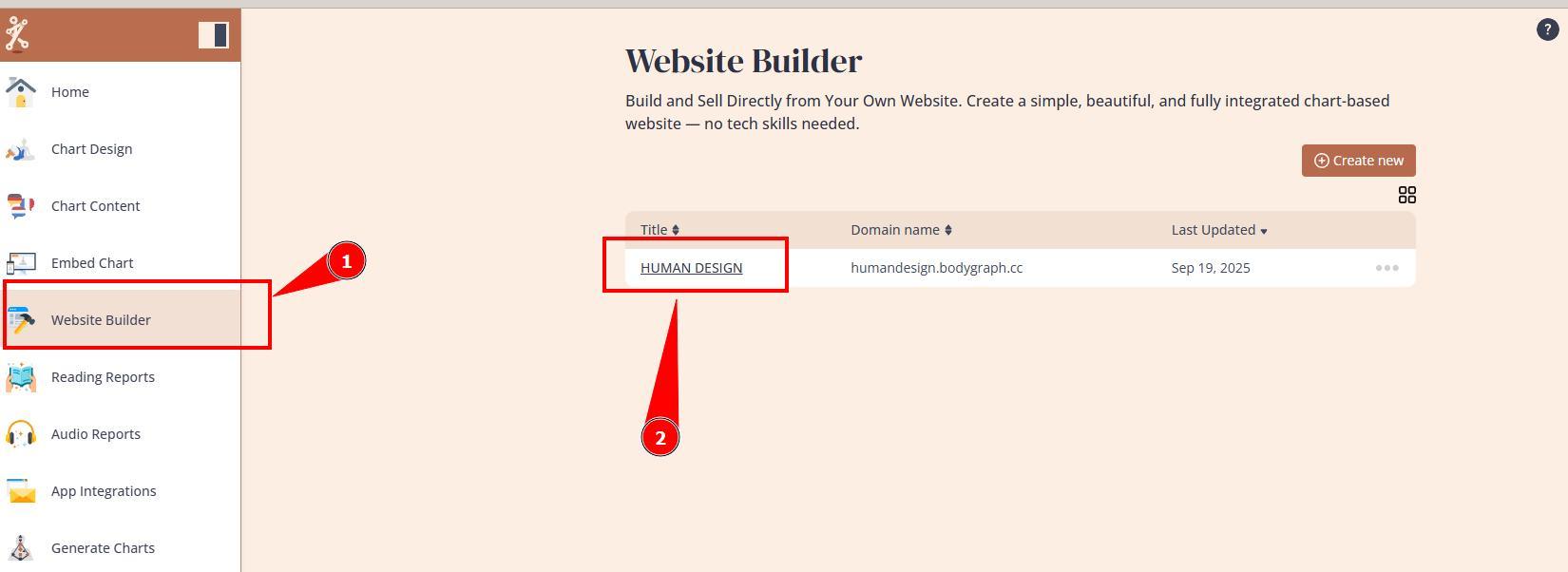
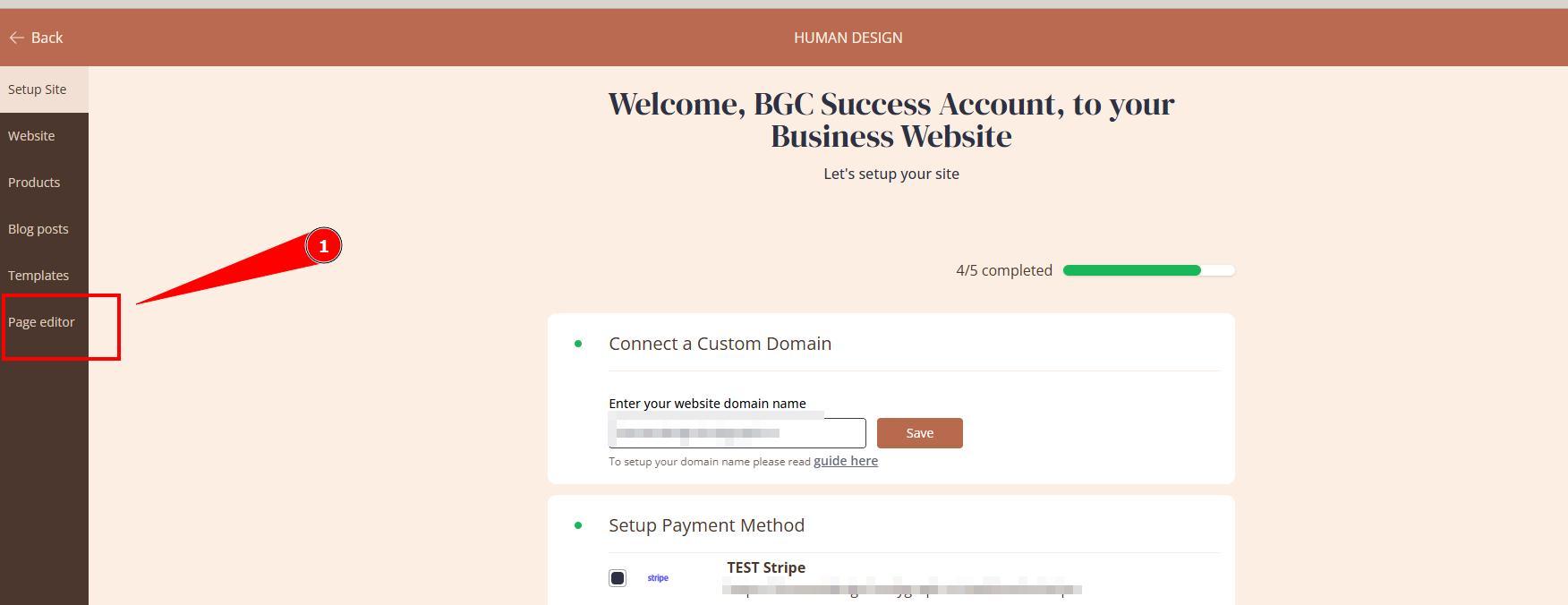
2. Open Page editor.
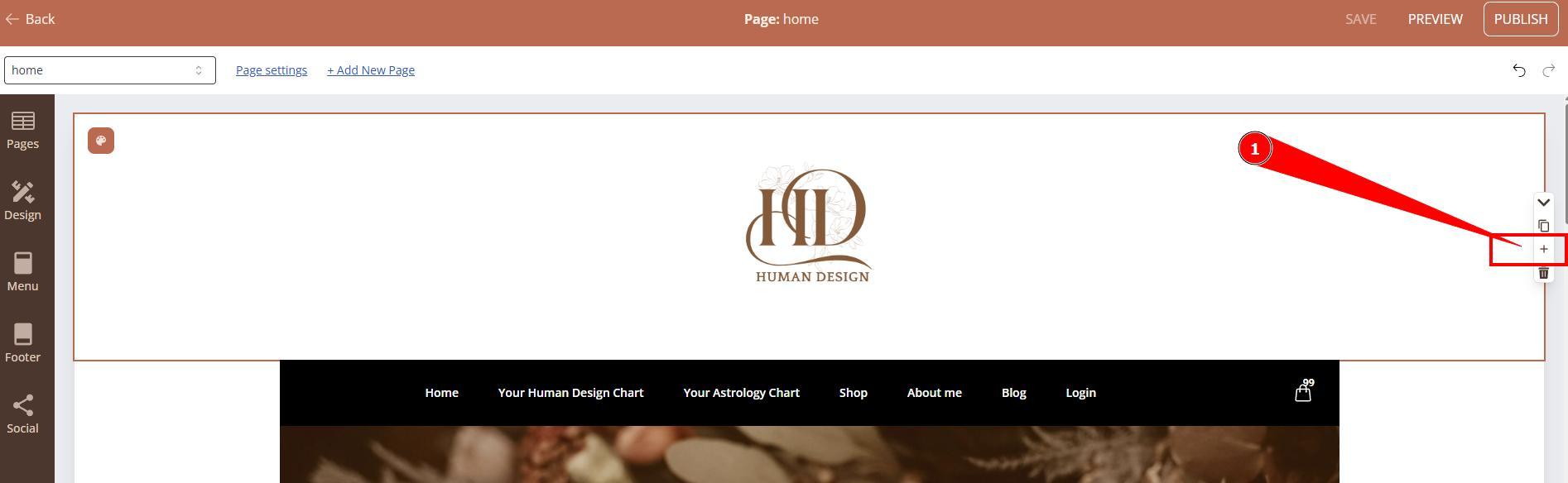
3. Navigate to to page where you want to add logo and click + sign to add section.
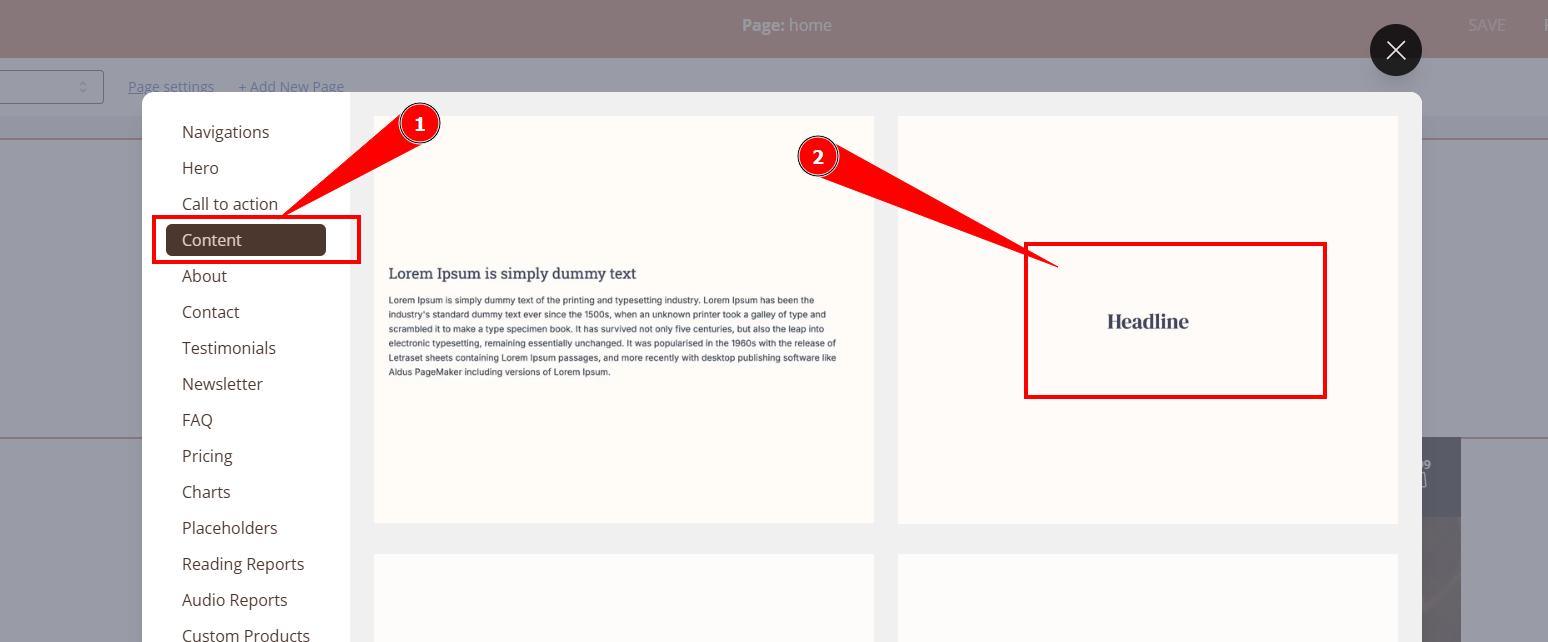
4. Select Content -Headline section.
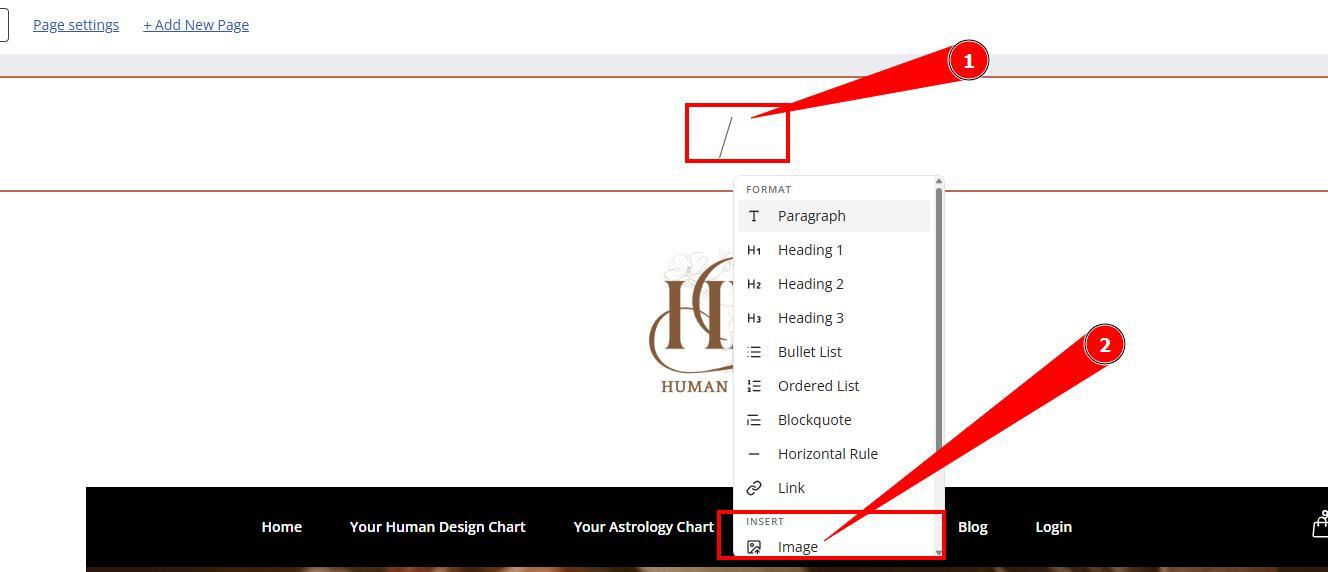
5. Enter / into Headline field and select Image from menu.
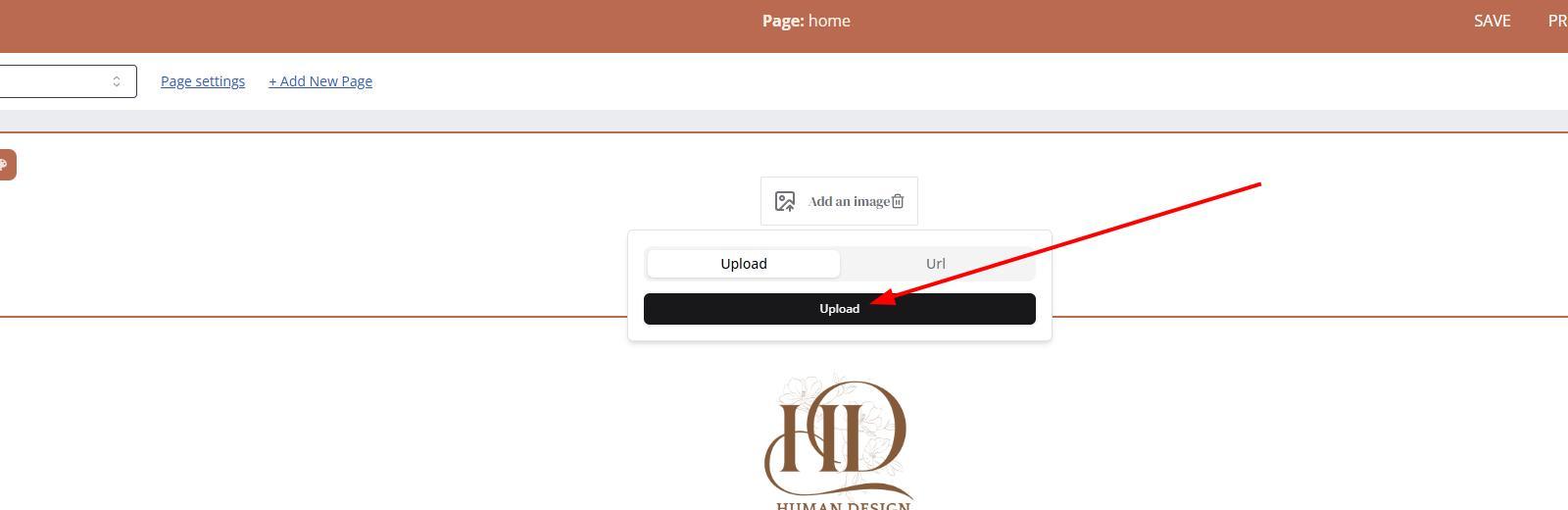
6. Click Upload and select the file from your device.
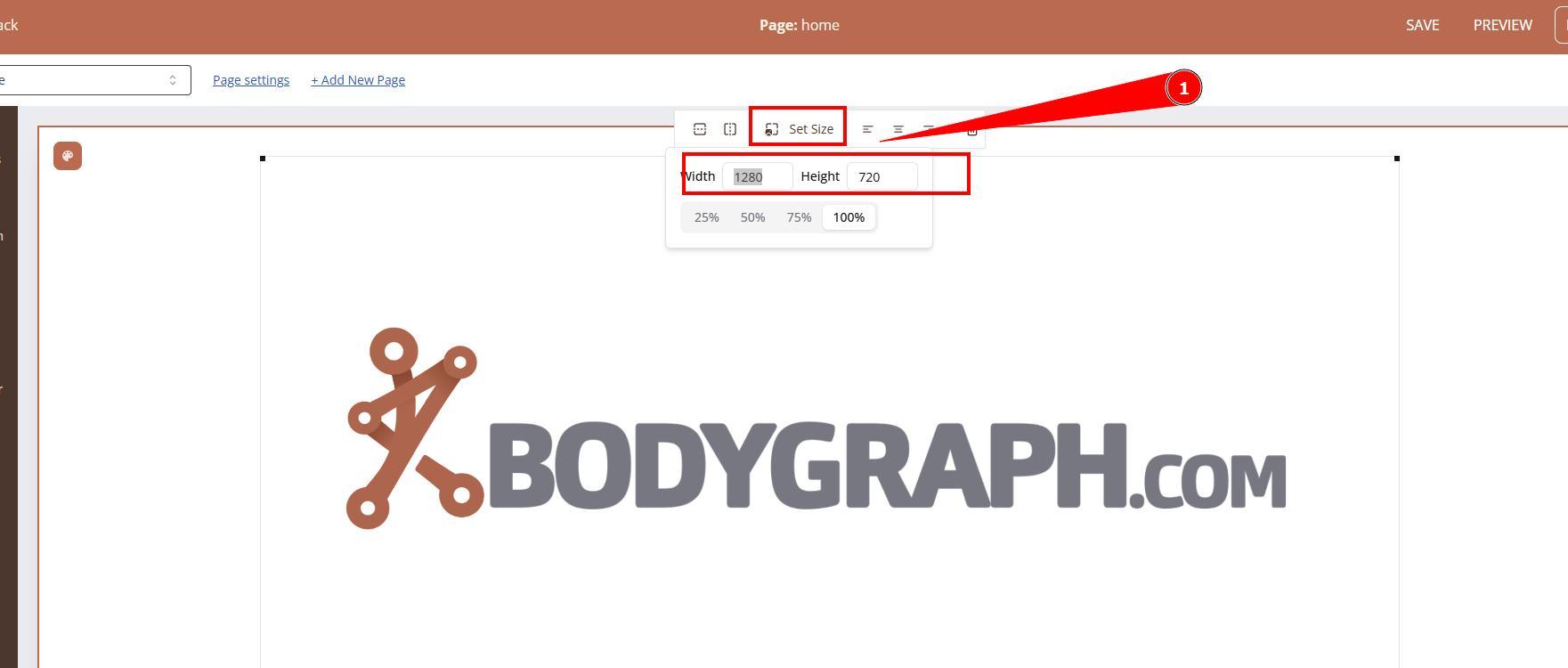
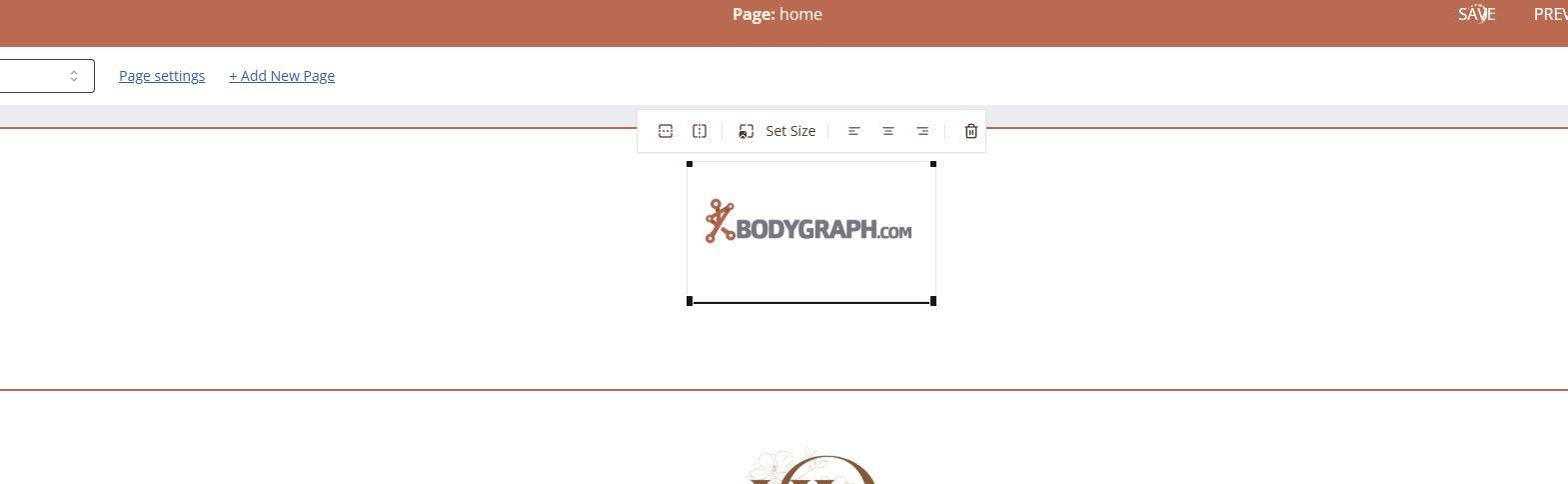
7. Once uploaded image can appear very large at first. Adjust the size of image to your desired size.
IMPORTANT: You will have to repeat process for every single page (including all checkout journey) as there is no option to save section throughout all website.
Still have questions, is above guide outdated? Please message us on Live Chat or send an email to support@bodygraph.com.