
To create Human Design Cycle embed please follow the steps below:
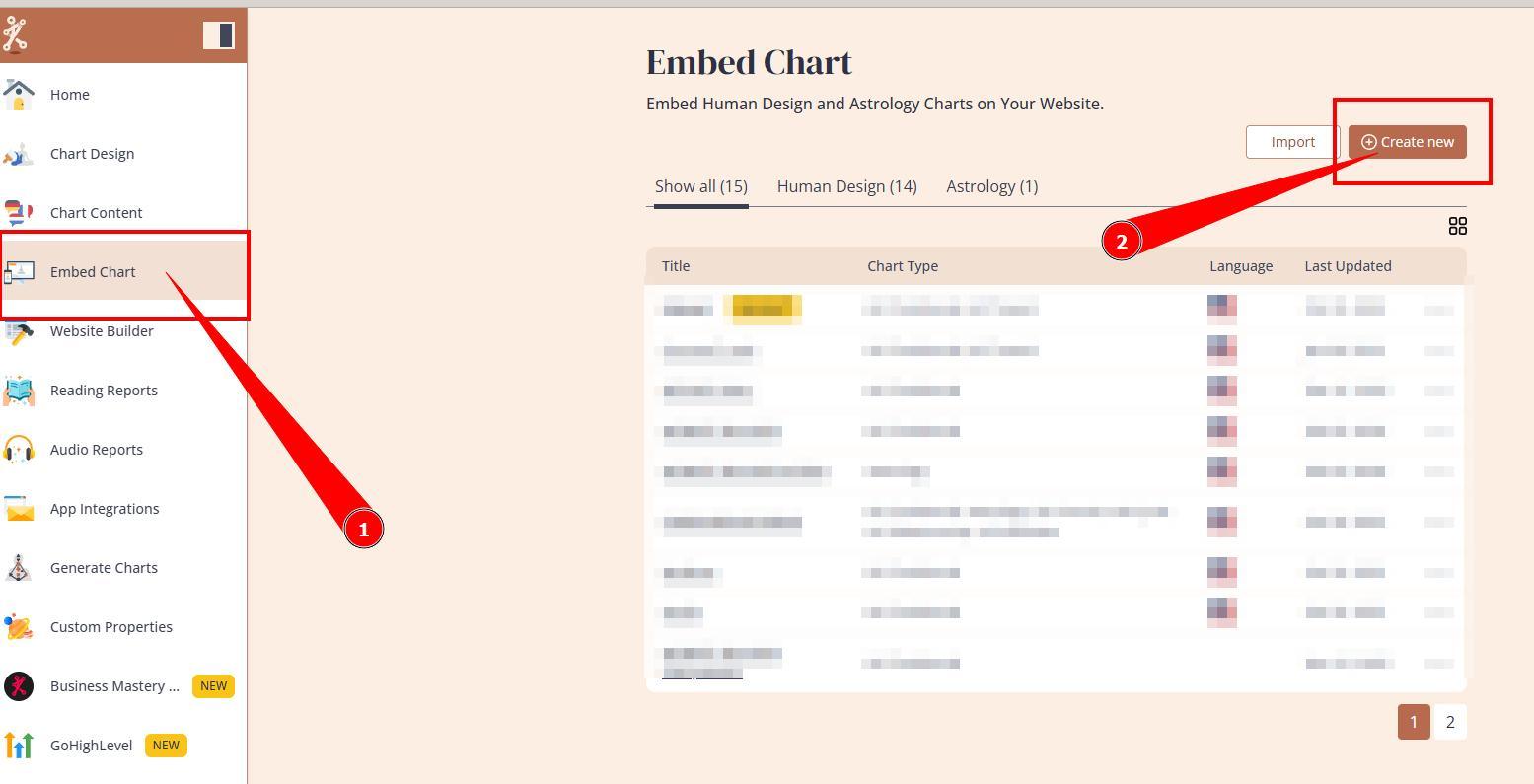
1. Navigate to Embed Charts section and press Create new button.
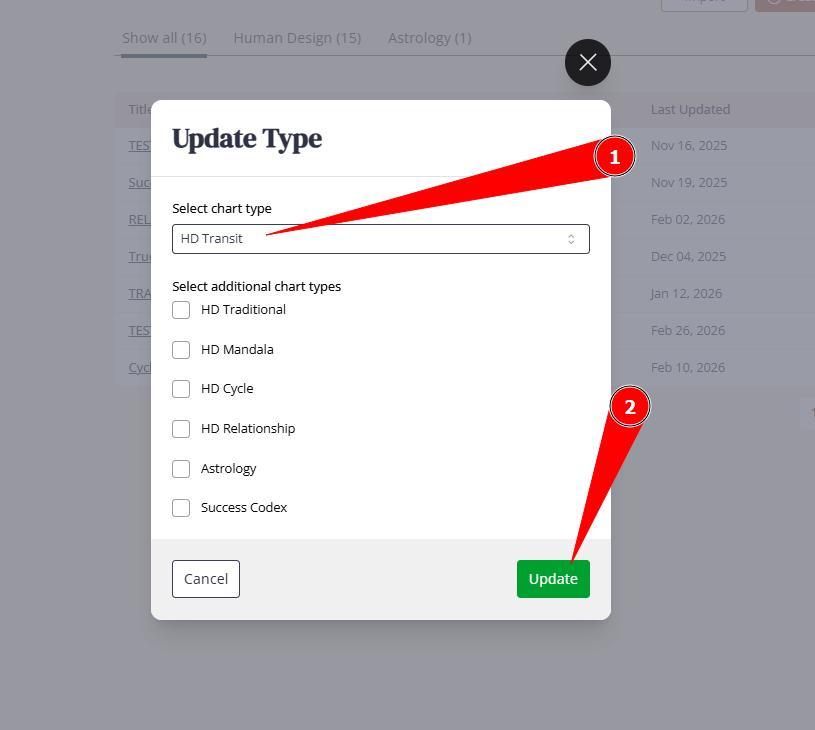
2. Name the embed code (for your reference only) and select type HD Transit from the drop down, then Create.
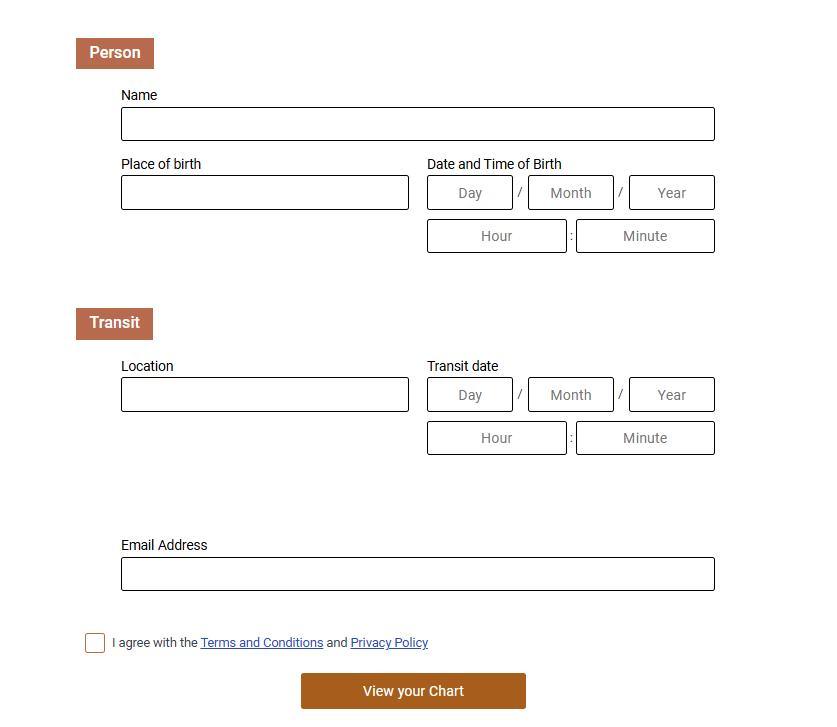
3. This will create embed code that will show Person and Transit composite form and chart
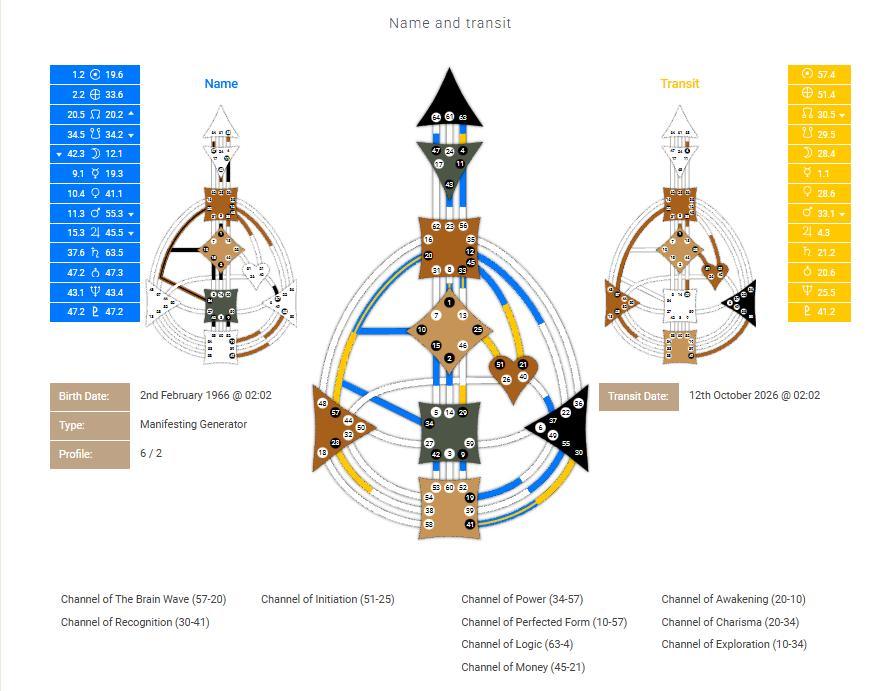
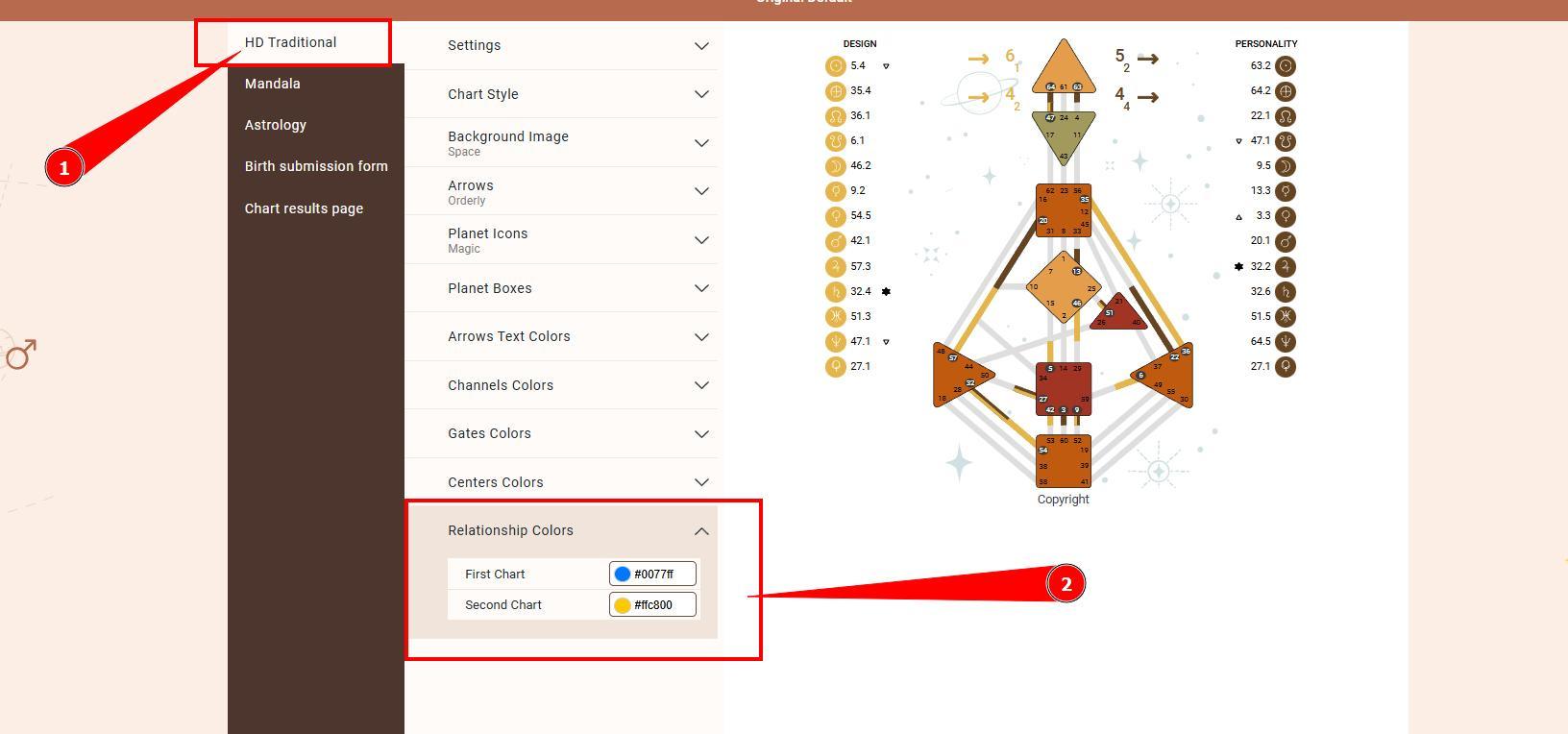
4.Alongside to embed settings, you might want to navigate to your design and adjust Transit colors (under relationship) that will represent composite definitions at the chart. 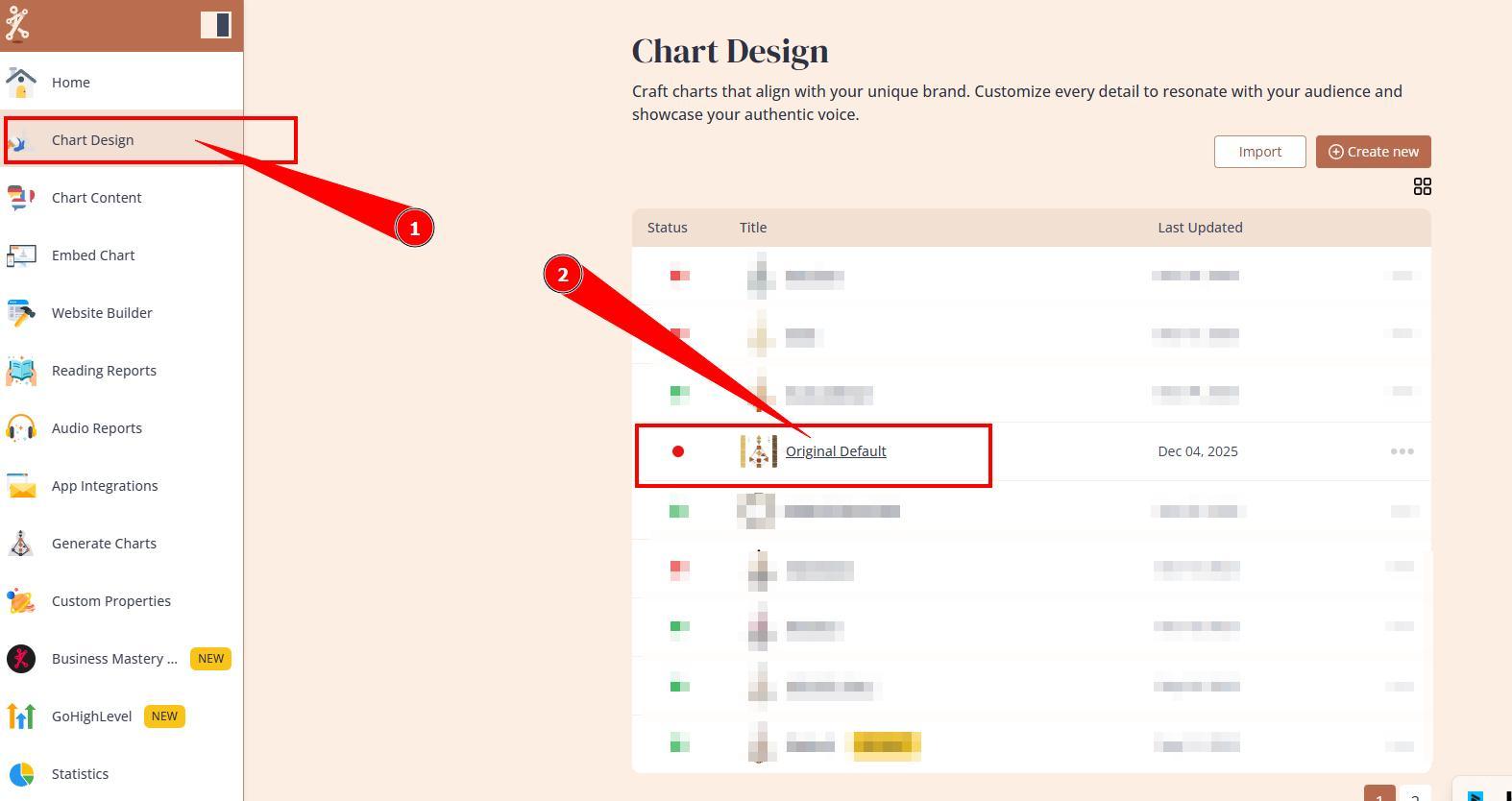
5. Embed newly created embed code to your website following these guides.
Still have questions, is above guide outdated? Please message us on Live Chat or send an email to support@bodygraph.com.