
Bodygraph.com offers the GoHighLevel extension to Business Plan subscribers as an optional addon designed to expand the capabilities of their existing Bodygraph tools. GoHighLevel provides a broad suite of business-development features that allow subscribers to scale their operations with ease. These include website and funnel builders, CRM management, social media scheduling, workflow automation, reading session scheduling, membership creation and a wide range of additional tools that support business growth.
To set up the extension, please follow the steps below:
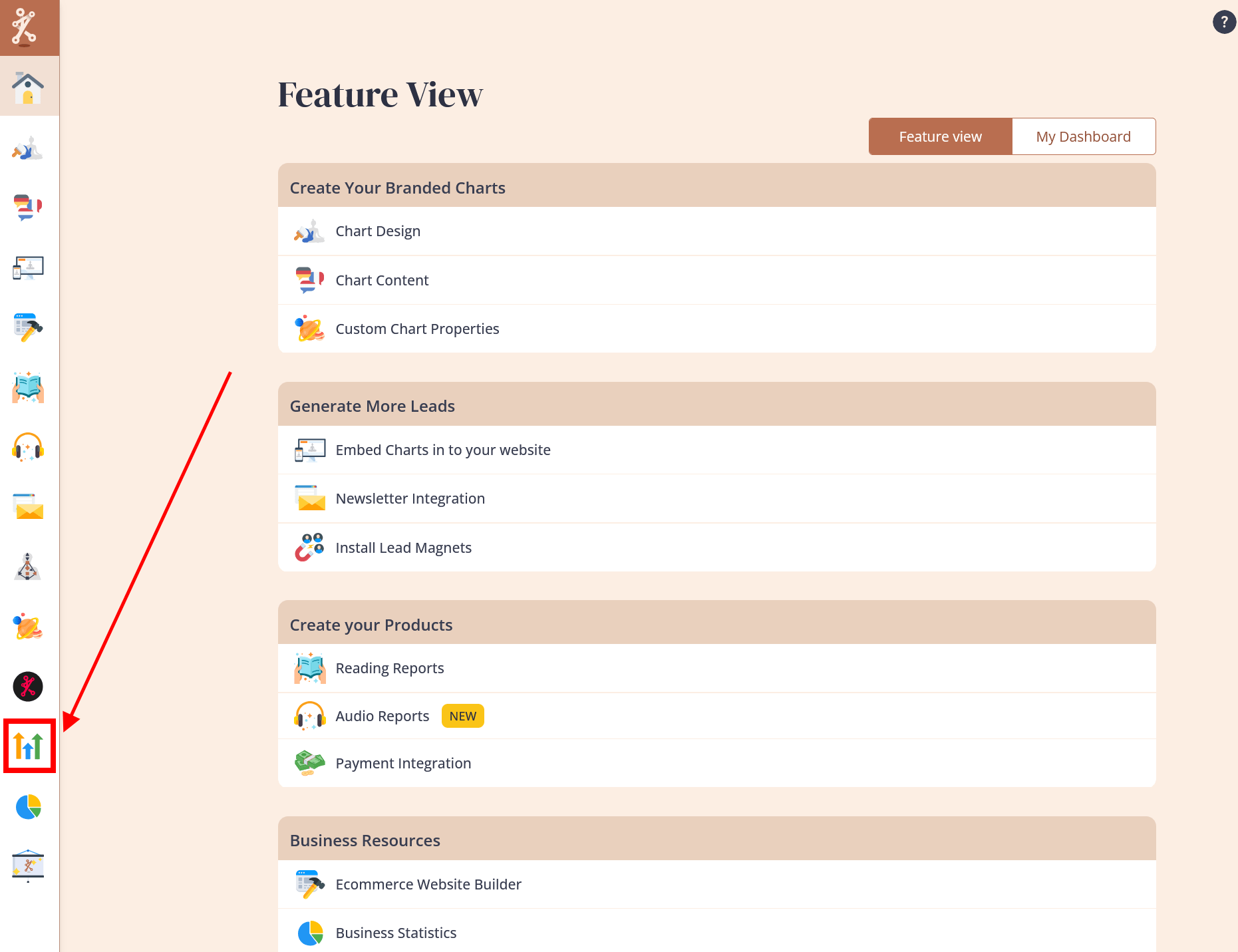
1.Click on the Bodygraph GoHighLevel icon at your Bodygraph.com dashboard menu.
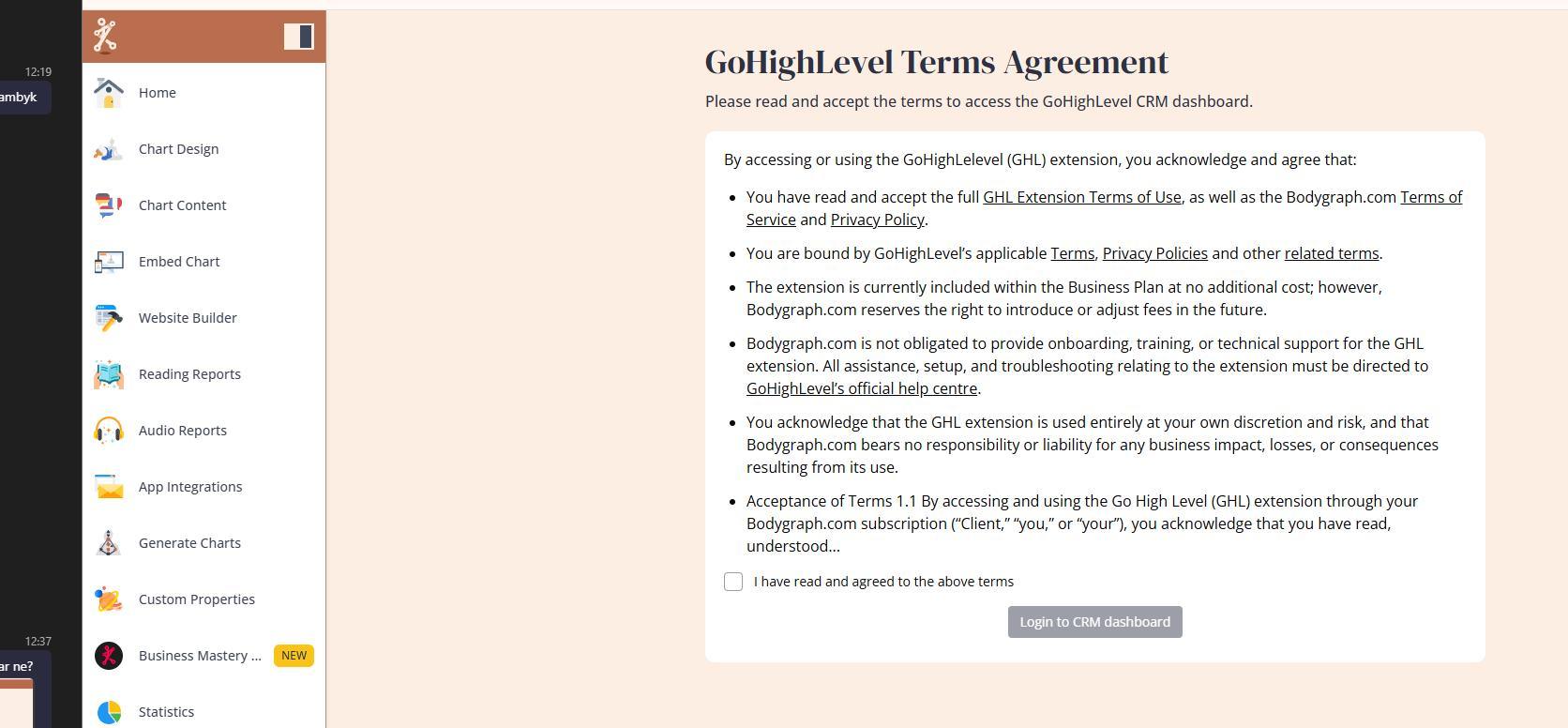
2. Carefully read through and agree to the Terms and conditions before using the extension.
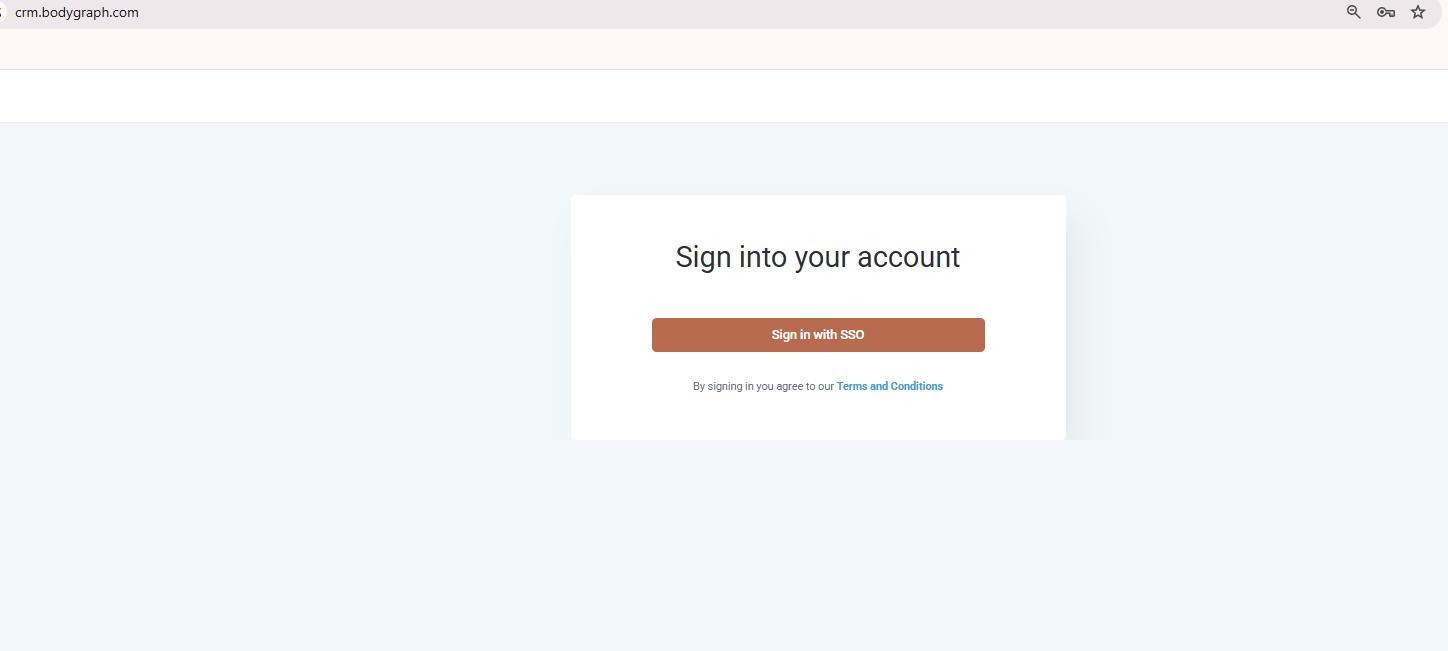
3. Click on ”Sign in with SSO” and wait for couple of seconds while your GoHighLevel account is being created.
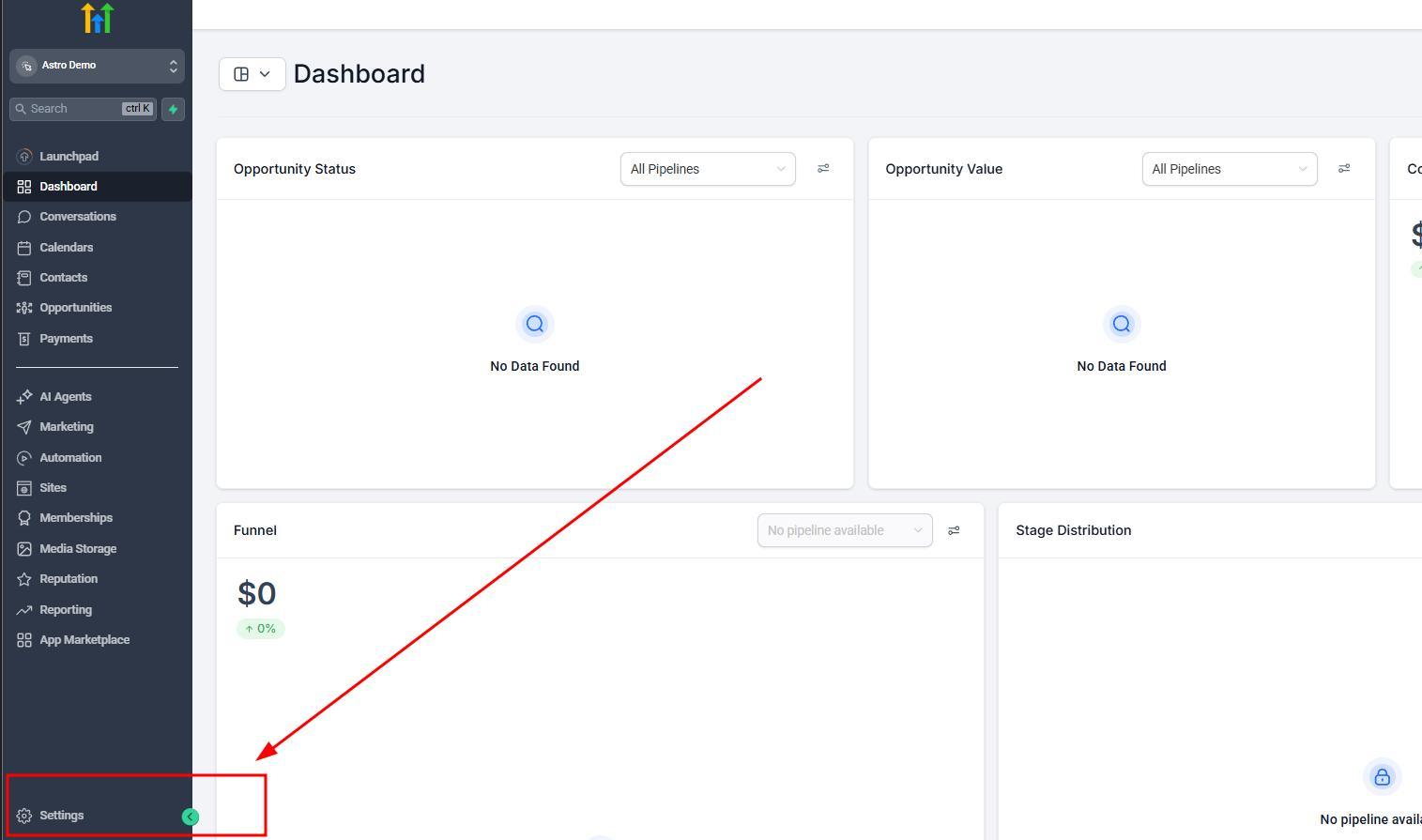
3. System will automatically create and open your GoHighLevel extension account.

4. Navigate to Settings and Billing dashboard to provide your payment details.
The platform will operate without adding billing details, yet certain GoHighLevel services – such as email delivery through the CRM, messaging tools and similar communication features – are not included in the Bodygraph subscription. These services must be paid for separately by providing your preferred billing details directly within your GoHighLevel account.
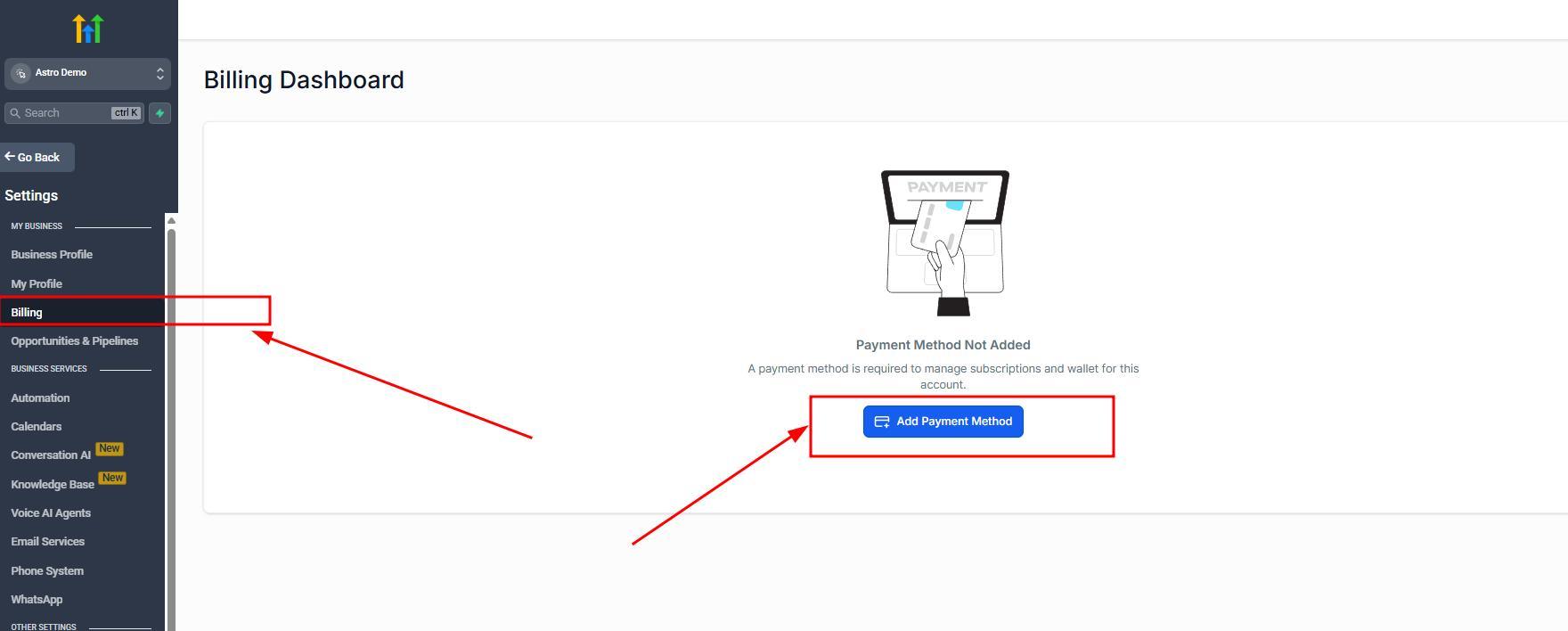
Note: You can also set up your own email provider via SMPT settings.
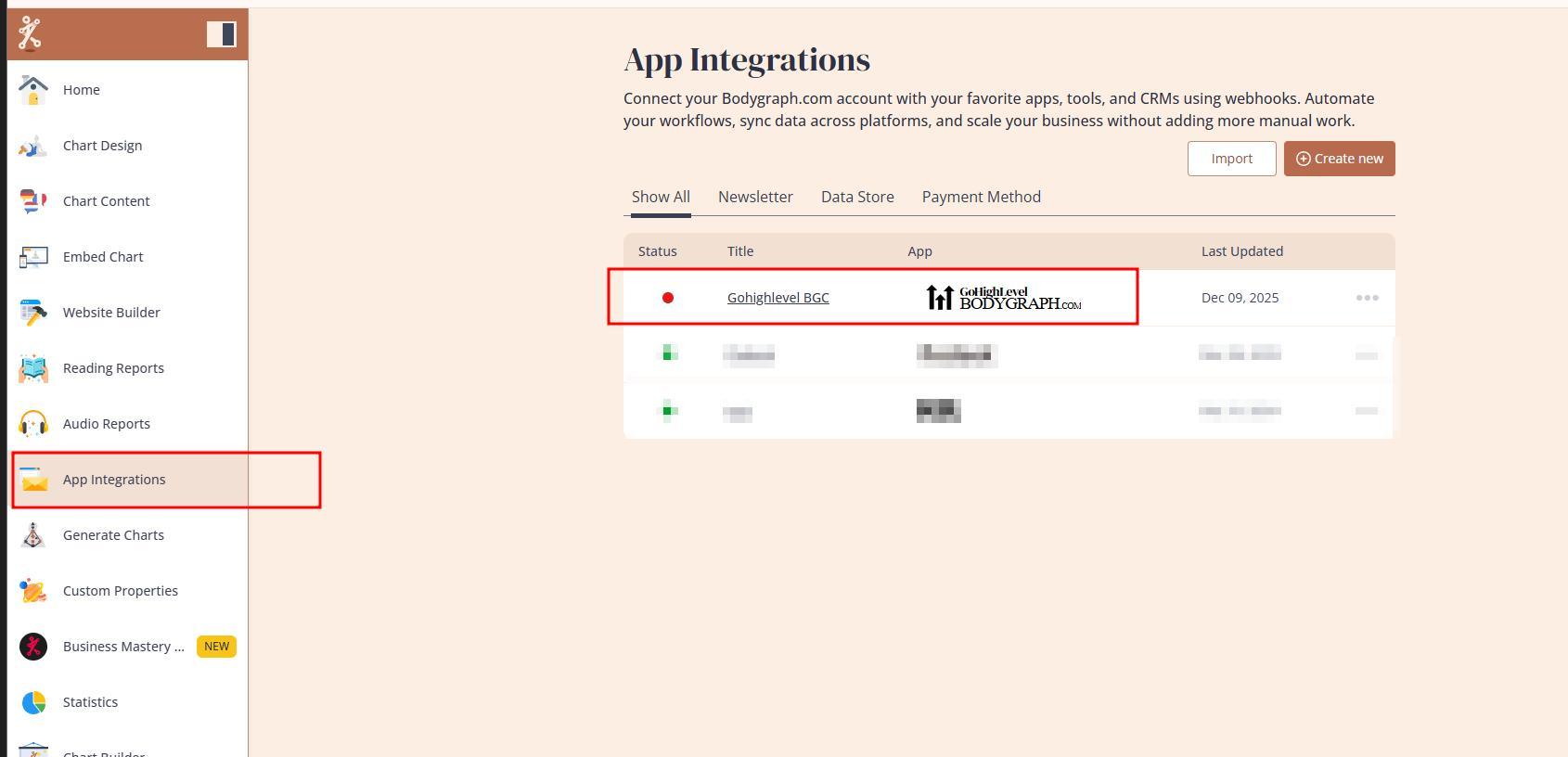
5. Check if the app was successfully created under App integrations at your Bodygraph account.
The installation will automatically create app connection at your Bodygraph.com dashboard that will be able to collect leads directly to GoHighLevel contact list. [br]
IMPORTANT NOTE: Do not delete the app at any point while using the extension. Removing the app will permanently delete your GoHighLevel sub-account along with all associated data, and this information cannot be restored under any circumstances.
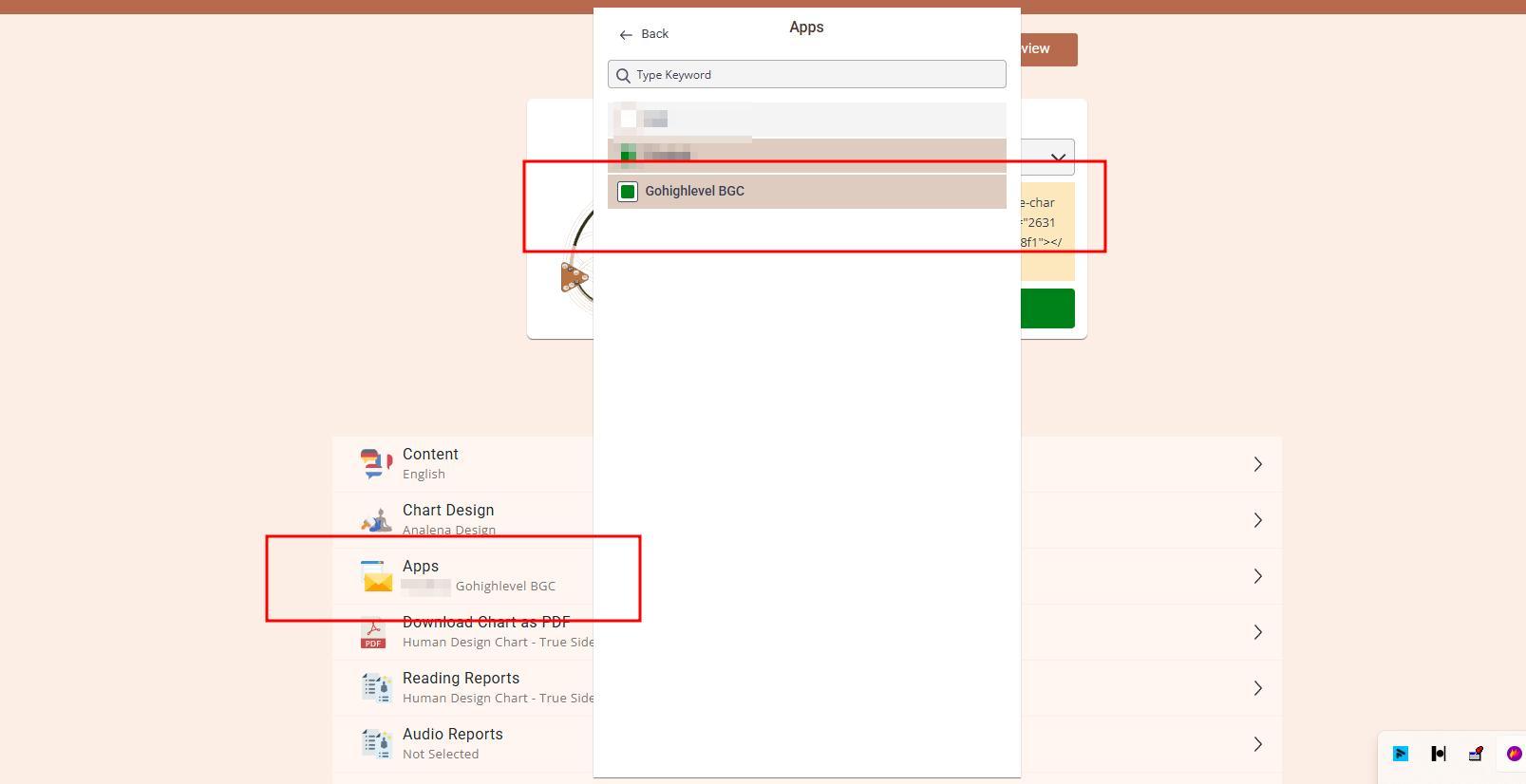
6. Enable app connection at your embed code. Ensure that embed code submission form has email field enabled.
7. Enjoy testing and using Bodygraph.com GoHighLevel extension.
For more information on how to use GoHighLevel tools and features, please refer to platforms official help guides and video tutorials.