
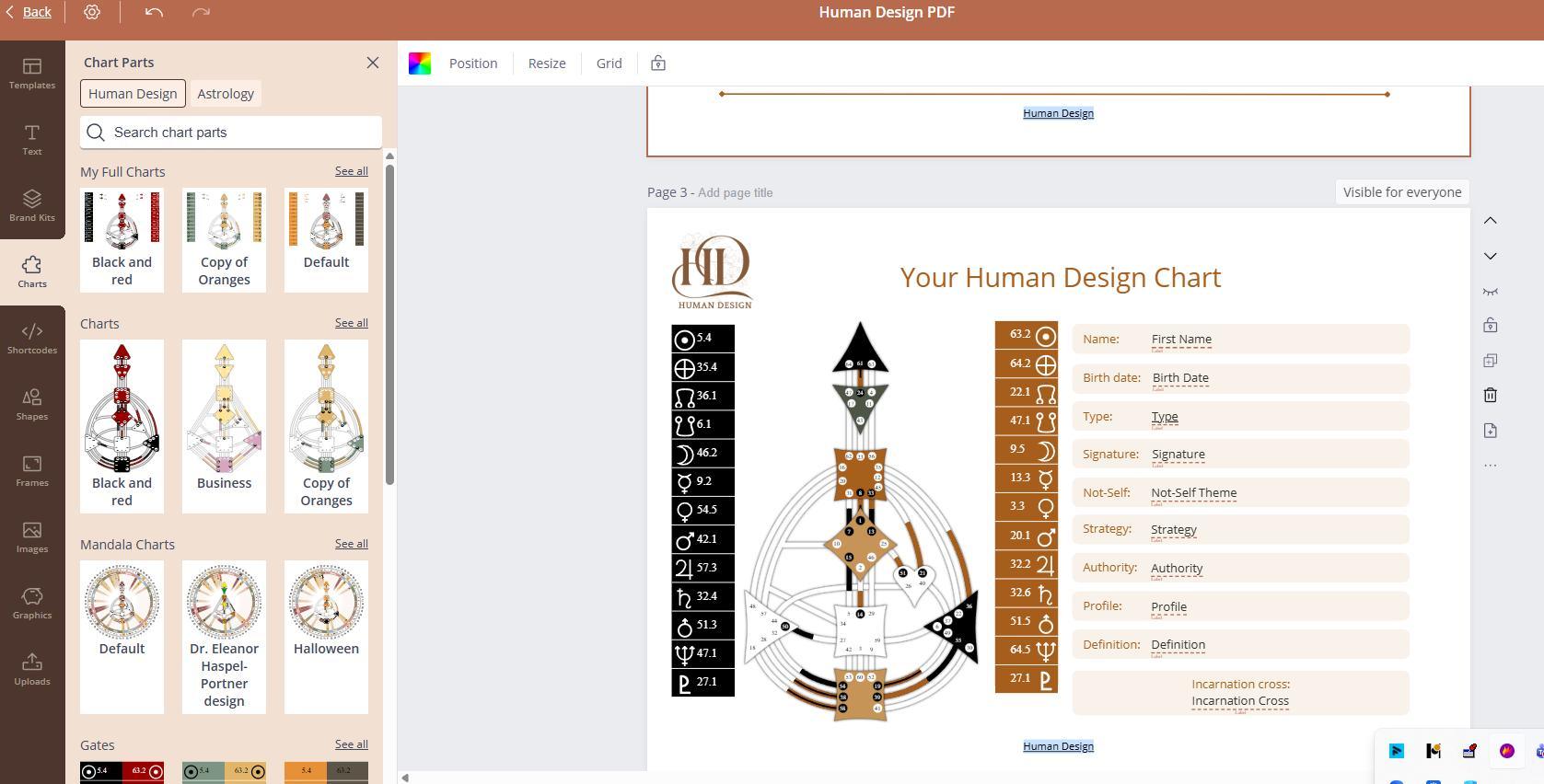
Elements such as Full Charts, standalone Charts, Gates (planetary elements), and Arrows (variables) are created using the Chart Designs tool.
To build a unique chart with your brand colors, go to the Chart Designs tool and create the design. After completion, return to the report editor, where the chart, its gates and arrows will appear as options on the list.
NOTE: If you have already inserted a chart element on the page and want to change its colors, adjust the design in the Chart Designs tool and replace the existing chart element on the page with the updated one.
Still have questions, is above guide outdated? Please message us on Live Chat or send an email to support@bodygraph.com.