
To download your invoices please follow the instructions below:
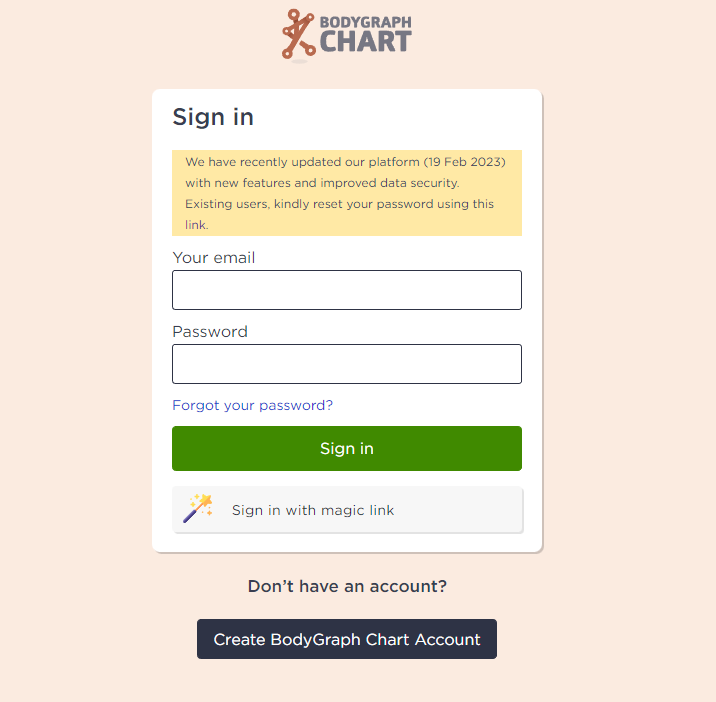
1. Sign in to your account.
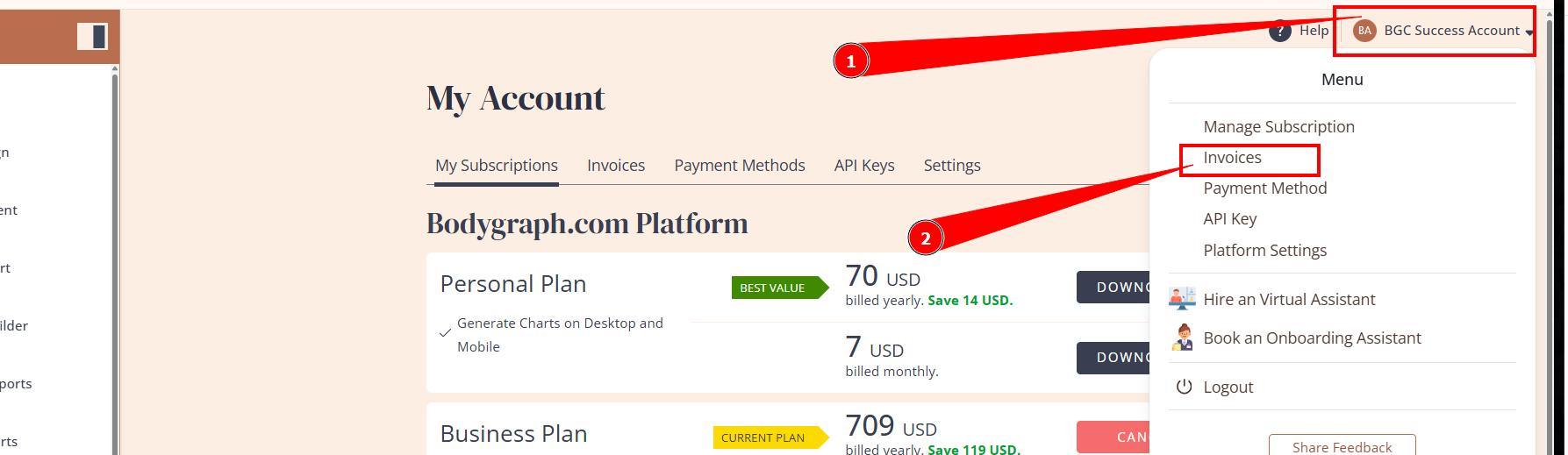
2.Press the profile icon at the top right corner and select option Invoices.
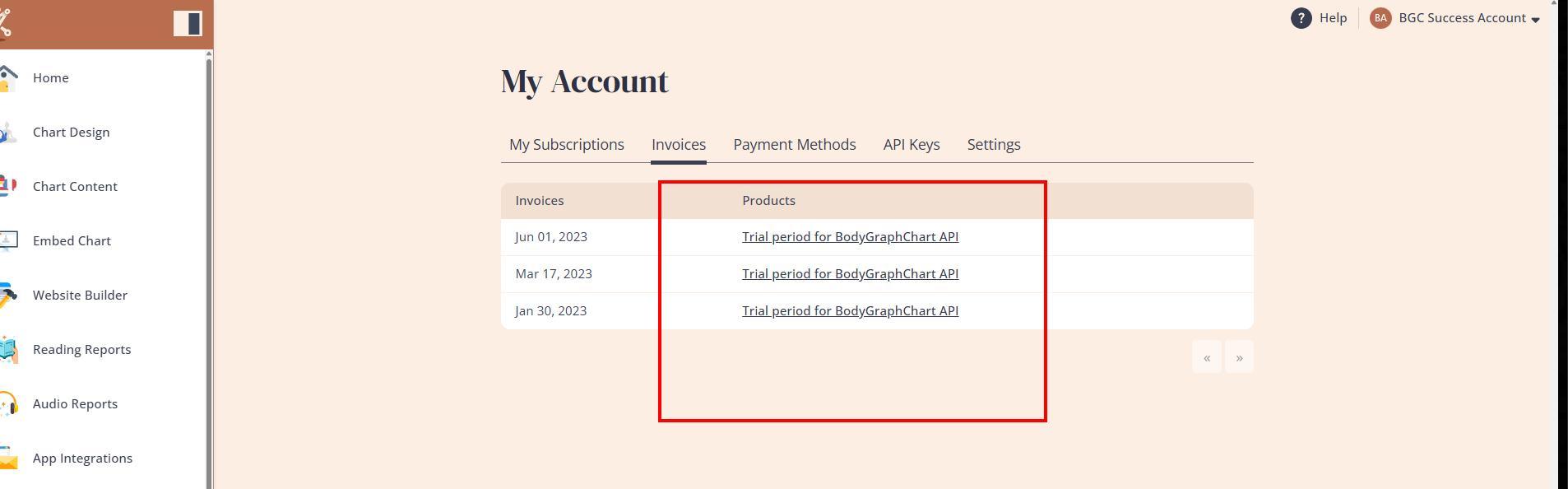
3.Select the invoice that you wish to download.
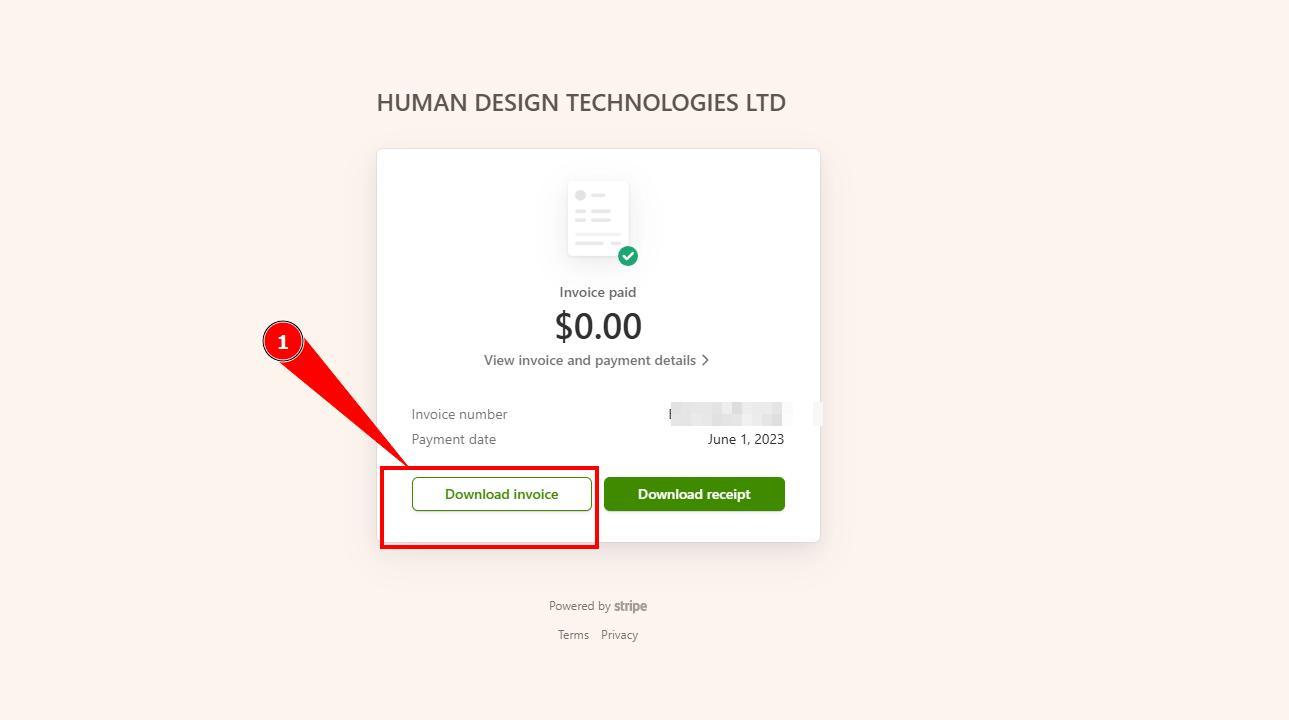
4.Press Download Invoice button.
Still have questions? Please message us on Live Chat or send an email to support@bodygraph.com.
More account related articles can be found here.